
Artificial intelligence has rapidly transformed the video production landscape, moving far beyond simple filters and templates. Today’s AI-powered video editing tools can automatically detect highlights, trim clips, apply transitions, generate subtitles, and even suggest music or visual effects with minimal human input. For businesses, marketers, educators, and creators, this means faster production cycles and lower costs—without sacrificing professional quality. As competition for attention intensifies across social media and digital platforms, automation in video editing is no longer a novelty; it is quickly becoming a necessity.
TLDR: AI video editing tools now automate time-consuming tasks such as clipping, effects application, and subtitle generation. Platforms like Descript, Runway, Pictory, Wisecut, Kapwing, and Adobe Premiere Pro with AI features dramatically reduce editing time while maintaining professional results. These tools are particularly valuable for content creators, marketers, and teams producing video at scale. Choosing the right solution depends on your workflow, budget, and required level of creative control.
Below are six trusted AI-driven video editing tools that stand out for their automation capabilities, reliability, and practical use cases.
Table of Contents
1. Descript
Descript has built a strong reputation as a powerful audio and video editing platform centered around text-based editing. What distinguishes it is the ability to edit video simply by editing a transcript. Remove a sentence in the text, and the corresponding video segment disappears automatically.
Key automation features:
- Automatic transcription with high accuracy.
- Filler word detection and one-click removal.
- Overdub voice cloning for seamless corrections.
- Automatic subtitle generation and styling.
Descript is especially useful for podcasters, interview-based YouTube channels, webinars, and corporate training materials. Instead of scrubbing through timelines manually, editors work directly from text, which dramatically shortens post-production time. The tool also integrates screen recording and multitrack audio editing, making it a comprehensive solution for content creators.
Best for: Dialogue-heavy content and creators who value transcription-based workflows.
2. Runway
Runway is widely recognized for its cutting-edge AI capabilities, particularly in automated visual effects and generative video tools. It merges traditional video editing with machine learning models capable of removing backgrounds, generating new visual elements, and enhancing footage without green screens.
Key automation features:
- AI background removal without a green screen.
- Text-to-video and image-to-video generation.
- Automatic object removal.
- Motion tracking and smart masking.
Runway stands out for creative professionals who need advanced automation beyond basic trimming and subtitles. Its AI tools significantly reduce time spent on traditionally labor-intensive processes such as rotoscoping and compositing.
Best for: Creative teams, filmmakers, and social media brands seeking advanced visual effects automation.
3. Pictory
Pictory is tailored for transforming long-form content into short, shareable videos. It is particularly popular among marketers and businesses repurposing blog posts, webinars, and podcasts into engaging social snippets.

Key automation features:
- Automatic extraction of highlight clips from long videos.
- Script-to-video creation using stock footage.
- AI caption generation optimized for social media.
- Brand template automation.
For content marketing teams, Pictory addresses a specific pain point: scalability. Instead of manually identifying standout moments, its AI analyzes content and suggests clips with high engagement potential. Automatic subtitles further enhance accessibility and viewer retention on platforms where silent autoplay dominates.
Best for: Marketing teams and creators focused on content repurposing.
4. Wisecut
Wisecut focuses heavily on simplifying video editing for talking-head content and educational videos. Its AI automatically removes long pauses, adjusts background music, and generates subtitles.
Key automation features:
- Automatic silence and pause detection.
- Smart background music adjustment.
- Auto subtitles with translation support.
- Storyboard-based editing interface.
One notable feature is its ability to balance background music dynamically with spoken dialogue. This removes the need for fine manual audio adjustments, which can be time-consuming for non-professional editors.
Best for: Educators, trainers, and YouTube creators producing informational content.
5. Kapwing
Kapwing has evolved into a collaborative, browser-based video editor powered by AI automation. Its accessibility makes it suitable for startups, remote teams, and social media managers working under time constraints.
Key automation features:
- Automatic subtitle generation with style presets.
- Smart clip trimming.
- AI-powered resize and reformatting for multiple platforms.
- Text-to-speech integration.
Kaping’s automatic resizing feature is particularly valuable. It repurposes a single video into formats optimized for TikTok, Instagram Reels, YouTube Shorts, and LinkedIn with minimal manual intervention.
Best for: Teams producing cross-platform social media content.
6. Adobe Premiere Pro (with AI Features)
Adobe Premiere Pro integrates AI via Adobe Sensei, bringing automation into a professional-grade editing environment. While Premiere remains a fully manual editing suite at its core, its AI-powered features accelerate repetitive tasks.
Key automation features:
- Automatic scene edit detection.
- Auto reframing for different aspect ratios.
- Speech-to-text transcription and captions.
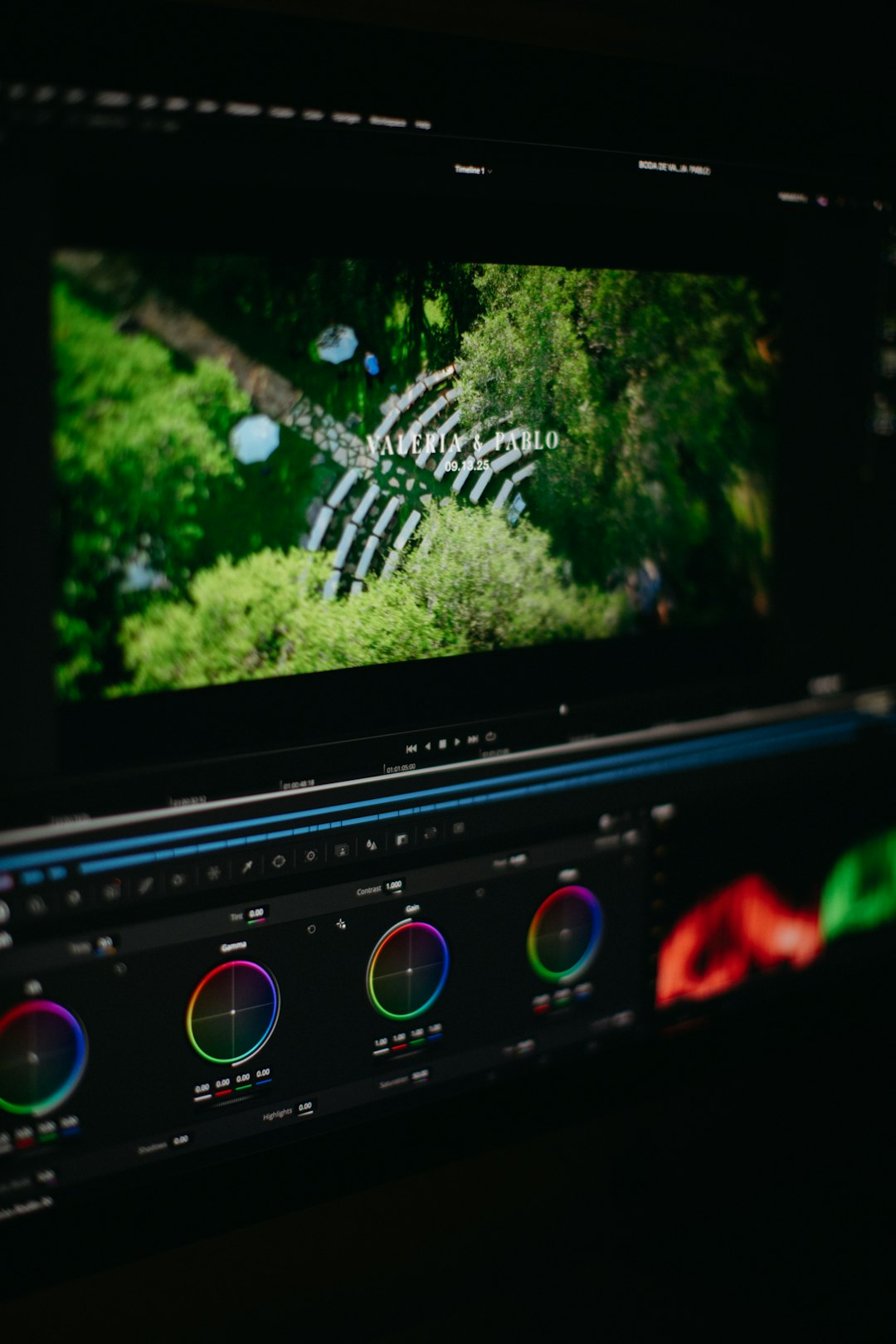
- AI color matching and enhancement.
This solution is ideal for professional editors who need automation but also demand full creative control. Rather than replacing manual editing, AI acts as a productivity enhancer.
Best for: Professional production teams and advanced editors.
Comparison Chart
| Tool | Best For | Automated Clips | Automated Effects | Auto Subtitles | Skill Level |
|---|---|---|---|---|---|
| Descript | Podcasts and interviews | Yes | Limited | Yes | Beginner to Intermediate |
| Runway | Creative visual projects | Partial | Advanced AI effects | Limited | Intermediate to Advanced |
| Pictory | Marketing repurposing | Yes | Basic | Yes | Beginner |
| Wisecut | Educational videos | Yes | Basic audio automation | Yes | Beginner |
| Kapwing | Social media teams | Yes | Basic | Yes | Beginner to Intermediate |
| Adobe Premiere Pro | Professional production | Yes | Advanced | Yes | Advanced |
What to Consider When Choosing an AI Video Editing Tool
Before selecting a platform, it is important to assess specific workflow needs. Not all AI video editing tools offer the same depth of automation or creative flexibility.
- Content Type: Dialogue-heavy videos benefit from transcription-based tools, while visually dynamic projects may require advanced AI effects.
- Scalability: Marketing teams may prioritize bulk processing and template automation.
- Platform Compatibility: Consider whether the tool supports resizing and exporting for multiple platforms.
- Level of Control: Professional creators may prefer AI enhancements within a fully featured editing suite.
- Budget: Entry-level tools are often subscription-based, while professional suites may require higher investment.
AI automation should be viewed as a force multiplier, not a replacement for clear storytelling and creative direction. The most successful workflows combine automated efficiency with human editorial judgment.
Final Thoughts
The rise of AI in video editing marks a pivotal shift in how digital content is produced. Tasks that once consumed hours—clip trimming, silence removal, caption formatting, background removal—can now be executed in minutes. This shift allows creators and organizations to focus on strategy, storytelling, and audience engagement rather than repetitive technical labor.
Each of the six tools outlined above offers distinct strengths. Descript and Wisecut simplify dialogue editing; Pictory and Kapwing empower marketing scalability; Runway pushes creative boundaries; and Adobe Premiere Pro integrates automation into established professional workflows.
As AI continues to evolve, automation will become even more precise and context-aware. For now, adopting the right AI video editing tool can significantly improve productivity, consistency, and output quality. In a digital environment where speed and attention are currency, intelligent automation provides a measurable competitive advantage.