
Phishing scams on Snapchat are designed to trick people into revealing passwords, verification codes, personal information, payment details, or access to connected accounts. Because Snapchat is built around fast communication, disappearing messages, and trusted friend networks, scammers often rely on urgency and impersonation to make their attacks feel believable. Avoiding these scams requires a careful combination of skepticism, account security, privacy settings, and knowing what legitimate Snapchat communication looks like.
TLDR: Snapchat phishing scams usually involve fake login pages, impersonated friends, suspicious links, fake support messages, giveaways, or threats that your account will be deleted. Never enter your Snapchat password or verification code through a link sent in a message, email, or text. Use two-factor authentication, verify unusual requests through another channel, and report suspicious accounts immediately. If you already clicked a suspicious link, change your password, review connected devices, and secure your email account as soon as possible.
Table of Contents
What Snapchat Phishing Scams Look Like
A Snapchat phishing scam is any attempt to deceive you into giving away sensitive information by pretending to be someone or something trustworthy. The scammer may claim to be Snapchat Support, a friend in trouble, a brand offering a prize, or a service that can help you recover, verify, or “upgrade” your account.
These scams often begin with a message that feels urgent. You might receive a Snap, chat, email, SMS, or social media message saying your account has been reported, your Memories will be deleted, your username is at risk, or you have won a prize. The message usually includes a link and asks you to log in. That link may lead to a fake page designed to look like Snapchat, but anything you type there goes directly to the scammer.
The most important rule is simple: do not log in to Snapchat through links sent in messages. If you need to access your account, open the official Snapchat app or type the official website address directly into your browser.

Common Snapchat Phishing Tactics
Scammers constantly adjust their methods, but many Snapchat phishing attempts follow recognizable patterns. Learning these patterns can help you pause before reacting.
- Fake account verification: A message claims you must verify your Snapchat account to avoid suspension. It includes a link to a fake login page.
- Impersonated Snapchat Support: A scammer pretends to be an official representative and asks for your username, password, recovery code, or email access.
- Friend in trouble: A compromised friend’s account sends you a message asking you to help them recover an account, vote in a contest, or receive a code.
- Fake giveaways: You are told you won cash, gift cards, premium features, or a device, but you must log in or pay a fee to claim it.
- Romance or blackmail scams: A stranger builds trust, then pressures you for private images, money, or account details.
- Fake login alerts: A message says someone else has accessed your account and tells you to click a link to secure it.
Any request for your password or verification code should be treated as a serious warning sign. Legitimate services do not need your password in a chat message, and no trustworthy person needs your two-factor authentication code.
Never Share Verification Codes
One of the most effective phishing methods involves verification codes. A scammer may already know your username or phone number and may try to trigger a password reset or login attempt. Snapchat then sends a code to your phone or email. The scammer contacts you and asks for that code, often pretending it was sent by mistake or claiming they need it for a contest, recovery process, or safety check.
If you provide the code, the scammer may be able to access your account. Once inside, they can lock you out, message your friends, steal personal content, or use your account to scam others. This is why verification codes must be treated like passwords.
Never share a Snapchat verification code with anyone. This includes friends, romantic interests, influencers, sellers, buyers, or anyone claiming to be from Snapchat. If someone asks for a code, assume the request is fraudulent until proven otherwise.
Check Links Before You Click
Phishing links are often disguised to look official. They may contain words like “snap,” “support,” “security,” “verify,” or “login,” but that does not make them legitimate. Some fake domains use small spelling changes, extra words, unusual endings, or shortened links to hide the real destination.
Before clicking a link, ask yourself these questions:
- Was I expecting this message? Unexpected urgent links are suspicious.
- Is the sender verified or known to me? Even known accounts can be compromised.
- Does the message pressure me to act immediately? Urgency is a common manipulation tactic.
- Does the link look unusual? Strange spelling, extra numbers, or shortened URLs should raise concern.
- Can I access the same action from the official app? If yes, use the app instead of the link.
If you are unsure, do not click. Open Snapchat directly and check your account settings or notifications there. For emails, avoid using embedded links; instead, navigate to the official service yourself. This small habit can prevent the majority of phishing attacks.
Use Strong, Unique Passwords
A strong password is one of the most basic but important protections against account takeover. Many Snapchat compromises happen not because of a highly technical attack, but because a reused password from another breached website is tested against Snapchat. If you use the same password across multiple services, one breach can put many accounts at risk.
Your Snapchat password should be unique, long, and difficult to guess. Avoid using birthdays, names, school names, favorite teams, simple phrases, or variations of old passwords. A password manager can help create and store strong passwords without requiring you to memorize each one.
A good password is typically a long combination of random words, letters, numbers, and symbols. More importantly, it should not be used anywhere else. If you suspect your password has been exposed, change it immediately.
Enable Two-Factor Authentication
Two-factor authentication adds a second layer of protection beyond your password. Even if a scammer obtains your password, they may still be blocked from logging in without the second factor. Snapchat supports login verification features that can help protect your account from unauthorized access.
When setting up two-factor authentication, choose the most secure option available to you. Authentication apps are generally safer than SMS codes because phone numbers can be vulnerable to SIM swapping or interception. If you use SMS, it is still much better than having no two-factor protection at all.
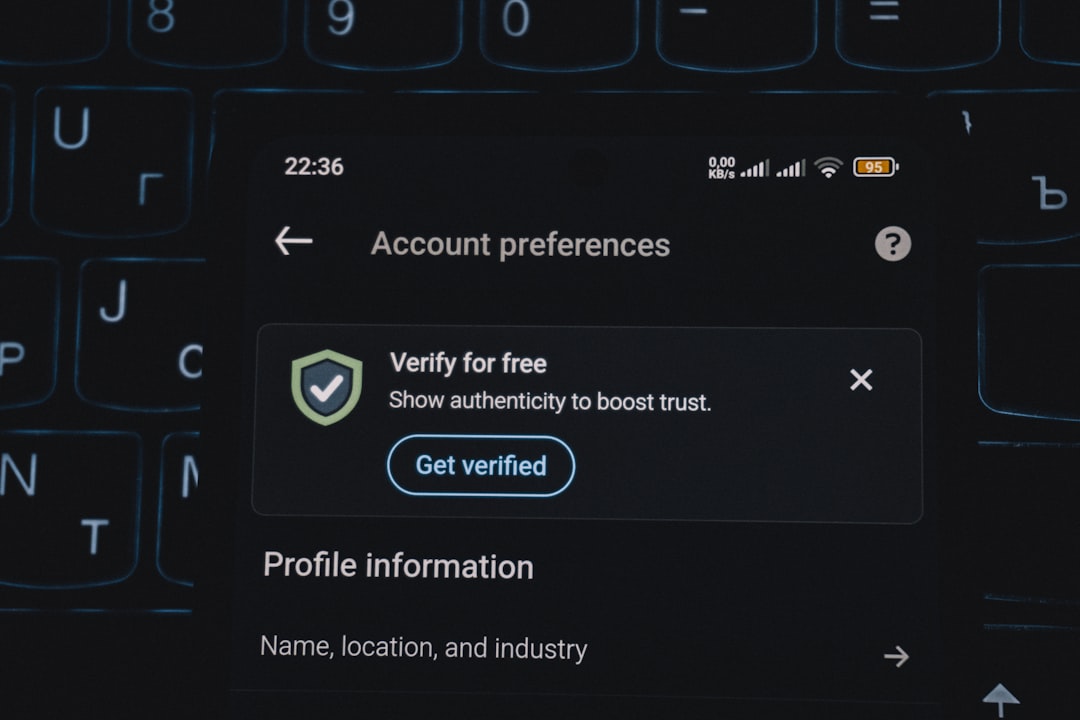
After enabling two-factor authentication, store recovery codes safely. Recovery codes can help you regain access if you lose your phone, but they must be protected. Do not save them in an unsecured note, share them in a chat, or send them to anyone.
Be Suspicious of Messages from Friends
One reason Snapchat phishing works is that people trust messages from friends. However, friends’ accounts can be hacked and used to spread scams. If a friend suddenly sends a strange link, asks for a code, promotes a suspicious giveaway, or pressures you to act quickly, pause before responding.
Verify the request through another method. Call them, text their phone number, speak in person, or use another trusted platform. Ask a specific question that only they would know. If they do not respond normally, their account may be compromised.
Common messages from compromised accounts include:
- “Can you help me get my account back?”
- “I sent you a code by accident. Can you send it to me?”
- “Vote for me in this contest.”
- “You’re in this video. Is this you?”
- “Click here before it expires.”
These messages are designed to trigger curiosity or helpfulness. Treat them carefully, even if they appear to come from someone you trust.
Recognize Fake Snapchat Support
Scammers may pose as Snapchat Support to pressure you into revealing account information. They may use official-looking profile pictures, names that include “support,” or messages written in formal language. Some may even claim to have detected suspicious activity on your account.
Legitimate support teams will not ask for your password, two-factor authentication code, or full access to your email. They will not threaten you in a random chat or demand immediate payment to secure your account. If someone contacts you claiming to be support, do not provide information through that conversation.
Use official help resources from within the Snapchat app or website. If there is a real account issue, you should be able to find it by accessing your account directly, not by following a private message from an unknown account.
Protect Your Email and Phone Number
Your Snapchat account is closely connected to your email address and phone number. If a scammer gets access to your email, they may be able to reset your Snapchat password. If they control your phone number through a SIM swap or social engineering attack, they may intercept verification codes.
Secure your email account with a strong, unique password and two-factor authentication. Review recovery options and remove old phone numbers or email addresses you no longer use. Be cautious about sharing your phone number publicly, especially if it is used for account recovery.
If your phone suddenly loses service for no clear reason, contact your mobile carrier immediately. Unexpected loss of service can sometimes indicate a SIM swap attempt, where a criminal transfers your number to another device.
Limit What Strangers Can Send You
Snapchat privacy settings can reduce your exposure to phishing attempts. If anyone can contact you, view your Stories, or find you through Quick Add, scammers have more opportunities to interact with you. Adjusting these settings can lower your risk, especially if you receive frequent messages from unknown accounts.
Review settings related to who can contact you, view your Story, see your location, and find you. Consider limiting communication to friends only. Be especially careful with Snap Map location sharing. Sharing your location with people you do not fully trust can create privacy and safety risks beyond phishing.
Reducing exposure is not the same as complete protection, but it makes it harder for scammers to reach you and gather information about your life.
What to Do If You Clicked a Suspicious Link
If you clicked a phishing link, do not panic, but act quickly. The steps you take depend on what information you entered. If you simply opened the page and closed it, your risk may be lower. If you entered your username, password, email, phone number, payment details, or verification code, treat the situation as urgent.
- Change your Snapchat password immediately from the official app or website.
- Change the password for your email account, especially if it uses the same or similar password.
- Enable or review two-factor authentication on Snapchat and your email.
- Log out of unfamiliar devices if the option is available in your account settings.
- Check your email recovery settings for unknown phone numbers, forwarding rules, or backup emails.
- Warn your friends not to click suspicious links sent from your account.
- Report the scam account or message through Snapchat’s reporting tools.
If you entered payment information, contact your bank or card provider immediately. If you shared private images or sensitive personal information, consider seeking help from trusted people, local authorities, or organizations that support victims of online exploitation.
Report and Block Suspicious Accounts
Reporting phishing attempts helps platforms identify and remove malicious accounts. Blocking prevents the scammer from continuing to contact you. If the message came from a friend’s compromised account, still report suspicious activity and notify your friend outside Snapchat if possible.
Do not engage in long conversations with scammers. They may use emotional pressure, threats, flattery, or confusion to keep you involved. The safest response is to stop interacting, preserve evidence if needed, report the account, and block it.
Build Safer Habits Over Time
Cybersecurity is not about being fearful; it is about being deliberate. Most phishing scams succeed because people are rushed, distracted, embarrassed, or eager to help. Building a habit of pausing before clicking links or sharing information can protect you from many types of online fraud.
Use a simple rule: if a message creates urgency and asks for access, information, money, or a code, slow down. Verify through official channels. Ask whether the request makes sense. Refuse to provide credentials outside the app. These basic decisions are often enough to stop an attack.
Parents and guardians should also talk with teenagers about Snapchat phishing in a calm, practical way. Young users may be especially vulnerable to fake giveaways, popularity scams, sextortion, or messages from compromised friends. Encourage them to ask for help without fear of punishment if something feels wrong.
Final Checklist for Avoiding Snapchat Phishing
- Use the official Snapchat app or website to log in.
- Never enter your password through a link sent in a message.
- Never share verification codes or recovery codes.
- Enable two-factor authentication.
- Use a strong, unique password.
- Be cautious with urgent messages, even from friends.
- Check links carefully before clicking.
- Limit who can contact you and view your information.
- Secure your email account and phone number.
- Report suspicious accounts and messages promptly.
Snapchat phishing scams can be convincing, but they depend on you acting before you think. By staying cautious, protecting your login information, and verifying suspicious messages through trusted channels, you can greatly reduce the risk of losing your account or personal data. Treat your password, verification codes, private content, and recovery information as sensitive assets. A few careful habits can make the difference between a secure account and a costly compromise.