
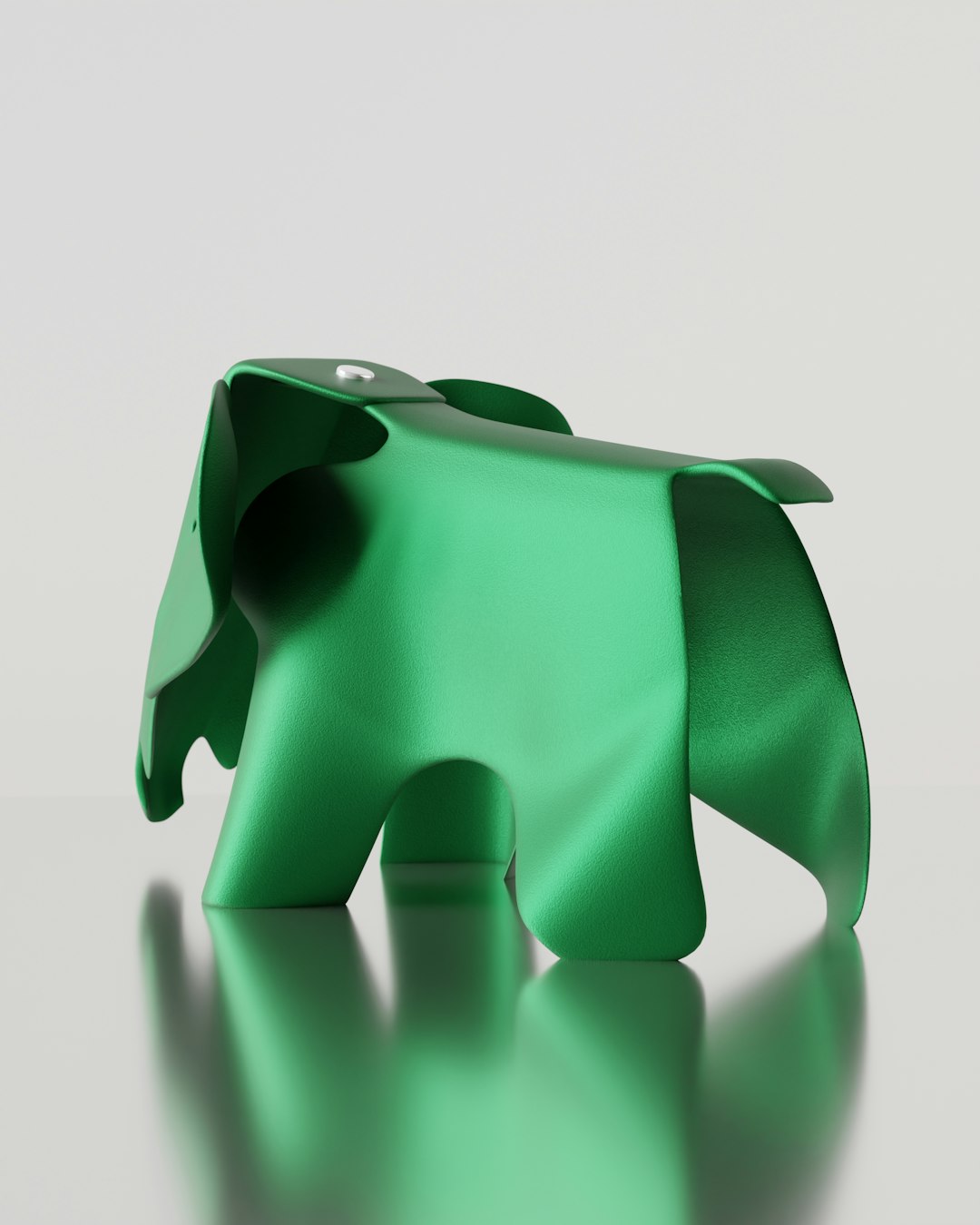
Rhino 3D, officially known as Rhinoceros, is a widely used CAD and 3D modeling application developed by Robert McNeel & Associates. It is especially popular among industrial designers, architects, jewelry designers, product developers, and digital fabrication teams that need flexible modeling without being locked into a rigid parametric workflow.
TLDR: Rhino 3D is a powerful and relatively affordable CAD tool best known for NURBS modeling, broad file compatibility, and the built-in visual programming tool Grasshopper. A small product design studio, for example, could model 30 to 40 concept variations in Rhino, automate patterns with Grasshopper, and export files for 3D printing or CNC cutting without paying yearly subscription fees. Its one-time license model can be attractive compared with subscription-based CAD platforms, though users needing full mechanical assemblies or cloud collaboration may prefer alternatives such as SolidWorks, Fusion, or Onshape.
Table of Contents
What Is Rhino 3D?
Rhino 3D is a professional CAD program focused on freeform surface modeling, curve-based geometry, and precision design. Unlike many mechanical CAD tools that rely heavily on feature trees and strict parametric constraints, Rhino gives designers a more open environment for creating complex shapes. This makes it useful for projects where form exploration matters as much as engineering accuracy.
The software is available for Windows and macOS, and it supports a large number of file formats, including DWG, DXF, OBJ, STL, STEP, IGES, and 3DM. This broad compatibility allows Rhino to fit into mixed software workflows, from architecture offices using Revit to fabrication shops preparing CNC or 3D printing files.
Key Features of Rhino 3D
1. NURBS Modeling
Rhino’s core strength is NURBS, or Non-Uniform Rational B-Splines. This technology allows the creation of smooth, mathematically accurate curves and surfaces. It is particularly valuable for automotive forms, consumer products, footwear, jewelry, marine design, and architecture.
Designers can create highly organic shapes while still maintaining dimensional control. For example, a watch designer can model a curved case, refine its edges, and export the final geometry for prototyping with a high level of precision.
2. Grasshopper Visual Programming
Grasshopper is one of Rhino’s most important features. It is a visual programming environment included with Rhino that lets users create parametric designs without traditional coding. By connecting nodes, designers can generate patterns, façade systems, furniture variations, structural grids, and algorithmic forms.
This is especially useful in architecture and computational design. A team can adjust a single slider to change the density of a façade pattern or modify hundreds of components at once. For firms producing many design options, Grasshopper can significantly reduce repetitive modeling work.
3. SubD Modeling
Rhino includes SubD modeling, which helps users create soft, sculptural forms more easily than with traditional surface tools alone. SubD objects can be converted into NURBS, making it possible to move from conceptual shaping to production-ready surfaces.
4. Drafting and Documentation
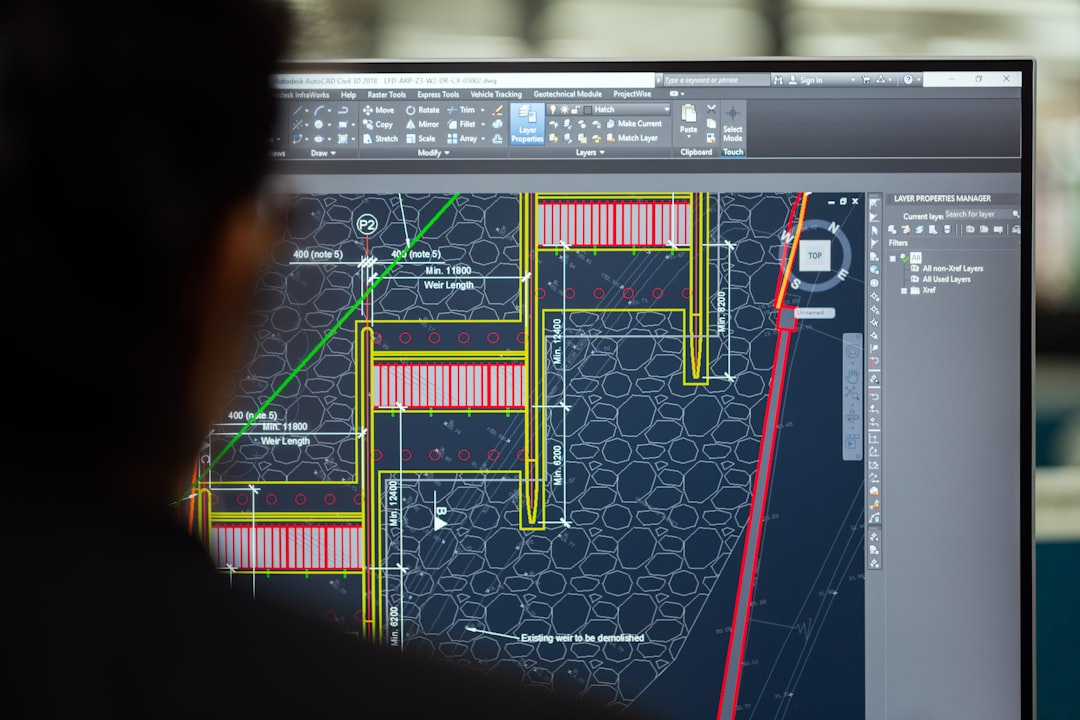
Although Rhino is not primarily a documentation platform like AutoCAD or Revit, it includes useful 2D drafting tools. Users can create layouts, dimensions, annotations, sections, and technical drawings. For smaller projects, this may be enough to prepare presentation drawings or fabrication sheets.
5. Rendering and Visualization
Rhino includes rendering tools and supports popular render engines through plugins. Users can apply materials, lighting, and environments to produce realistic previews. While dedicated visualization tools may offer deeper rendering features, Rhino is capable of producing solid concept visuals directly inside the modeling workflow.
6. Plugins and Ecosystem
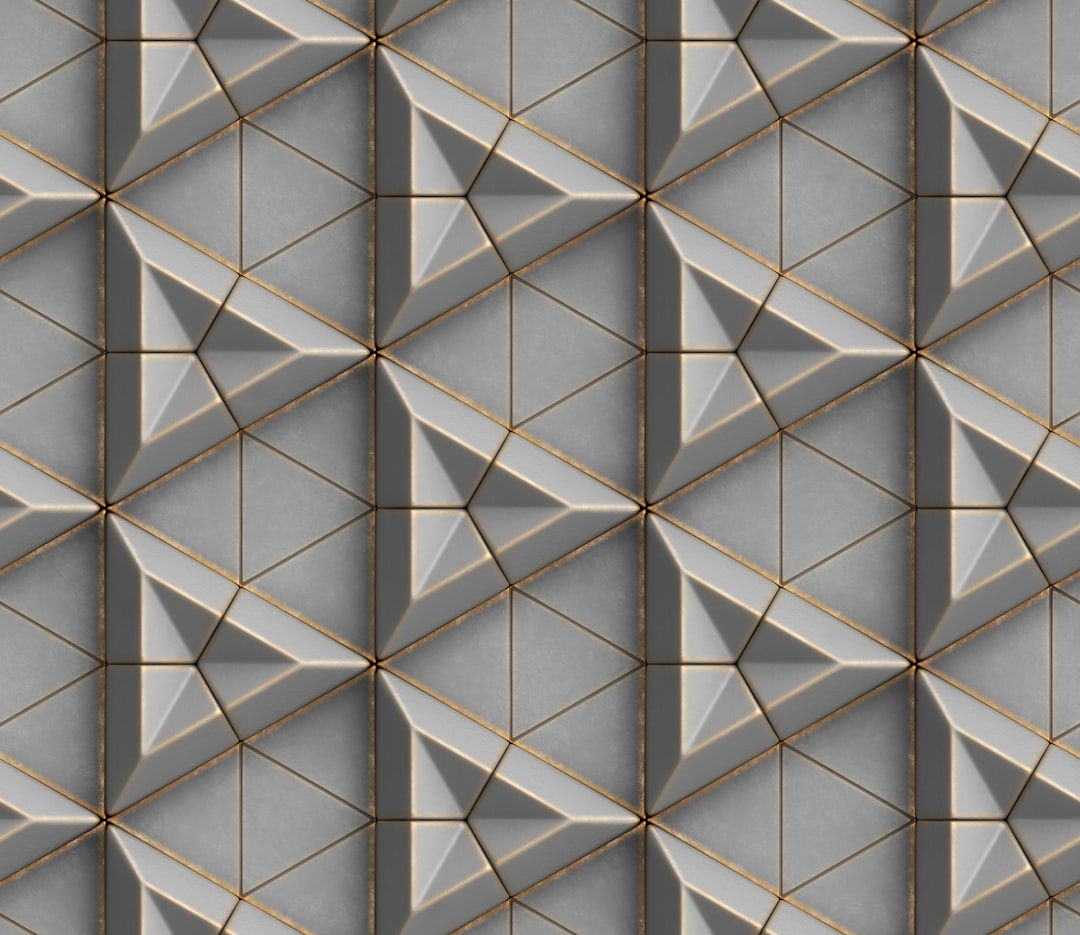
Rhino benefits from a strong plugin ecosystem. Add-ons are available for rendering, jewelry design, architecture, structural analysis, manufacturing, animation, and environmental analysis. This allows Rhino to become a specialized tool depending on the user’s industry.
Rhino 3D Pricing
Rhino is known for its perpetual license model. Instead of requiring an ongoing subscription, Rhino is typically sold as a one-time purchase, with optional paid upgrades when a new major version is released.
- Commercial license: commonly priced around $995 for a new license, depending on region and reseller.
- Upgrade license: often available at a lower price for owners of previous versions.
- Educational license: generally offered at a significant discount for students, faculty, and schools.
- Trial version: Rhino has historically offered a time-limited evaluation version, often around 90 days.
Pricing may vary by country, tax, reseller, and version, so buyers should confirm current costs with the official Rhino store or an authorized reseller. Still, compared with many subscription-heavy CAD programs, Rhino’s pricing is often considered favorable for freelancers, studios, and educational users.
Pros and Cons of Rhino 3D
Pros
- Excellent freeform modeling: Rhino handles complex curves and surfaces extremely well.
- One-time purchase: its license model can reduce long-term software costs.
- Grasshopper included: parametric design is available without buying a separate tool.
- Wide file support: Rhino works well in multi-software pipelines.
- Strong plugin ecosystem: users can extend the software for specific industries.
Cons
- Limited native mechanical assembly tools: it is not as strong as SolidWorks or Inventor for large mechanical assemblies.
- Documentation is less advanced than BIM tools: architecture teams may still need Revit or similar platforms.
- Steeper learning curve for precision surfacing: beginners may need time to understand clean geometry.
- Parametric history is not as structured: Rhino is more flexible but less controlled than feature-based CAD systems.
Who Should Use Rhino 3D?
Rhino is a strong choice for designers who need freedom, precision, and compatibility. It fits well in industrial design, concept modeling, architecture, jewelry, furniture design, footwear, marine design, and digital fabrication.
A freelance jewelry designer, for instance, may use Rhino to create detailed ring models, set gemstone positions, export STL files for resin printing, and generate client previews. An architecture studio may use Rhino and Grasshopper to test parametric façade options before sending selected geometry into BIM software for documentation.
Best Rhino 3D Alternatives
Fusion
Fusion is a strong alternative for users who need mechanical CAD, simulation, CAM, and cloud-based collaboration in one platform. It is better suited for engineering workflows, assemblies, and manufacturing planning, though some users may prefer Rhino for freeform surface design.
SolidWorks
SolidWorks is one of the leading mechanical CAD programs. It is ideal for product engineering, assemblies, technical drawings, and manufacturing. However, it is usually more expensive and less fluid for artistic or highly organic modeling.
AutoCAD
AutoCAD remains a major option for 2D drafting and general CAD documentation. It is not as strong as Rhino for organic 3D modeling, but it is widely used in construction, drafting, and technical drawing environments.
SketchUp
SketchUp is easier to learn and popular in architecture, interiors, and quick conceptual modeling. It is less precise and less capable for advanced surface modeling, but it can be faster for simple massing studies and presentations.
Blender
Blender is free and powerful for polygon modeling, animation, rendering, and visual effects. It can be a good alternative for artists and visualization specialists, but it is not a direct replacement for Rhino’s CAD precision and NURBS workflow.
Onshape
Onshape is a browser-based parametric CAD system with strong collaboration features. It is a good choice for distributed engineering teams, although designers focused on freeform surfaces may still find Rhino more flexible.
Final Verdict
Rhino 3D is one of the most versatile CAD tools available for designers who value modeling freedom and geometric precision. Its combination of NURBS modeling, Grasshopper, file compatibility, and a perpetual license makes it especially appealing to studios and independent professionals.
It is not the best option for every workflow. Engineering teams managing complex assemblies may need a more structured mechanical CAD system, while architecture firms may pair Rhino with BIM software for documentation. Still, for concept development, advanced surfacing, parametric exploration, and fabrication-ready modeling, Rhino remains a highly capable and cost-effective choice.
FAQ
- Is Rhino 3D good for beginners?
Rhino can be learned by beginners, but mastering clean surface modeling takes practice. Its interface is approachable, yet professional results require understanding curves, surfaces, and object organization. - Is Rhino 3D free?
Rhino is not free, but it usually offers a trial version and discounted educational licenses. Commercial users generally purchase a perpetual license. - Is Rhino better than SolidWorks?
Rhino is better for freeform surfaces, concept modeling, and parametric design with Grasshopper. SolidWorks is better for mechanical assemblies, engineering constraints, and production documentation. - Can Rhino be used for 3D printing?
Yes. Rhino can export STL and other common formats used in 3D printing. Users should check models for watertight geometry before printing. - Does Rhino work on Mac?
Yes. Rhino is available for both Windows and macOS, although some plugins may be Windows-only. - What industries use Rhino 3D?
Rhino is used in architecture, industrial design, jewelry, marine design, furniture, footwear, product development, and digital fabrication.