

If your Google Ads audience list size drops in 2026, treat it as a measurement and signal quality problem before assuming demand has collapsed. The most likely causes are privacy changes, consent mode behavior, tag failures, audience rule changes, membership duration limits, and data delays inside Google Ads. A smaller list can still perform well, but only if the drop is understood and documented.
TLDR: A sudden audience list decrease in 2026 is often caused by lost user identifiers, stricter consent signals, broken tagging, or changes in how Google estimates eligible users. For example, a retailer may see a remarketing list fall from 120,000 users to 78,000 users after a consent banner update, even though site traffic fell only 6%. Start by checking tag firing, consent rates, audience rules, and list membership duration. Do not rush to rebuild campaigns until you confirm whether the issue is real shrinkage or reporting noise.
Table of Contents
Why audience lists may shrink in 2026
Google Ads audience lists depend on signals. Those signals come from tags, consent choices, cookies, signed-in activity, customer data, app events, and modeled estimates. If any part weakens, the list size can fall. The frustrating part is that Google Ads may show the decline without clearly saying which signal was lost.
In 2026, advertisers should expect more list volatility than they saw a few years ago. Browser controls are tighter. Consent frameworks are more common. Users clear data more often. Mobile tracking remains limited. Server-side setups help, but they also introduce more places where things can break.
Common causes of a Google Ads audience list decrease
- Consent mode changes: If more users reject ad storage or analytics storage, fewer visitors may qualify for remarketing lists. A small consent banner wording change can move opt-in rates by double digits.
- Broken or delayed tags: Google tag, Google Tag Manager, Floodlight, or app event tags may stop firing after a site release. Even a missing trigger on product pages can cut high-intent audiences fast.
- Audience rule edits: Changing rules from “all visitors” to “visited specific pages” can reduce list size sharply. Filters based on URLs, events, or values often fail after a website redesign.
- Membership duration expiry: If the list duration is 30 days, users age out quickly. A traffic dip from one month ago can appear as a list drop today.
- Customer Match match rate changes: Uploaded email or phone data may match at a lower rate if formatting, hashing, consent, or data quality changed.
- Policy restrictions: Some categories have limited or restricted remarketing. Health, finance, housing, employment, and sensitive interest areas need extra care.
- Account linking issues: If Google Analytics, Firebase, Merchant Center, or YouTube links are removed or changed, audience sharing may stop.
Measurement issues that make the drop look worse
Not every list size number in Google Ads is a full count of reachable people. Some are estimates. Some are rounded. Some are delayed. Some are affected by eligibility rules for Search, Display, YouTube, or Gmail. This is where teams waste hours comparing numbers that were never meant to match exactly.
Expect a delay of 24 to 48 hours after major tag or audience changes. In some accounts, it can feel worse. A list may sit unchanged for a day, then update all at once. Honestly, it feels like the interface always updates five minutes after the meeting where you needed the answer.
Another common issue is channel eligibility. A remarketing list might show enough users for Display but too few for Search. Google Ads may also suppress very small lists for privacy reasons. So the “size” you see is partly about the inventory where the list can be used.
How to tell if the decline is real
Start with a short timeline. Write down the date when the audience started dropping. Then compare it with site releases, consent banner edits, tag changes, policy notices, product feed changes, and campaign structure edits. Most serious drops have a trigger.
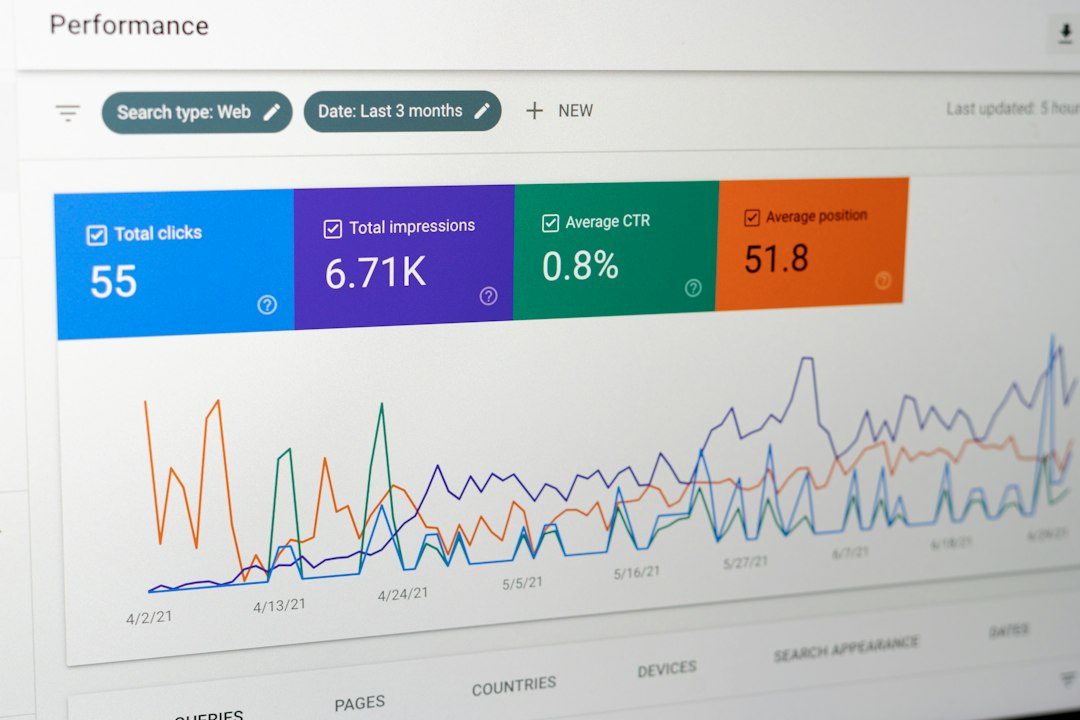
Next, compare audience size with traffic. If sessions are stable but list size is down 30% or more, the issue is probably signal loss or audience eligibility. If sessions and list size both fell at similar rates, the problem may be demand, seasonality, media spend, or site availability.
Also compare Google Ads with GA4. The numbers will not match perfectly. They use different logic. Still, direction matters. If GA4 active users are flat but Google Ads remarketing lists are falling, look at consent, linking, and ad personalization settings.
Troubleshooting checklist
- Check tag firing: Use Tag Assistant and Google Tag Manager preview mode. Test homepage, product pages, cart, checkout, lead forms, and thank-you pages.
- Review consent mode: Confirm that consent states are being sent correctly. Check whether default consent is denied and whether updates fire after acceptance.
- Inspect audience rules: Look for broken URL conditions, missing events, renamed parameters, or overly narrow filters.
- Check membership duration: Make sure it matches the buying cycle. A B2B list may need 90 to 540 days. A flash-sale store may need far less.
- Review excluded users: Exclusions can grow silently. Purchaser exclusions, employee filters, or imported segments may remove more users than expected.
- Verify account links: Confirm links between Google Ads, GA4, Firebase, YouTube, Merchant Center, and any manager account.
- Check policy status: Look for audience limitations, personalized ads restrictions, and disapproved segments.
- Audit Customer Match files: Standardize emails, remove invalid records, include country codes for phone numbers, and upload only consented data.
What to measure before making campaign changes
Do not judge the problem by list size alone. Track eligible impressions, match rate, conversions, cost per conversion, conversion rate, and audience overlap. A list can shrink and still improve if low-quality users were removed. The reverse can also happen. A list can grow while performance gets worse.
Use a simple before-and-after table. Compare the last 14 days with the prior 14 days. For longer sales cycles, use 30 days. Include site traffic, consent acceptance rate, tag firing rate, audience size, spend, conversions, and revenue. This gives you evidence instead of guesswork.
Practical fixes
If consent rates fell, test clearer banner copy with legal approval. Avoid dark patterns. They create risk and poor data. If tags are broken, fix the firing logic and document the release. If audience rules are too narrow, build layered lists: all visitors, product viewers, cart users, lead starters, and past converters.
For Customer Match, improve data capture at the source. Use validated email fields. Keep CRM records clean. Upload refreshed lists on a schedule. If you use server-side tagging, monitor event volume daily. Server setups can fail quietly after certificate, domain, or container changes.
Also build fallback audiences. Use GA4 audiences, Google Ads tag audiences, Customer Match, YouTube engagement, and app users where allowed. Separate them by source. If one source drops, you can see it quickly.
When to escalate
Escalate if a critical list drops by more than 40% in a week, if multiple sources fail at the same time, or if spend is being limited by audience size. Contact Google support with dates, screenshots, audience IDs, tag tests, and change history. A vague ticket will slow everything down.
The safest response is calm and methodical. Confirm the drop. Find the date. Test the tags. Review consent. Check rules and links. Then adjust campaigns only after you know whether the list is truly smaller or just measured differently.