
Use web scraping when you need data from specific pages. Use web crawling when you need to discover many pages first. Scraping grabs the data. Crawling finds the doors. Most real data projects use both, even if the tool only talks about one.
TLDR: Web crawling maps the web. Web scraping extracts data from pages. For example, an ecommerce team may crawl 50,000 product URLs, then scrape prices, ratings, and stock status from each page. If prices change by 12% in a week, that data can help the team adjust ads, stock, or pricing fast.
Table of Contents
Scraping vs crawling, in plain English
Think of a crawler as a little robot with a clipboard. It starts on one page. It sees links. Then it follows those links. It builds a list of pages.
A scraper is different. It visits a page and picks out data. It may grab product names, prices, emails, reviews, images, job titles, or dates. It does not care about every link. It cares about the useful bits.
So the simple version is this:
- Web crawling: Finds and indexes pages.
- Web scraping: Extracts data from pages.
- Data extraction: The wider process of collecting useful data from websites, files, APIs, databases, or documents.
Here is the annoying part. Many tools mix these terms. A “scraper” may include a crawler. A “crawler” may include extraction. It drives me crazy that some tools hide this behind shiny buttons and vague labels.
What web crawling tools do
Web crawling tools scan websites. They move from link to link. They collect URLs, page titles, status codes, redirects, metadata, and site structure.
SEO teams use crawlers a lot. They check if Google can reach pages. They find broken links. They spot duplicate titles. They check which pages are too deep in the site.
Developers also use crawlers. They test migrations. They find missing pages after a redesign. They check if links still work after a release.
Common crawler features include:
- URL discovery
- Internal link checks
- Redirect tracking
- Broken page detection
- Sitemap creation
- Page depth reports
- Robots.txt checks
A crawler answers questions like: How many pages are on this site? Which pages are linked? Are some pages hidden too deep?
What web scraping tools do
Web scraping tools pull structured data from web pages. They turn messy HTML into rows and columns.
For example, a scraper can visit a product page and extract:
- Product name
- Price
- Discount
- Star rating
- Number of reviews
- Stock status
- Image URL
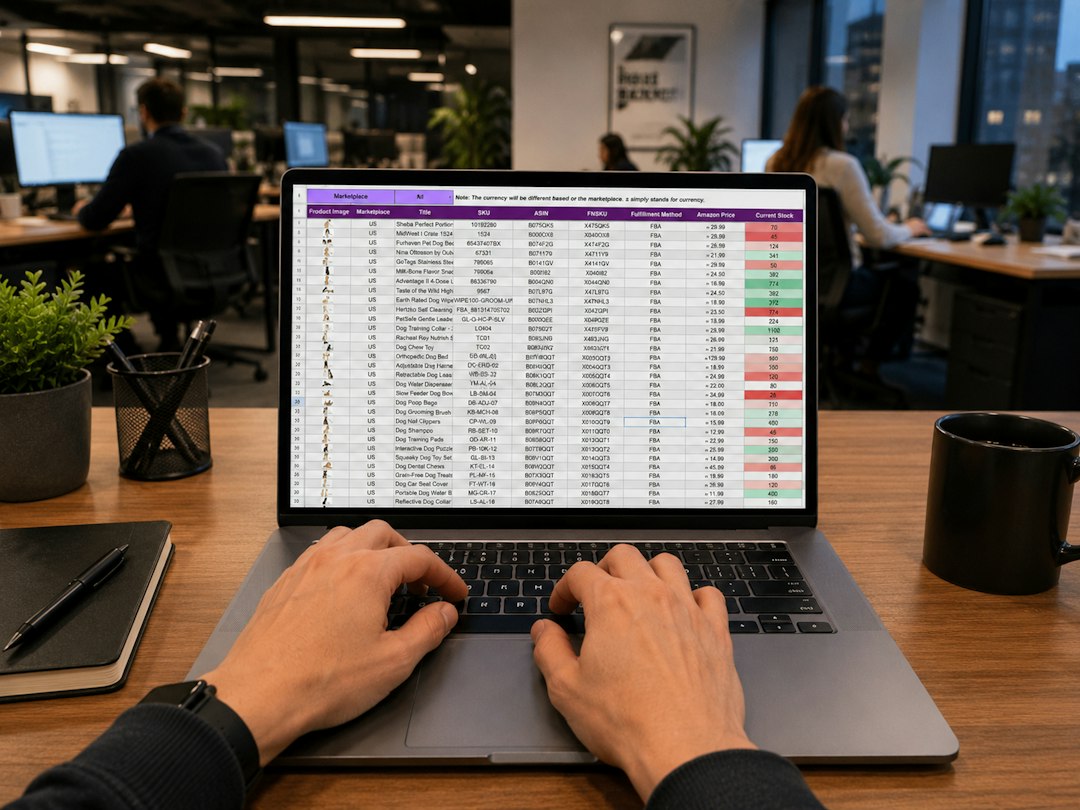
That data can go into a spreadsheet, dashboard, database, or alert system. A sales team might track 5,000 competitor products each morning. If 18% drop in price, the team can react before lunch.
Scraping tools can be visual or code based. Visual tools let you click the data you want. Code tools need scripts. Visual tools feel easier at first. Code tools tend to offer more control.
Expect to waste time on websites that change layout often. One tiny HTML change can break a scraper. A price that loaded in 0.8 seconds yesterday may take 4 seconds today because of scripts. That is enough to cause missing data.
Best use cases for crawling
Crawling works best when the goal is discovery. You are not trying to grab one neat data point. You are trying to understand a full site.
Good crawling use cases include:
- SEO audits: Find broken pages, bad redirects, and missing titles.
- Website migrations: Check if old URLs map to new ones.
- Content inventory: List every blog post, page, and file.
- Compliance checks: See if required pages exist.
- Research: Build a page list before deeper analysis.
Crawling is like making a map before a road trip. It does not pack your snacks. It tells you where the roads are.
Best use cases for scraping
Scraping works best when the target data is clear. You know what you want. You just need it collected at scale.
Good scraping use cases include:
- Price monitoring: Track competitor prices daily.
- Lead research: Collect public company names and contact details.
- Market analysis: Compare listings, reviews, and product counts.
- Job tracking: Gather open roles, salaries, and locations.
- News monitoring: Extract headlines, dates, and sources.
A recruiter might scrape 10,000 job posts and find that 37% mention remote work. A travel company might track hotel rates in 20 cities. A retailer might watch how often competitors run discounts.
Web scraping vs web crawling tools
Some tools are built for crawling. Some are built for scraping. Some try to do both.
Crawling tools are usually great at site audits. They show page structure. They report errors. They are useful for SEO and technical checks.
Scraping tools are better at selecting page elements. They can pull text, numbers, links, and images. Many support scheduling and export options.
Hybrid tools crawl a list of URLs and scrape data from each page. These are handy for ecommerce, real estate, job boards, review sites, and directories.
When picking a tool, ask these questions:
- Can it handle JavaScript pages?
- Can it rotate browsers or sessions?
- Does it support scheduling?
- Can it export to CSV, JSON, or a database?
- Does it detect layout changes?
- Can non technical users edit workflows?
- How does it handle errors and retries?
Do not pick the tool with the longest feature list. Pick the one that solves your exact job with the least drama.
Common data extraction alternatives
Scraping is not always the best option. Sometimes it is the messiest one. Before scraping a website, check for cleaner sources.
- APIs: The best option when available. APIs return structured data. They are more stable than pages.
- Data feeds: Some sites offer CSV, XML, or JSON feeds.
- Partner exports: Vendors may provide reports or full data files.
- Public datasets: Governments and schools often publish open data.
- Database access: Internal teams may already store the data.
- Manual sampling: Useful for small projects or early tests.
- Browser automation: Helpful when login, clicks, or forms are required.
An API might take 10 minutes to connect. A scraper for the same site might take two days to build and another day each month to fix. That hurts. Always check the boring option first.
Legal and ethical basics
Scraping public data can still carry rules. Read the site terms. Check robots.txt. Avoid personal data unless you have a clear lawful reason. Do not overload servers. Use reasonable request rates.
Also, avoid scraping private areas without permission. Login walls matter. Paywalls matter. Copyright matters. If the data is sensitive, get legal advice before you build anything serious.
A polite scraper is slower than a greedy one. That is fine. A blocked scraper collects zero data.
Which one should you choose?
Choose crawling if you need to find pages, audit a site, or build a URL list. Choose scraping if you need specific data from known pages. Choose both if you need to discover pages first, then extract details from them.
Here is a simple workflow:
- Crawl the site to collect URLs.
- Filter the URLs you care about.
- Scrape key data from those pages.
- Clean the data.
- Store it in a useful format.
- Monitor errors and page changes.
Final takeaway
Scraping and crawling are close cousins, not twins. Crawling finds the pages. Scraping captures the facts. Data extraction is the bigger bucket that includes both, plus APIs, feeds, files, and databases.
If you are starting a project, begin with the cleanest source. Try an API first. If that fails, crawl smart and scrape gently. Your future self will be less annoyed.