
Choose Mailchimp if your open enrollment email campaign needs sharper segmentation, A/B testing, and behavior-based automation. Choose Constant Contact if your HR team wants simpler setup, strong support, and fewer moving parts. Both can send polished enrollment reminders, but they serve different teams best.
TLDR: Mailchimp is stronger for data-heavy enrollment campaigns, especially if you want to test subject lines, track clicks by group, and send follow-ups based on activity. Constant Contact is easier for smaller HR teams that need to build clean emails fast without fussing over advanced settings. For example, a 500-employee company could use Mailchimp to send different reminders to employees who clicked “medical plan” versus “dental plan,” while Constant Contact may help a 75-person office launch a clear campaign in under an hour. If your past enrollment emails had a 38% open rate and only 12% clicked through, Mailchimp gives you more tools to improve that second number.
Table of Contents
Why open enrollment emails need more than a nice template
Open enrollment is not a normal email campaign. People skim. They procrastinate. They miss deadlines, then panic. Your template has to do three jobs quickly: explain what changed, tell employees what to do next, and make the deadline impossible to ignore.
A strong open enrollment email template should include:
- A clear subject line with the deadline or action.
- A short opening that explains why the email matters.
- Benefit links grouped by category, such as medical, dental, vision, HSA, FSA, and life insurance.
- A bold deadline block repeated near the top and bottom.
- A direct call to action, such as “Review your benefits” or “Complete enrollment.”
- Contact details for HR or the benefits administrator.
The tool you choose affects how easily you can build, send, test, and track that message.
Mailchimp for open enrollment campaigns
Mailchimp is best when open enrollment needs targeting and measurement. If you want to send different versions by office, state, employment type, family status, or prior engagement, Mailchimp gives you more room to work.
Its biggest strength is segmentation. You can create groups for employees who opened the first email, clicked the plan comparison link, ignored every message, or signed up for a webinar. Then you can send specific follow-ups. That matters because a generic reminder often gets ignored.
Mailchimp also does well with A/B testing. You can test subject lines like:
- Open enrollment ends Friday: choose your 2026 benefits
- Action needed: review your health plan options
- Don’t miss your benefits enrollment deadline
For larger employers, even a small lift matters. If a better subject line raises opens from 42% to 49% across 3,000 employees, that is 210 more people seeing the message. That can reduce late questions and HR ticket volume.
The catch is that Mailchimp can feel busier than it needs to be. Expect to spend extra time setting up audiences, tags, and automation rules. It is not hard, but it can be annoying when you only want to send a plain deadline reminder and move on.
Constant Contact for open enrollment emails
Constant Contact is best for teams that care more about speed and ease than advanced testing. The editor is simple, the templates are clean, and the workflow feels friendly for non-marketers. If an office manager or HR generalist owns enrollment emails, that matters.
Constant Contact’s templates are useful for benefits communication because they tend to be direct. You can drag in buttons, document links, headers, and event blocks without much training. It also offers helpful support, which can save time when a campaign has to go out before lunch.
Honestly, it feels like Constant Contact was built for the person who has six other tasks open and does not want a marketing lecture from the software. That is a real advantage during benefits season.
The tradeoff is depth. Segmentation and automation are available, but they are not as flexible as Mailchimp’s. If you want detailed behavior-based paths, such as “send this message only to employees in California who clicked PPO but did not click HSA,” Mailchimp feels better suited.
Template quality: which platform makes better enrollment emails?
Both tools can produce professional open enrollment emails. The better choice depends on the type of message.
Mailchimp templates often feel more polished for branded campaigns. You can create cleaner spacing, stronger visual hierarchy, and more refined mobile layouts. This helps if your benefits campaign includes multiple emails, such as announcement, plan education, webinar invite, final reminder, and last-call notice.
Constant Contact templates are more straightforward. That is not a bad thing. For enrollment, clarity beats clever design. Employees need dates, links, plan changes, and instructions. A simple template with a bold button may outperform a prettier email that hides the action.
A practical open enrollment layout looks like this:
- Headline: Open enrollment is now live
- Deadline box: Enroll by November 15 at 5 p.m.
- What changed: Three to five bullet points
- What to do: One primary button
- Need help: HR email, phone number, meeting link
Automation and reminders
Open enrollment usually needs more than one email. A good sequence might include:
- Day 1: Enrollment announcement
- Day 4: Plan comparison guide
- Day 8: Webinar or Q&A invite
- Day 12: Reminder for non-clickers
- Final 48 hours: Deadline warning
Mailchimp is stronger for this kind of staged campaign. You can use open and click behavior to adjust the next email. That keeps active employees from getting too many reminders while pushing slower responders to act.
Constant Contact can handle basic scheduled reminders very well. If your campaign is linear and simple, it may be all you need. Send announcement, send reminder, send final reminder. Done.
Analytics: what should HR track?
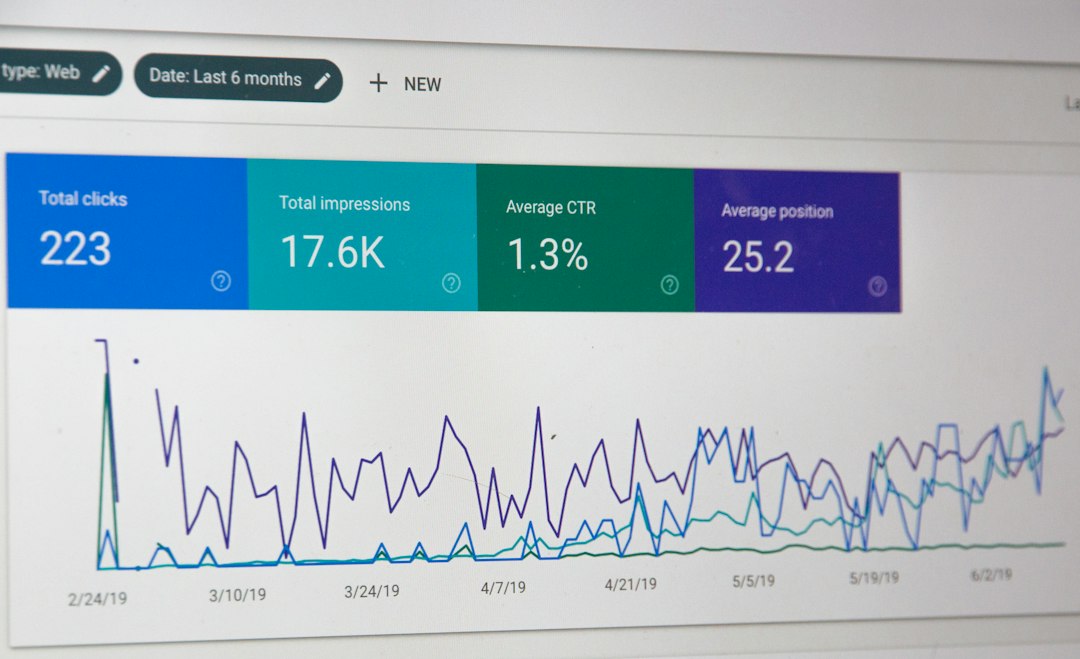
Do not stop at open rates. Open tracking is less reliable than it used to be because privacy settings can inflate numbers. Pay closer attention to clicks and completions.
Track these metrics:
- Click rate: Who clicked the enrollment portal?
- Document clicks: Which plan guides got attention?
- Reminder performance: Which message pushed the most action?
- Device use: Are employees reading on phones?
- Unsubscribes or complaints: Are messages too frequent or unclear?
Mailchimp gives stronger reporting for comparison and testing. Constant Contact gives clear campaign reports that are easier for quick review. If leadership wants charts and campaign learnings, Mailchimp wins. If HR just needs to know whether people clicked the enrollment link, Constant Contact is fine.
Compliance and employee trust
Open enrollment emails may include benefit information, but avoid putting sensitive personal data inside the message. Link to secure portals instead. Use simple language. Make the sender name familiar, such as “HR Benefits Team,” not a vague marketing-style sender.
Also, check your email list carefully. Former employees, contractors, interns, and employees on leave may need different messaging. This is where Mailchimp’s audience tools help, but only if your data is clean. Bad lists create bad campaigns.
Which one should you pick?
Pick Mailchimp if:
- You have 250 or more employees.
- You need audience segments by location, plan type, or behavior.
- You want A/B testing and stronger analytics.
- You plan to run a full email sequence, not one or two blasts.
Pick Constant Contact if:
- Your HR team wants the fastest setup.
- You send simple reminders to one main employee list.
- You value phone support and easy editing.
- You do not need complex automation.
For most small organizations, Constant Contact is the calmer choice. For mid-size and large teams, Mailchimp offers more control and better testing. The best open enrollment email template is not just attractive. It gets employees to act before the deadline, with fewer confused replies to HR.