
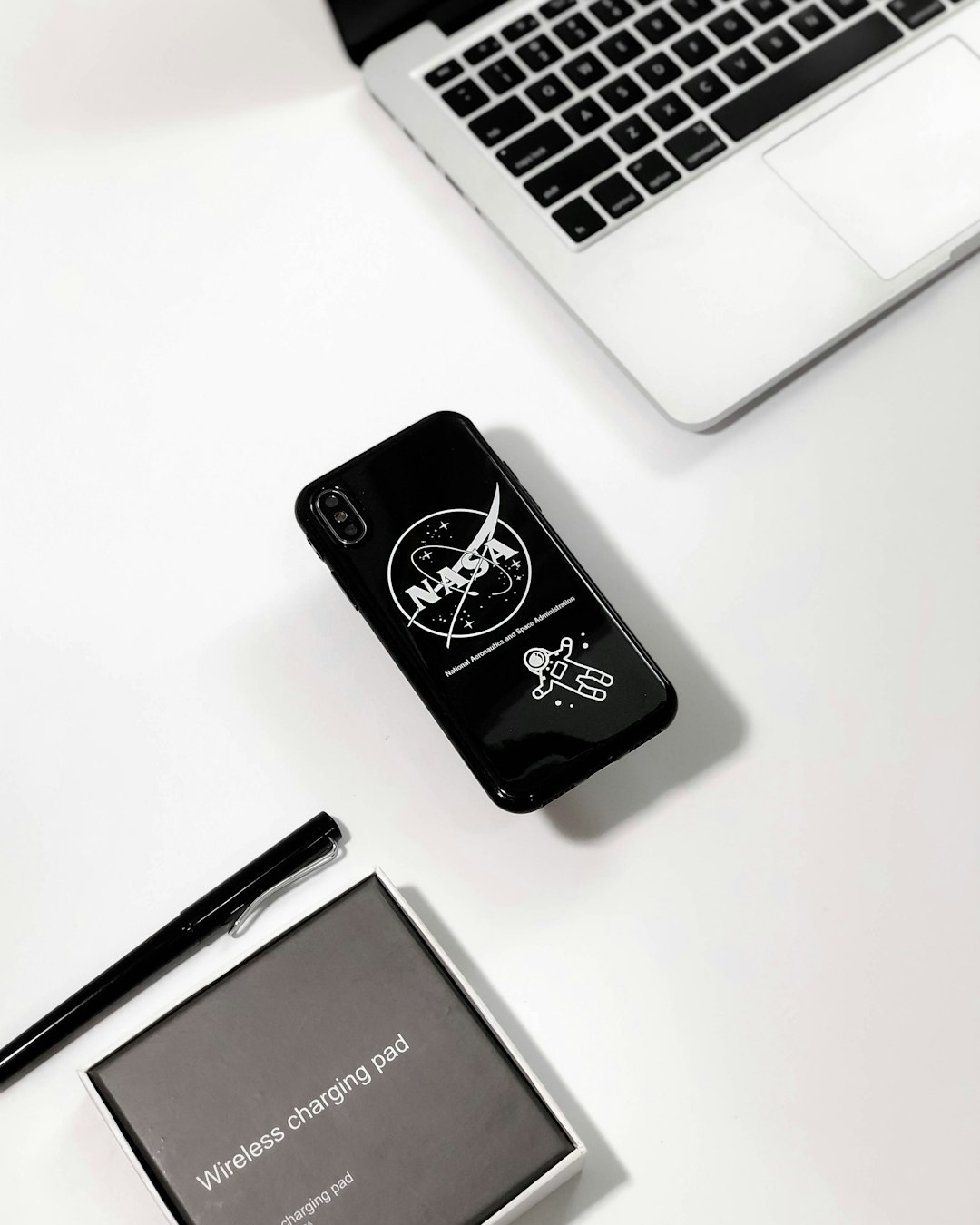
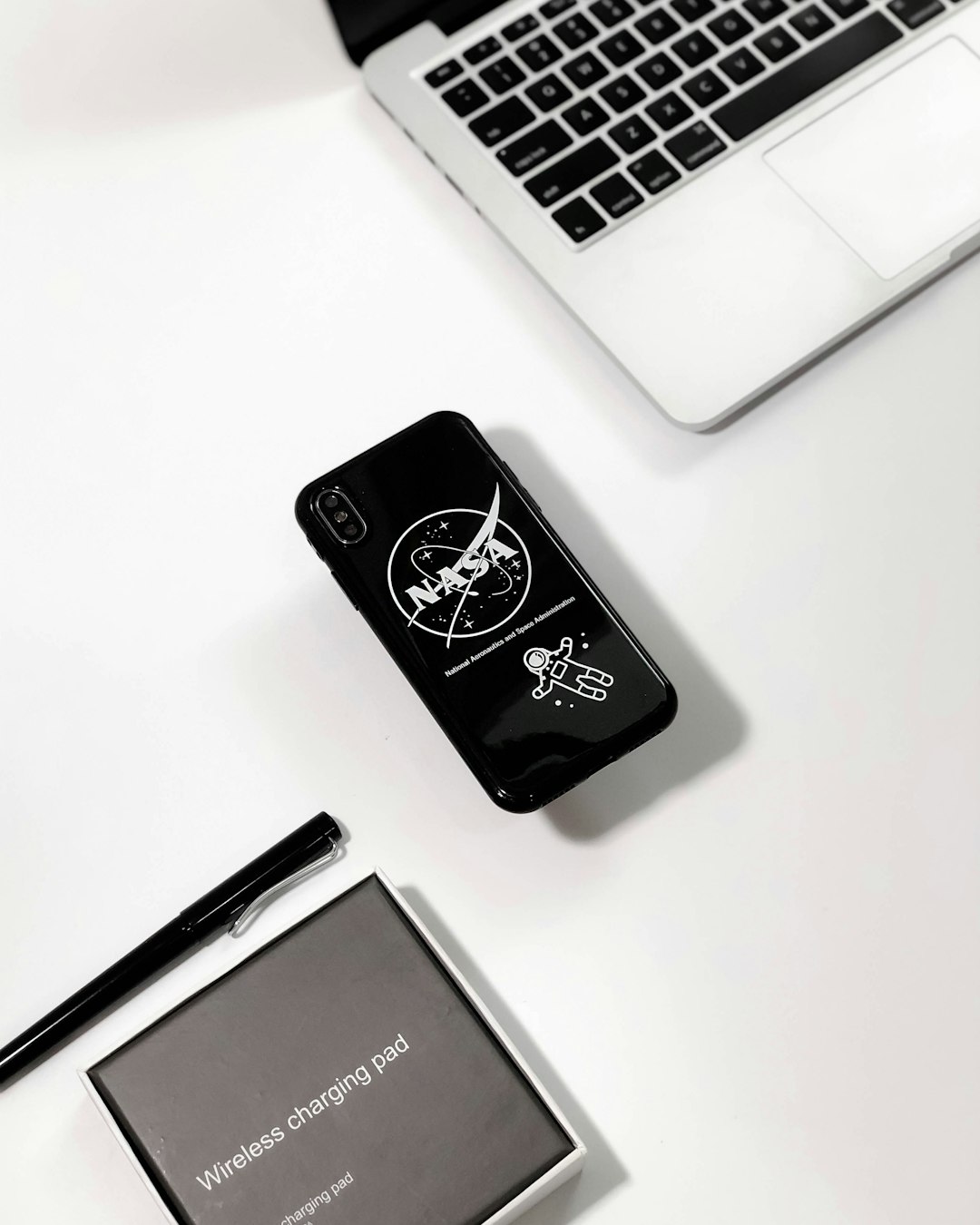
In an increasingly digital and mobile world, logos are no longer confined to print materials or static web pages. They must shine on a diverse range of devices, from OLED screens on smartphones to tablets viewed outdoors in glaring sunlight. Designing a logo that maintains its clarity and visual appeal under these vastly different conditions is both a science and an art. This guide explores how designers can ensure their logos remain clear, recognizable, and readable—whether on high-contrast OLED screens or when viewed under bright sun.
Table of Contents
TLDR (Too Long, Didn’t Read)
To ensure logo readability on OLED screens and in bright sunlight, designers should prioritize high-contrast color schemes, avoid thin lines and excessive detail, and adapt designs for different viewing environments. Using scalable vector formats and testing logos under different lighting conditions are essential. Opt for adaptive and responsive design models to enhance visual consistency across platforms. Think about real-world usage scenarios during the design phase.
OLED Screens and Readability
OLED (Organic Light-Emitting Diode) displays offer deep blacks, vibrant colors, and high contrast thanks to their unique pixel-lighting technology. However, these benefits can create challenges for logo readability if not addressed properly.
The Challenge
- Oversaturation: OLED displays may exaggerate colors, making overly vibrant logos look unnatural.
- Detail Loss in Dark Modes: Logos with subtle shadows or gradients may lose detail against dark backgrounds common in OLED interfaces.
- Burn-in Risk: High-contrast static icons or logos might lead to screen burn-in if left unchanged for long durations.
Design Recommendations for OLED
- Use Flat and Bold Design: Avoid intricate gradients or shadows; instead, opt for solid fills and bold shapes.
- Maintain High Contrast: Especially in dark mode environments, logos must have enough contrast to distinguish all elements clearly.
- Test in Dark and Light Themes: OLED UI often toggles between dark and light themes. Ensure your logo remains legible in both versions.
- Limit Saturated Colors: Toning down overly bright colors will preserve a more natural appearance on OLED displays.
By adjusting hues and simplifying design elements, designers can ensure sharper logos that don’t strain the eyes or blend into OLED-rich backgrounds.
Bright Sunlight and Logo Visibility
It’s one thing to have a logo look sharp in studio lighting. It’s quite another to make it stand out on a smartphone screen under the blazing sun. Sunlight introduces a whole new set of design constraints that must be engineered around.
The Challenge
- Screen Glare: Direct sunlight causes reflections and glare, washing out light color elements.
- Low Contrast Environments: White or pastel logos become much harder to see in outdoor daylight conditions.
- Color Inversion Limitations: Switching to dark mode may not always help under sunlight as reflections can still obscure visibility.
Design Recommendations for Outdoor Visibility
- Use High Luminance Colors: Bright, high-energy colors like cyan, yellow, and orange often perform better outdoors.
- Thicker Lines and Strokes: Thin fonts or delicate graphics disappear in sunlight. Choose bolder strokes for clarity.
- Outline for Emphasis: Adding a contrasting outline helps separate the logo from the background.
- Field Testing: Always test your logo outdoors to observe its real-world behavior before finalizing.
Outdoor visibility hinges on contrast, thickness, and color choice. Bypassing delicate details and embracing simplicity pays off when users are under direct sunlight trying to identify brand elements.

Cross-Platform Compatibility
Designing for OLED screens and bright sunlight can sometimes seem contradictory. The trick lies in striking a balance between low-light and high-light environments through adaptive practices.
Key Considerations
- Responsive Design: Create variations of the same logo for light and dark interfaces or different screen brightness environments.
- Vector Graphics: Use SVG or other vector-based formats for clarity at various resolutions and screen sizes.
- Accessibility: Contrast isn’t just for visibility—it’s also critical for users with vision impairments.
Best Practices for Unified Readability
- Implement Theme-Responsive Logos: Automatically adjust color themes based on OS light/dark preferences.
- Dynamic Background Adjustments: Enabling subtle drop shadows or glow effects can amplify text contrast without overwhelming the design.
- Minimize Reliance on Transparent Elements: Transparency either disappears or becomes disruptive under diverse lighting.
By designing flexible, responsive logos, brands can safeguard their visual identity’s impact across any light setting and any screen. It starts with anticipating where, when, and how your logo will be seen—and designing appropriately.
Technical Testing & Tools
Just as UX designers test interfaces across devices, logo designers should also simulate various viewing conditions. A set of tools and strategies can bridge the gap between guesswork and practical readability.
Tools to Use
- Color Contrast Analyzers: Ensure logos meet WCAG (Web Content Accessibility Guidelines) for contrast.
- Device Emulators: Test how designs render on OLED screens of popular devices like the iPhone, Samsung Galaxy, etc.
- Print and Physical Mockups: Examine logo readability on posters, signs, or merchandise taken outside in natural lighting.
Don’t stop at screen mockups; involve real-world devices and lighting whenever feasible. It ensures the logo holds integrity regardless of context.
Case Studies
Several brand logos have paved the way in OLED and outdoor adaptability:
- Apple: Their use of simple monochrome icons ensures clarity regardless of operating mode or lighting environment.
- Google: Switching between dark/light icons in apps like Gmail or Drive exemplifies adaptive branding for different screen types.
- Spotify: Uses darker green tones and bolder iconography to elevate readability even on dark-themed OLED panels.
These companies embed flexibility into their brand system from the outset, offering valuable templates for today’s digital designers.
Conclusion
The digital environment is dynamic, and so too must be our approach to logo design. Ensuring that a logo is readable on OLED screens and under bright sunlight requires a mix of aesthetic intuition and technical precision. From thoughtful color selection and font choices to adopting responsive and adaptive strategies, the goal remains the same: maintain brand clarity under any condition. Designers who embrace these principles will craft logos that not only look great—but work everywhere.
Frequently Asked Questions (FAQ)
- Q: What colors work best for visibility in sunlight?
A: High-luminance, saturated colors like cyan, yellow, and orange typically provide the best visibility outdoors. - Q: How do I prevent OLED burn-in for my logo?
A: Avoid overly static logos, use subtle animations or change elements periodically, and minimize high-contrast fixed areas. - Q: Is vector format always necessary for logos?
A: Yes, vector formats like SVG are scalable without quality loss, essential for responsive design across platforms. - Q: Can I use light-colored logos for dark mode?
A: Absolutely. Just ensure they have enough contrast against the background, and test across devices with OLED screens. - Q: How often should I test my logo’s visibility?
A: Test during various stages of the design process and revisit during UI or branding updates to accommodate new devices or displays.