

In today’s fast-paced digital landscape, capturing attention on social media is both a science and an art. Video montages have emerged as one of the most effective ways to quickly deliver a compelling message while maintaining viewer interest. They combine visuals, sound, and storytelling into a seamless piece of content that can be shared, liked, and remembered.
Table of Contents
TLDR:
Video montages are powerful tools for grabbing attention on social media platforms. To create engaging ones, focus on storytelling, pacing, and a well-thought-out selection of music and visuals. Plan your montage structure, use editing techniques that align with your brand, and tailor content for each platform. Consistent testing and adjusting will improve engagement over time.
The Importance of Video Montages in Social Media
It’s no longer enough to post static visuals and hope for meaningful user interaction. Platforms like Instagram, TikTok, Facebook, and YouTube prioritize video content in their algorithms because it keeps users engaged longer. Video montages, specifically, allow creators and brands to:
- Communicate messages efficiently: Short clips can deliver information faster than any other content type.
- Enhance emotional impact: The right combination of visuals and music evokes powerful emotional responses.
- Showcase breadth: Montages can present a variety of scenes, perspectives, or products within seconds.
- Increase shareability: Dynamic and emotionally resonant montages get shared more frequently.
Planning Your Montage with Purpose
Creating a montage isn’t about slapping clips together. Start with a clear understanding of what you want to achieve. This involves pre-production steps such as:
- Determining your objective: Are you trying to promote a product, inspire your followers, or recap an event?
- Identifying your audience: Know who you’re speaking to and tailor language, tempo, and visuals accordingly.
- Creating a storyboard or outline: Even a rough plan can give structure to your montage and make editing easier.
Once the planning phase is complete, move to the creative execution where your concept comes to life.
Choosing the Right Footage
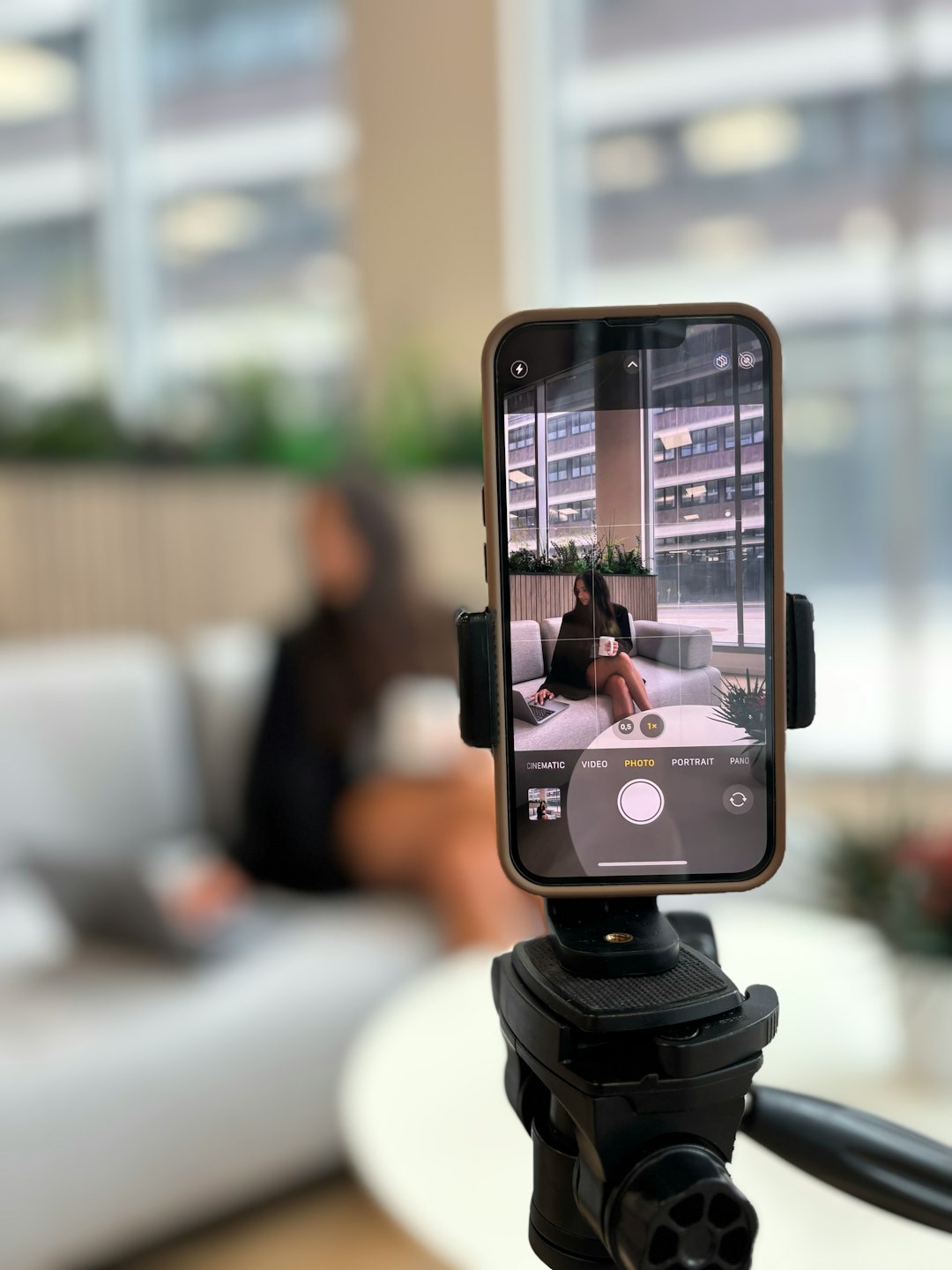
The effectiveness of your montage hinges on the quality and relevance of your clips. Keep these points in mind:
- Collect more footage than you need: It’s better to have options during the editing process.
- Look for visual diversity: Showcase movement, emotion, and a variety of angles to maintain interest.
- Match footage to emotion: Every frame should serve a purpose within the narrative arc of your montage.
If you’re limited on original content, consider using licensed stock footage or creative commons video sources. But ensure that every piece aligns with your brand’s voice and visual identity.
Music and Sound: Setting the Tone
Music is perhaps the most underrated element in video montages. It dictates pace, mood, and message. The right soundtrack can elevate even mediocre visuals into emotionally resonant experiences.
When selecting audio, keep the following in mind:
- Honor copyright laws: Use royalty-free music or secure proper licenses for commercial use.
- Match rhythm to visuals: A fast beat works well for action montages; a slow tempo may suit reflective content.
- Use sound design elements: Subtle swooshes, pops, and effects reinforce transitions and draw attention.
Applications like Artlist, Epidemic Sound, and Adobe Audition can help creators find and incorporate seamless audio tracks in their projects.
Editing for Impact
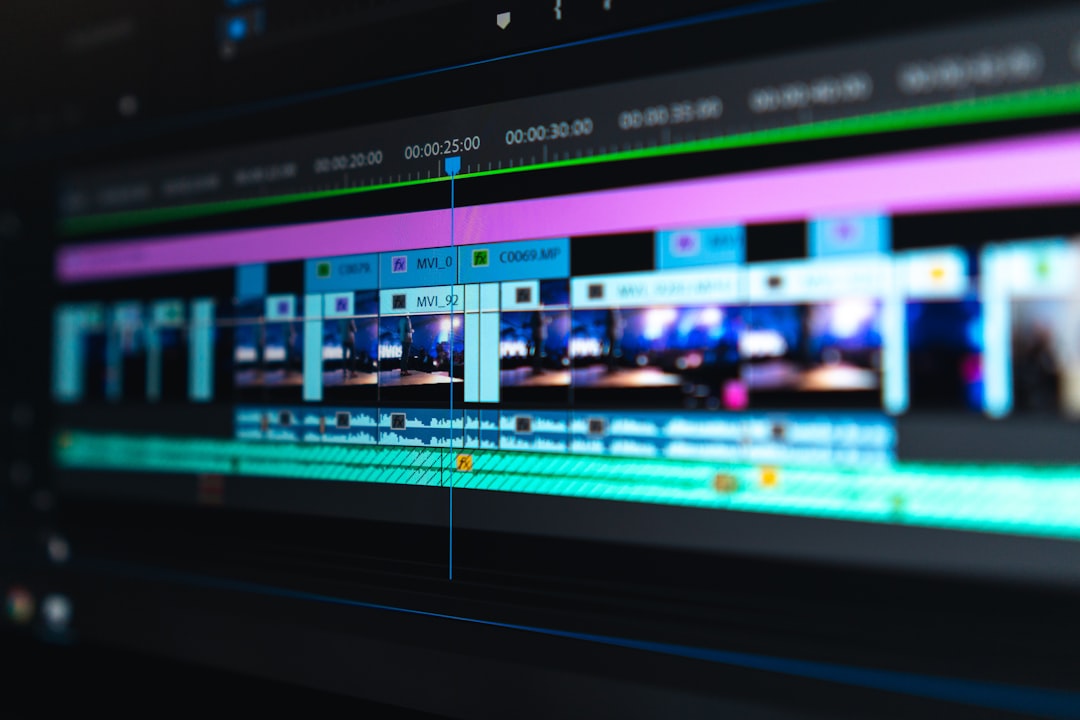
Editing is where your montage takes its final shape. Harmonize visuals and sound to deliver an unforgettable viewer experience. Advanced editing techniques can strengthen audience engagement significantly.
Here are some best practices:
- Keep it short: Aim for under 60 seconds unless the platform supports longer-form content (e.g., YouTube).
- Use jump cuts and fast transitions: Attention spans are short; quick cuts can cater to fast-scrolling viewers.
- Incorporate text overlays: Many users watch videos without sound; captions and titles help communicate message.
- Use branding elements sparingly: Include logos and colors but avoid overwhelming the story with marketing.
Platform-Specific Optimization
Different social media platforms have different strengths. It’s critical to optimize your montage for the destination platform. Aspect ratios, video length, and content format vary across networks.
- Instagram: Use 1:1 or 4:5 aspect ratio for in-feed posts. Consider 9:16 for Stories and Reels.
- TikTok: Vertical videos (9:16) with strong hooks in the first 2-3 seconds perform best.
- Facebook: Perform well with shorter, square videos. Captions increase engagement significantly.
- YouTube: Longer-form content is permissible. Use thumbnails and intros to hook viewers early.
Test each platform’s best practices and track performance metrics to continually refine your montage strategy.
Effective Use of Transitions and Visual Effects
Transitions add flow and style, but overusing them can feel amateurish. Choose transitions that support your montage’s tone:
- Cutting on action: Switching clips as the subject moves helps retain fluidity.
- Cross dissolves: Great for storytelling or romantic themes.
- Whip pans or wipes: These can emphasize energy when timed well with the beat.
Visual effects should enhance, not distract. Light leaks, LUTs (color grading templates), and overlays can lend cinematic quality when applied judiciously.
Measuring Success and Iterating
Once your montage goes live, the work isn’t over. Analytics provide invaluable insights into how your audience responds to your content.
- Analyze engagement: Look at likes, shares, click-throughs, and viewer retention.
- A/B test versions: Try variations in music, pacing, or narration to discover what resonates more.
- Collect qualitative feedback: Read comments or conduct follower polls for direct opinions.
Iterating on these learnings will help you produce increasingly effective video content over time.
Tools to Help You Build Professional Video Montages
Professional-looking montages are well within the reach of all creators thanks to user-friendly tools. Some noteworthy options include:
- Adobe Premiere Pro: Industry-standard editing platform with robust capabilities.
- Final Cut Pro: Apple’s intuitive editor for advanced post-production.
- CapCut: Easily accessible, mobile-first editing software widely used on TikTok.
- InShot and Canva: Great for quick edits with templates, especially for beginners.
These platforms also offer features to add subtitles, music, transitions, and export presets for each social media platform.
Final Thoughts
Video montages aren’t just a passing trend—they’re a storytelling format that bridges creativity and strategy. By combining purposeful planning, effective editing, informed platform optimization, and smart iteration, you can create content that captivates and converts. Whether you’re a marketer, influencer, or entrepreneur, mastering the art of video montage creation is a skill that will elevate your brand in any social media arena.