
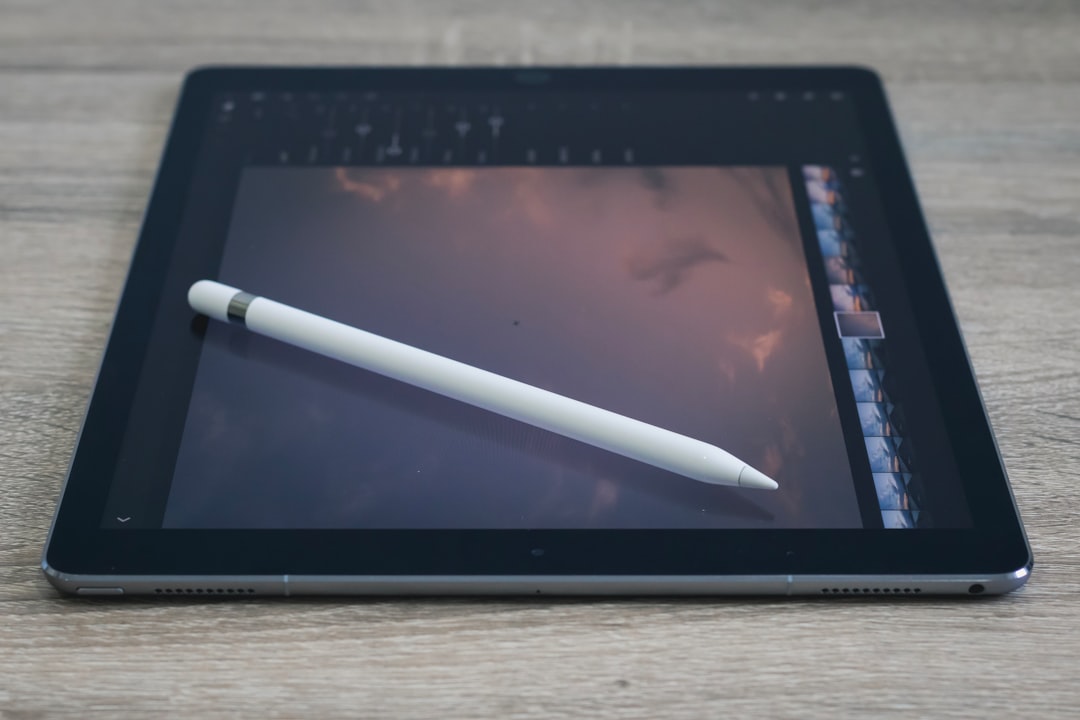
Apple Pencil is an essential tool for creatives, professionals, and students who use iPads for drawing, notetaking, or design work. Yet, as with any wireless device, charging becomes a key consideration. Understanding how long it takes to charge an Apple Pencil—and how long its battery lasts—can significantly improve your workflow and user experience. Here’s what you need to know.
Table of Contents
TLDR (Too Long, Didn’t Read)
The Apple Pencil (1st generation) charges extremely fast: a 15-second charge gives about 30 minutes of use, and a full charge takes around 15 to 30 minutes. The Apple Pencil (2nd generation) magnetically attaches to the iPad for a more seamless charging experience, fully charging in about 20 to 30 minutes. Battery life for both models averages 12 hours. Efficient quick-charging features mean minimal downtime between uses, making it a convenient tool for frequent users.
Apple Pencil Generations and Charging Mechanisms
There are two versions of the Apple Pencil currently in use:
- Apple Pencil (1st generation) – Compatible with older iPad models, charges via the Lightning connector.
- Apple Pencil (2nd generation) – Compatible only with certain iPad Pro and iPad Air models, charges wirelessly through magnetic attachment.
Let’s explore how charging works for each and how long each pencil takes to reach full power.
1st Generation Apple Pencil – Lightning Charging
The 1st generation Apple Pencil plugs directly into the Lightning port of the iPad or charges via a special charging adapter included in the box. The method might seem outdated in comparison to newer conveniences, but the charge time remains very efficient.
Typical charging time:
- 15 seconds of charging = 30 minutes of use
- Full charge takes approximately 15 to 30 minutes
The Apple Pencil’s lithium-ion battery is designed for maximum efficiency. The fast initial charge is perfect for users in the middle of a task who need just a bit more juice immediately. A full charge extends use to approximately 12 hours.
Charging Tips:
- Use the included Lightning adapter for less strain on your iPad’s port.
- Avoid charging overnight frequently, as lithium-ion batteries degrade over time.
- Use battery widgets on iPadOS to monitor Pencil charge status in real time.
2nd Generation Apple Pencil – Magnetic Wireless Charging
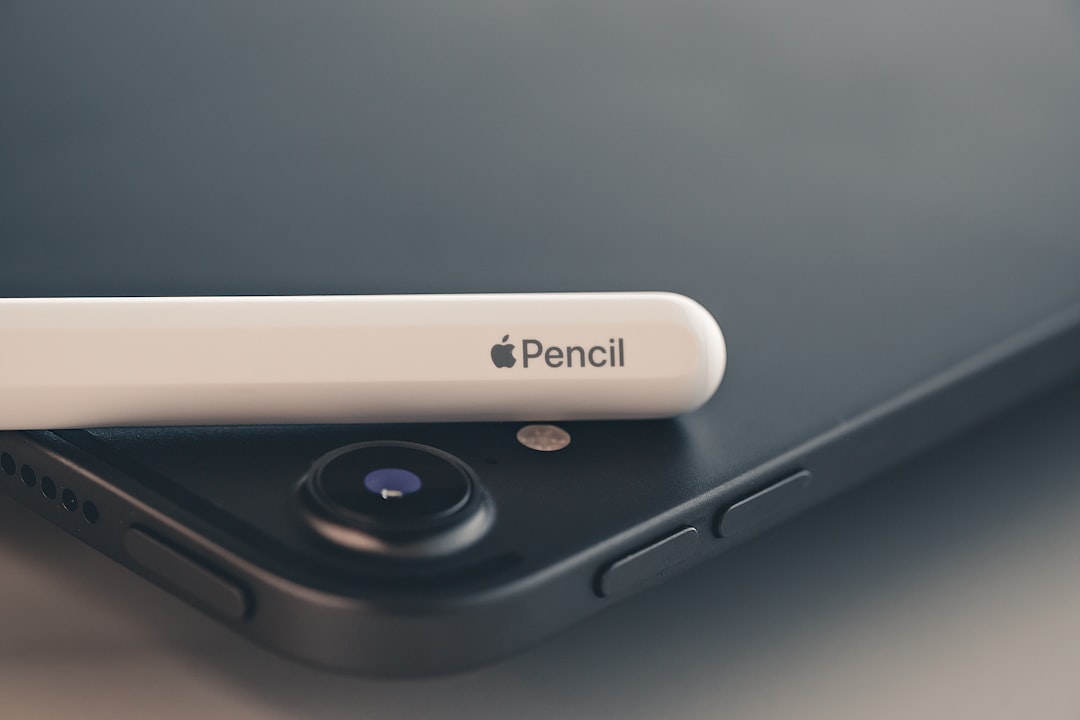
The 2nd generation Apple Pencil introduced a vastly improved and more elegant charging method. It snaps magnetically to the right edge of the iPad (when in landscape orientation) and begins charging wirelessly. The design eliminates the need for cables or adapters and ensures that you always know where your Pencil is.
Typical charging time:
- Full charge typically takes about 20 to 30 minutes
- The Pencil charges passively when connected, so it is usually topped off naturally
This model charges continuously when magnetically attached, so it’s rare for users to deal with a dead battery. If you’re conscientious about storing your Apple Pencil correctly, you’ll probably never need a full charge cycle.
Charging Tips:
- Always keep the Pencil attached when not in use—this ensures it’s always charged.
- Check battery levels via the “Batteries” widget on your iPad.
- If your Apple Pencil isn’t charging, try cleaning the magnetic connector and the iPad edge.
Battery Life and Real-World Use
While charge times are fast, battery life is equally important. Regardless of the generation, an Apple Pencil offers around 12 hours of continuous use. This means that most users won’t need to charge every day, especially those only using it for occasional annotating or sketching.
Here’s a comparison table for clarity:
| Feature | 1st Generation | 2nd Generation |
|---|---|---|
| Charging Method | Lightning connector or adapter | Magnetic wireless charging |
| Fast Charging Option | 15 sec = 30 mins | N/A (charges while attached) |
| Full Charge Time | ~15–30 minutes | ~20–30 minutes |
| Battery Life | ~12 hours | ~12 hours |
How to Extend Battery Life
Protecting the longevity of your Apple Pencil’s battery involves using best practices to prevent premature wear. Here are a few credible techniques:
- Don’t let the charge drop to zero regularly. Keeping the Pencil between 20%–80% can help preserve battery health.
- Avoid extreme temperatures. Heat and cold can degrade battery performance.
- Update your iPadOS regularly to ensure better battery management algorithms are in use.
- Store properly. Even though the 2nd gen charges while docked, prolonged disuse can still discharge an idle Pencil faster than expected.
What to Do If Your Apple Pencil Won’t Charge
If you encounter issues charging your Apple Pencil, here are steps to take for troubleshooting:
- Restart your iPad – Reinitializing connections can resolve charging issues.
- Check the connector or magnetic latch – Look for dust, lint, or poor alignment.
- Update your device – Ensure you’re running the latest version of iPadOS.
- Unpair and re-pair the Pencil via Bluetooth settings.
If none of these work, the battery might be degraded beyond functionality, especially in older devices or those stored without charging for extended periods.
Charging Speed Compared to Other Styluses
Apple Pencil’s charging speed stands out compared to many third-party styluses and even rivals like the Microsoft Surface Pen. Many styluses either rely on replaceable batteries or micro-USB charging, both of which tend to be slower or less elegant.
Key advantages of Apple Pencil charging:
- Fast charging speed offers minimal downtime.
- Magnetic storage and charging reduce the likelihood of forgetting to charge.
- iPad integration ensures accurate battery monitoring and seamless user experience.
Final Thoughts
The Apple Pencil’s charging times are as efficient as its performance. Whether you use the 1st generation model or the more modern 2nd generation version, Apple has clearly designed its styluses for quick turnaround and reliable uptime. With a full charge taking less than half an hour and smart features like magnetic charging and fast top-ups, the Apple Pencil rarely gets in the way of creativity or productivity.
Understanding the nuances of your Apple Pencil’s charging method can extend its lifespan and ensure you always have your tool ready when inspiration strikes.