
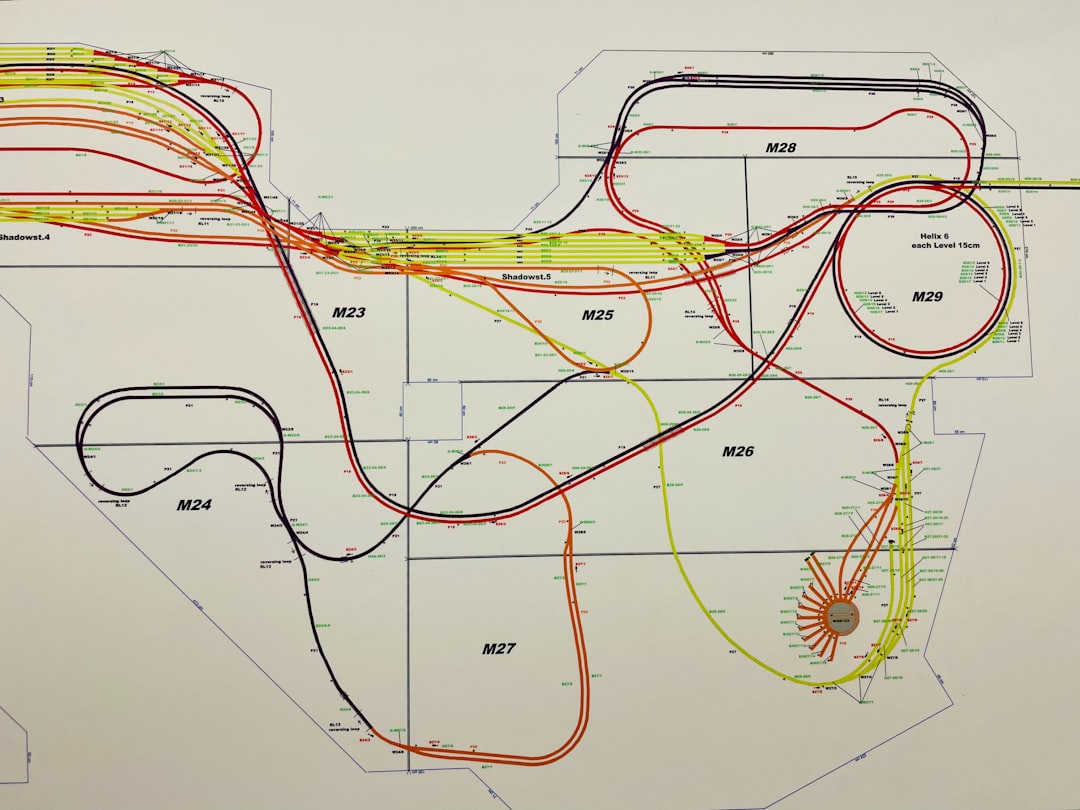
Modern software systems are complex, distributed, and constantly evolving. From microservices and cloud-native deployments to legacy integrations and third-party APIs, today’s architectures demand clarity more than ever before. Without effective visualization, even the most well-designed system can become difficult to understand, maintain, and scale. That’s where software architecture visualization tools step in—transforming abstract concepts into clear, structured, and communicable diagrams.
TLDR: Software architecture visualization tools help teams turn complex systems into clear, structured diagrams that improve communication and documentation. From collaborative platforms like Lucidchart and Miro to developer-centric tools like Structurizr and C4-PlantUML, these solutions simplify system understanding. The right choice depends on your workflow, technical depth, and integration needs. Investing in the proper visualization tool pays off in better planning, faster onboarding, and stronger collaboration.
Below, we explore six powerful tools that simplify system documentation and improve architectural clarity—along with a comparison chart to help you choose the best fit for your team.
Table of Contents
Why Architecture Visualization Matters
Before diving into the tools, it’s important to understand why visualization is so critical.
- Improves communication between developers, stakeholders, and non-technical teams.
- Accelerates onboarding for new engineers.
- Reduces misunderstandings about system dependencies.
- Supports scalability planning and technical decision-making.
- Keeps documentation aligned with real-world architecture.
A visualization tool bridges the gap between technical depth and human comprehension.

1. Lucidchart
Best for collaborative cloud-based diagramming
Lucidchart is one of the most popular cloud-based diagramming tools available today. It offers an intuitive drag-and-drop interface that enables teams to design architecture diagrams without a steep learning curve.
Key Features:
- Extensive template library for UML, AWS, Azure, and GCP
- Real-time collaboration
- Integration with Google Workspace, Atlassian, and Microsoft
- Data linking and diagram automation
Lucidchart excels in cross-functional collaboration. Product managers, architects, and developers can all contribute, making it ideal for organizations that require constant stakeholder alignment.
Pros:
- Easy to use
- Strong integration ecosystem
- Cloud-based accessibility
Cons:
- Advanced features require paid plans
- Less developer-focused compared to code-based tools
2. Structurizr
Best for C4 model enthusiasts and code-driven documentation
Structurizr was built around the C4 model, which organizes architecture diagrams into four hierarchical levels: Context, Container, Component, and Code. Unlike drag-and-drop tools, Structurizr enables architects to define diagrams using code.
Key Features:
- Text-based architecture definitions
- Automatic diagram generation
- C4 model support
- Cloud and on-prem deployment options
This “diagrams as code” approach ensures version control integration, allowing architecture documentation to evolve alongside your application.
Pros:
- Strong developer alignment
- Version-control friendly
- Encourages architectural discipline
Cons:
- Less intuitive for non-technical users
- Smaller template ecosystem
3. Microsoft Visio
Best for enterprise environments
Microsoft Visio remains a staple in corporate IT departments. With deep integration into the Microsoft ecosystem, it serves as a reliable choice for organizations already embedded in Windows and Office workflows.
Key Features:
- Extensive enterprise-grade templates
- Integration with Microsoft 365
- Data-driven diagram capabilities
- Advanced formatting options
Visio is especially effective for formal documentation, compliance reporting, and structured enterprise architecture.
Pros:
- Industry-established reputation
- Powerful feature set
- Strong enterprise support
Cons:
- Steeper learning curve
- Less agile compared to cloud-native tools

4. Draw.io (diagrams.net)
Best free and open-source solution
Draw.io, now branded as diagrams.net, is a flexible, open-source diagramming tool that works both online and offline. It integrates with Google Drive, GitHub, Confluence, and more.
Key Features:
- Completely free
- Broad shape libraries
- Cloud storage integration
- No vendor lock-in
For startups and budget-conscious teams, Draw.io delivers robust functionality without financial commitment.
Pros:
- Cost-effective
- Highly accessible
- Strong community adoption
Cons:
- Limited advanced automation
- User interface is less polished
5. C4-PlantUML
Best for lightweight developer documentation
C4-PlantUML combines the power of PlantUML with the structure of the C4 model. Like Structurizr, it embraces a text-first approach.
Key Features:
- Plain-text diagram definitions
- Git-friendly workflow
- C4 model consistency
- Seamless integration in documentation pipelines
Teams that prioritize automation and CI/CD documentation workflows often gravitate toward C4-PlantUML.
Pros:
- Lightweight and efficient
- Version control compatible
- Automation-ready
Cons:
- Requires syntax familiarity
- Minimal drag-and-drop support
6. Miro
Best for brainstorming and high-level architecture workshops
Miro is more than a diagramming tool—it’s a collaborative whiteboarding platform. While not strictly architecture-specific, it excels during early system design and planning phases.
Key Features:
- Infinite canvas collaboration
- Real-time commenting and brainstorming
- Template ecosystem
- Integration with DevOps and project tools
Miro shines during architecture discovery sessions, sprint planning, and distributed workshops.
Pros:
- Intuitive collaboration
- Great for distributed teams
- Ideal for ideation
Cons:
- Less structured for formal documentation
- Not optimized for code-driven workflows

Comparison Chart
| Tool | Best For | Collaboration | Code-Based | Pricing | Learning Curve |
|---|---|---|---|---|---|
| Lucidchart | Cloud collaboration | Strong | No | Freemium | Low |
| Structurizr | C4 model documentation | Moderate | Yes | Paid | Moderate |
| Microsoft Visio | Enterprise environments | Moderate | No | Paid | High |
| Draw.io | Free diagramming | Moderate | No | Free | Low |
| C4-PlantUML | Developer automation | Limited | Yes | Free | Moderate |
| Miro | Workshops and ideation | Very Strong | No | Freemium | Low |
How to Choose the Right Tool
When selecting a visualization tool, consider:
- Audience: Are diagrams for developers, executives, or both?
- Workflow: Do you need CI integration or interactive collaboration?
- Budget: Is a free tool sufficient?
- Documentation Depth: High-level overviews vs detailed component diagrams?
- Long-Term Maintainability: Can diagrams evolve with the codebase?
Often, teams combine tools—for example, using Miro for brainstorming and Structurizr for formal documentation.
Final Thoughts
Software architecture visualization is more than a documentation task—it’s a strategic investment in clarity and scalability. As systems grow more distributed and interconnected, visual tools become essential for preventing silos and misalignment.
Whether you prefer drag-and-drop simplicity, code-based precision, or collaborative whiteboarding, there’s a tool tailored to your workflow. The key is choosing one that integrates naturally into your processes rather than becoming an afterthought.
Clear architecture diagrams don’t just make systems easier to understand—they make teams more effective, decisions more confident, and software more resilient.