
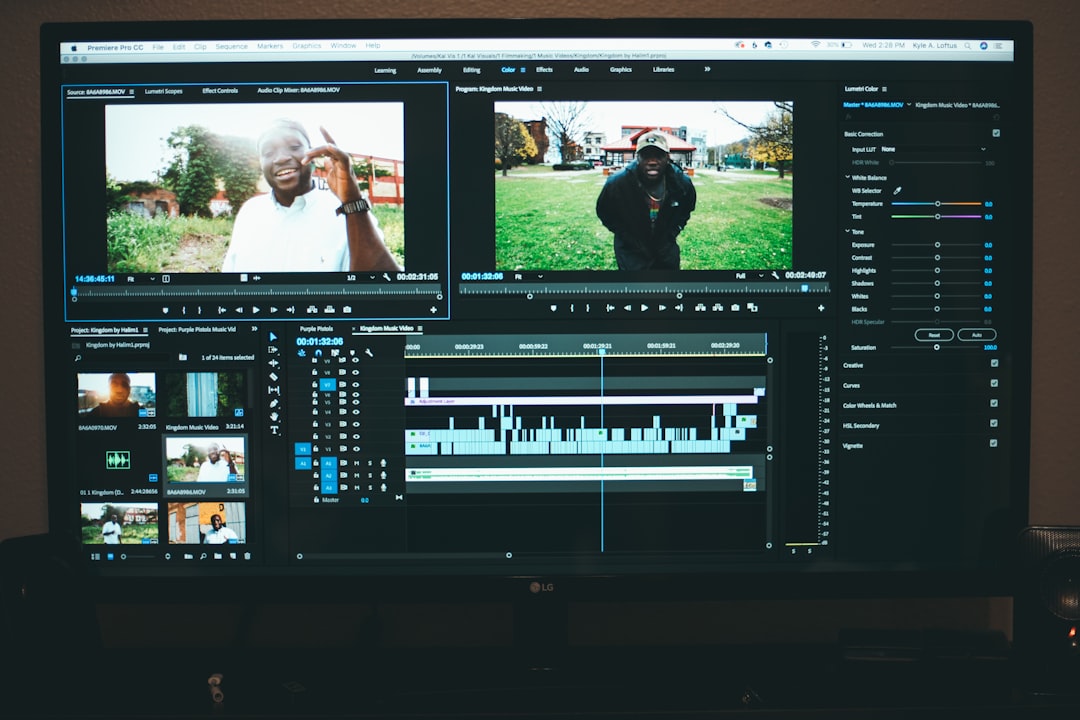
Video editing has rapidly evolved from a complex desktop-only activity into a streamlined, AI-powered process accessible on nearly any device. Modern video editing apps now promise 92% precision in tasks such as automatic cutting, object tracking, caption syncing, and color correction—transforming how creators produce polished content in record time. From solo creators and marketers to professional filmmakers, these tools are redefining what efficiency and accuracy look like in visual storytelling.
TL;DR: Today’s video editing apps leverage artificial intelligence to deliver up to 92% precision in tasks like scene detection, audio syncing, caption generation, and smart trimming. These tools dramatically reduce editing time while maintaining high production quality. With advanced automation, intuitive interfaces, and cross-platform compatibility, both beginners and professionals can create engaging content faster than ever. Choosing the right tool depends on workflow needs, budget, and creative control requirements.
The concept of “92% precision” refers to the measurable accuracy of automated features within editing software. Whether detecting scene transitions, isolating background noise, or applying motion tracking, these AI-powered capabilities significantly minimize manual corrections. While no software achieves perfection, emerging machine learning algorithms consistently perform at levels that rival human editors in repetitive technical tasks.
Table of Contents
The Technology Behind 92% Precision
Modern editing applications utilize machine learning models, computer vision, and audio recognition algorithms to interpret video footage. These technologies analyze thousands of data points per second to detect movement, lighting variations, facial expressions, and dialogue synchronization.
- Scene Detection: Automatically splits clips at natural transition points.
- Object Tracking: Follows subjects precisely across frames.
- Auto Reframing: Adjusts aspect ratios without losing focal elements.
- Speech-to-Text: Generates captions with high linguistic accuracy.
- Color Matching: Balances tones consistently across multiple clips.
These features significantly reduce editing time. What once took hours of meticulous trimming and alignment now takes minutes, allowing creators to focus on storytelling rather than technical maintenance.
Key Benefits for Content Creators
Creators across platforms such as YouTube, TikTok, Instagram, and corporate environments rely on speed and consistency. Video editing apps with high-precision automation offer several advantages:
- Time Efficiency: Automated cuts and corrections reduce repetitive tasks.
- Improved Consistency: AI applies uniform grading and transitions.
- Accessibility: Beginners can achieve professional-level results.
- Scalability: Teams can edit high volumes of content simultaneously.
- Cost Reduction: Fewer hours spent editing translates to lower production costs.
The 92% precision benchmark reflects the reliability of smart suggestions and corrections. Editors still maintain final approval, but the groundwork is largely automated with remarkable accuracy.
Top Video Editing Apps Delivering High Precision
Several leading applications stand out for their intelligent automation and performance reliability. Below are some industry-recognized tools known for enhanced precision through AI integration:
1. Adobe Premiere Pro
Leveraging Adobe Sensei AI, Premiere Pro offers precise scene editing detection, auto reframing, and advanced color tools. Its transcription-based editing allows users to edit video by modifying text.
2. Final Cut Pro
Apple’s optimization ensures fast rendering and highly accurate object tracking. Magnetic timeline features reduce alignment errors and streamline complex edits.
3. DaVinci Resolve
Known for industry-leading color grading precision, DaVinci Resolve combines neural engine processing with advanced motion effects and facial recognition tools.
4. CapCut
A mobile-friendly platform that integrates AI captioning, background removal, and smart templates for social media creators.
5. Filmora
Designed for ease of use, Filmora includes AI-driven smart cutout, audio denoising, and motion tracking features accessible to beginners.
Comparison Chart of High-Precision Video Editing Apps
| App | AI Features | Best For | Platform | Precision Strength |
|---|---|---|---|---|
| Adobe Premiere Pro | Auto reframing, scene detection, transcription editing | Professionals & studios | Windows, Mac | Advanced automation with high customization |
| Final Cut Pro | Object tracking, magnetic timeline | Mac-based creators | Mac | Optimized rendering and tracking accuracy |
| DaVinci Resolve | Neural engine color grading, facial recognition | Color specialists | Windows, Mac, Linux | Exceptional color precision |
| CapCut | Auto captions, background removal | Social media creators | Mobile, Desktop | Fast AI template precision |
| Filmora | Smart cutout, AI audio cleanup | Beginners & freelancers | Windows, Mac | User-friendly smart editing tools |
How 92% Precision Transforms Marketing and Branding
Marketing teams benefit extensively from accurate automated editing. When video ads need rapid testing across multiple variations, AI precision ensures:
- Accurate caption synchronization for accessibility compliance
- Template consistency across brand campaigns
- Quick resizing for multi-platform deployment
- Minimal production delays
The ability to trust automated suggestions reduces revision cycles. Instead of re-editing entire segments, marketers adjust minor refinements, accelerating campaign deployment timelines.
Accuracy vs. Creativity: Finding Balance
While 92% precision demonstrates impressive automation, creative storytelling remains human-driven. AI assists with structural and technical optimizations, but emotional pacing, narrative arcs, and stylistic decisions still rely on the editor’s expertise.
The most successful creators use intelligent tools as collaborative assistants rather than replacements. For example:
- AI suggests optimal cuts based on silence detection.
- The editor refines timing for comedic or dramatic effect.
- Color matching ensures uniformity.
- The creator adjusts tones to evoke specific moods.
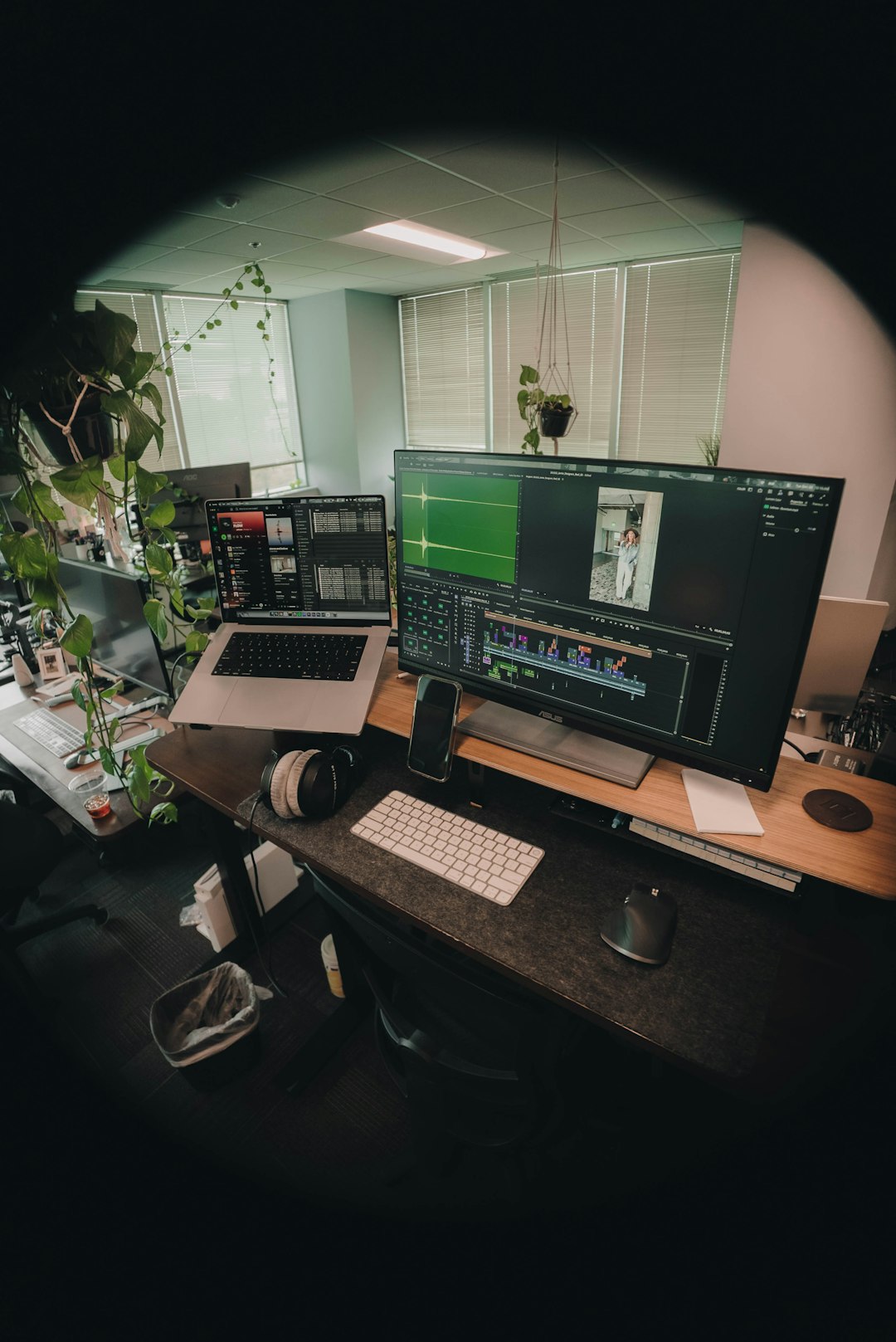
Factors to Consider When Choosing an App
Selecting the right video editing application depends on several practical considerations:
- Device Compatibility: Desktop-grade precision tools often require stronger hardware.
- Learning Curve: Professional software may offer deeper control but require training.
- Budget: Subscription-based platforms vary in pricing structures.
- Cloud Integration: Collaborative teams benefit from real-time cloud workflows.
- Export Quality: High-resolution output and compression accuracy matter for distribution.
Those who prioritize automation should focus on apps with integrated neural processing and real-time preview adjustments.
The Future of High-Precision Video Editing
The evolution of AI suggests that precision rates will continue improving beyond 92%. Predictive editing, emotional tone detection, and automated storyboard generation are already under development in some beta platforms. Real-time collaboration enhanced by machine learning will likely define the next phase of content production.
As computational power increases, rendering latency will decrease, allowing complex color corrections and motion analysis to occur instantly. For creators, this means faster ideation-to-publication cycles without compromising quality.
Frequently Asked Questions (FAQ)
1. What does 92% precision mean in video editing apps?
It refers to the approximate accuracy rate of AI-powered features such as auto-cutting, caption generation, object tracking, and color correction. While not flawless, these systems require minimal manual adjustments.
2. Are AI-powered editing apps suitable for professionals?
Yes. Many professional editors use AI tools to streamline repetitive processes while maintaining full creative control over final outputs.
3. Do high-precision editing apps require powerful hardware?
Advanced desktop software often benefits from strong GPUs and processors. However, many cloud-based and mobile apps perform efficiently without high-end hardware.
4. Can beginners rely entirely on automated editing?
Beginners can achieve impressive results using automated features, though understanding basic editing principles enhances overall content quality.
5. Is 92% precision enough for commercial projects?
Yes. Most commercial workflows combine automation with final human review, ensuring professional standards are maintained.
6. Will AI replace human video editors?
AI is more likely to augment editors rather than replace them. Creative storytelling, emotional nuance, and strategic messaging remain uniquely human strengths.
Video editing apps that deliver 92% precision represent a significant advancement in content creation technology. By combining automation with user oversight, they enable faster production, greater consistency, and scalable workflows for creators across all industries. As innovation continues, intelligent editing will not just enhance productivity—it will fundamentally reshape the future of visual storytelling.