

The Apple Pencil is one of Apple’s most innovative accessories, offering precise input capabilities for drawing, note-taking, and more. While it’s commonly paired with iPads to elevate user experience, many iPhone users wonder: can the Apple Pencil be used on an iPhone? This article explores that question in depth, along with the technological rationale, Apple’s strategy, and potential alternatives.
Table of Contents
TLDR: Can You Use an Apple Pencil on an iPhone?
No, you currently cannot use the Apple Pencil with any iPhone model. The Apple Pencil is designed specifically for iPads that contain the necessary hardware components to support it. However, there are third-party styluses that work with iPhones, and rumors persist that Apple may one day introduce Apple Pencil support for iPhones. For now, iPhone users looking for stylus functionality need to look outside the Apple Pencil ecosystem.
Why Doesn’t the Apple Pencil Work with iPhones?
The inability to use an Apple Pencil with an iPhone is not due to a simple software lock or compatibility issue—it’s a matter of hardware and design. The Apple Pencil (both 1st and 2nd generation) communicates with iPads using a combination of sensors, specialized display components, and Bluetooth technology. iPhones currently lack the required display layer to detect the Pencil’s ultra-precise input.
- Display Layer Technology: iPads equipped for Apple Pencil use include a special touch-sensitive layer that allows for pressure and tilt sensitivity. iPhones do not have this layer.
- Intended Use: Apple positions the iPhone primarily as a communication and multimedia device, whereas iPads are marketed towards creativity and productivity, making the Pencil a natural extension of the iPad’s function.
- Product Differentiation: From a strategic standpoint, limiting Apple Pencil functionality to iPads helps Apple differentiate between product lines and compelling use cases.
Evolution of the Apple Pencil
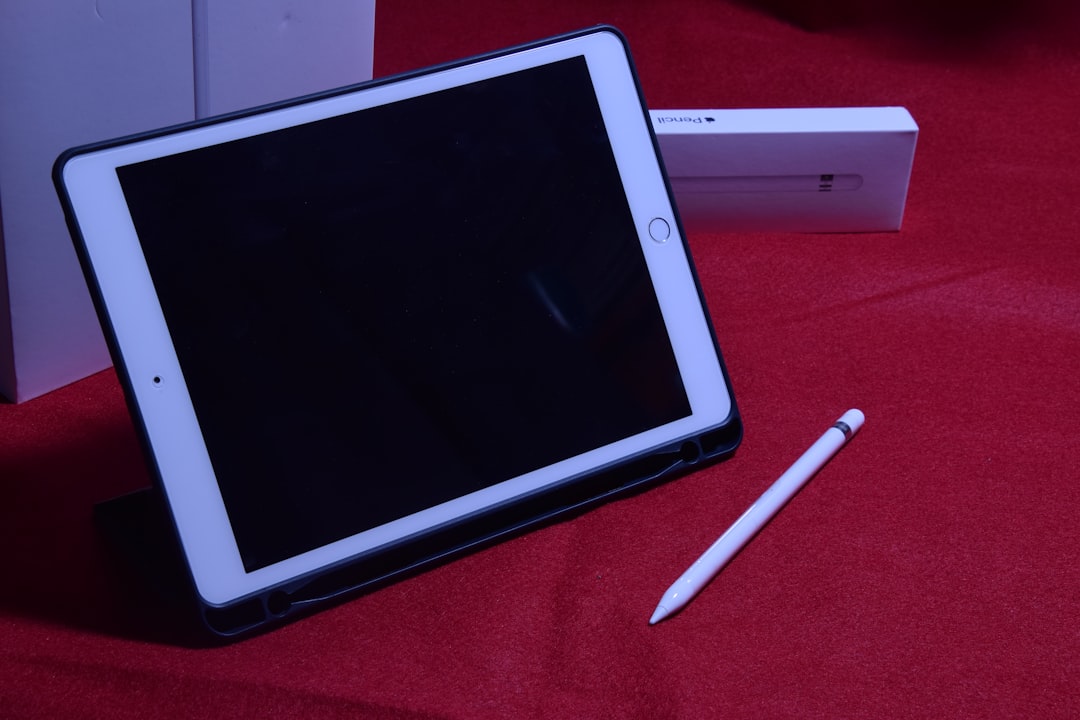
When Apple first introduced the Apple Pencil in 2015, it was designed exclusively for the iPad Pro. Since then, it has evolved through two main generations:
- Apple Pencil (1st Gen): Released in 2015. Compatible with several earlier models of iPads, including the 6th-9th generation iPads and initial iPad Pros.
- Apple Pencil (2nd Gen): Released in 2018. Features magnetic attachment and wireless charging, and is designed for newer iPads such as the iPad Pro (2018 and later) and iPad Air (4th Gen and later).
Both generations require specific hardware features found only in certain iPads. iPhones have never supported the necessary interface, screen technology, or shape requirements for either Apple Pencil generation to function properly.
Have There Been Any Rumors About iPhone Support?
Over the years, several patents and leaks have led to speculation that Apple may introduce Apple Pencil compatibility for iPhones. For example:
- In 2019, Apple was granted a patent for a phone-compatible stylus, sparking rumors of upcoming support.
- Industry experts and analysts speculated that larger iPhones, like the iPhone 11 Pro Max or iPhone 12 Pro Max, could benefit from stylus support.
- In 2022, there were rumors that Apple was working on a smaller, cheaper Pencil specifically for iPhones—but these never materialized into a released product.
Despite the speculation, no iPhone model to date has included Apple Pencil support. Apple has also been relatively quiet on the matter, suggesting that this may remain an iPad-only feature for the foreseeable future.
Apple’s Focus: Creatives and Professionals on iPads
Apple has focused its Pencil development and refinements toward the iPad because the goals of the product lie in creative and productivity tasks such as:
- Sketching and Drawing
- Note-taking for students and professionals
- Precision editing in apps like Adobe Photoshop and Final Cut Pro
These use cases align more clearly with tablets than smartphones. Adding Apple Pencil support to iPhones would blur the lines between the two product lines, potentially cannibalizing iPad sales.
Alternatives to Apple Pencil for iPhones
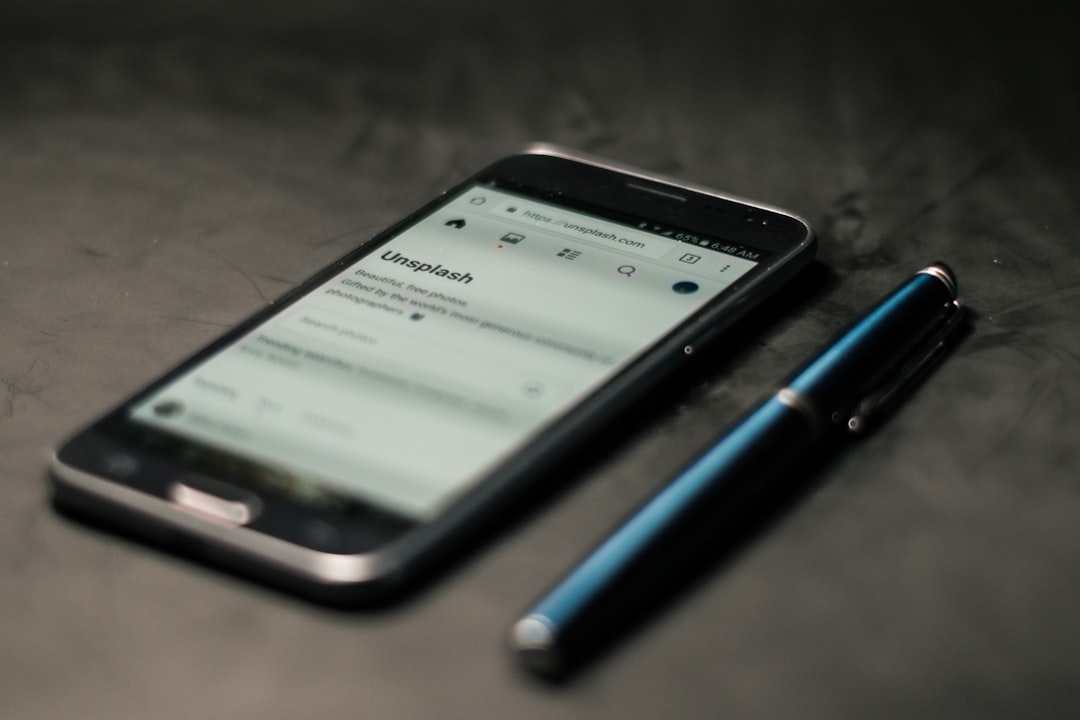
While you can’t use an Apple Pencil with an iPhone, there are third-party styluses designed specifically for iPhones. These fall into two main categories:
1. Capacitive Styluses
These mimic a human finger and can interact with any touchscreen. They are the most affordable and widely available type of stylus, although they tend to lack precision and pressure sensitivity.
- Benefits: Low-cost, no power required.
- Drawbacks: Limited accuracy and no advanced features.
2. Active Styluses
These styluses use electronic components to allow for features like palm rejection, increased precision, and sometimes even pressure sensitivity—though rarely on iPhones to the degree seen on iPads.
- Notable Brands: Adonit, Wacom, Logitech.
- Features: Greater precision, often rechargeable, sometimes app-specific.
If you simply want a stylus for light sketching, navigation, or note-taking on an iPhone, these tools might be more than sufficient.
When Might Apple Add Pencil Support to iPhones?
Even though Apple hasn’t officially announced plans to bring Pencil compatibility to iPhones, never say never. There are scenarios where this could change, for example:
- Larger Screen Sizes: As iPhones approach and exceed 6.7 inches, they may provide enough screen real estate to justify stylus interaction.
- Foldable iPhones: If Apple develops foldable iPhones with tablet-like functionality, stylus support may become a crucial feature.
- User Demand: If a significant portion of the customer base continues to demand such compatibility, Apple could change course.
Until then, Apple appears committed to keeping Apple Pencil use exclusive to the iPad family.
Conclusion
In summary, while the Apple Pencil is a fantastic tool for iPad users, it is not compatible with any iPhone model. The decision appears to be based on differences in hardware, use-case optimization, and product differentiation strategies. Though there are promising third-party alternatives, none can match the seamless integration of the Apple Pencil with the iPad. Users hoping for Apple Pencil support on the iPhone will need to wait—or invest in an iPad for that feature.
FAQ: Apple Pencil and iPhone Compatibility
-
Q: Can I use an Apple Pencil on my iPhone?
A: No, Apple Pencil is not compatible with any iPhone models to date. -
Q: Why doesn’t Apple make the Apple Pencil work with iPhones?
A: iPhones lack the specific display layer and hardware needed to fully support Apple Pencil features like pressure sensitivity and tilt detection. -
Q: Are there styluses that work with the iPhone?
A: Yes, third-party options like Adonit and Wacom offer styluses that work well with iPhones. -
Q: Will future iPhones support Apple Pencil?
A: While it’s possible, Apple has not made any official announcements. Support may come with major hardware changes or new iPhone models. -
Q: What iPads work with Apple Pencil?
A: Different iPads support different generations of Apple Pencil. Generally, the iPad Pro, iPad Air, and some standard iPads support either the 1st or 2nd generation Pencil.