
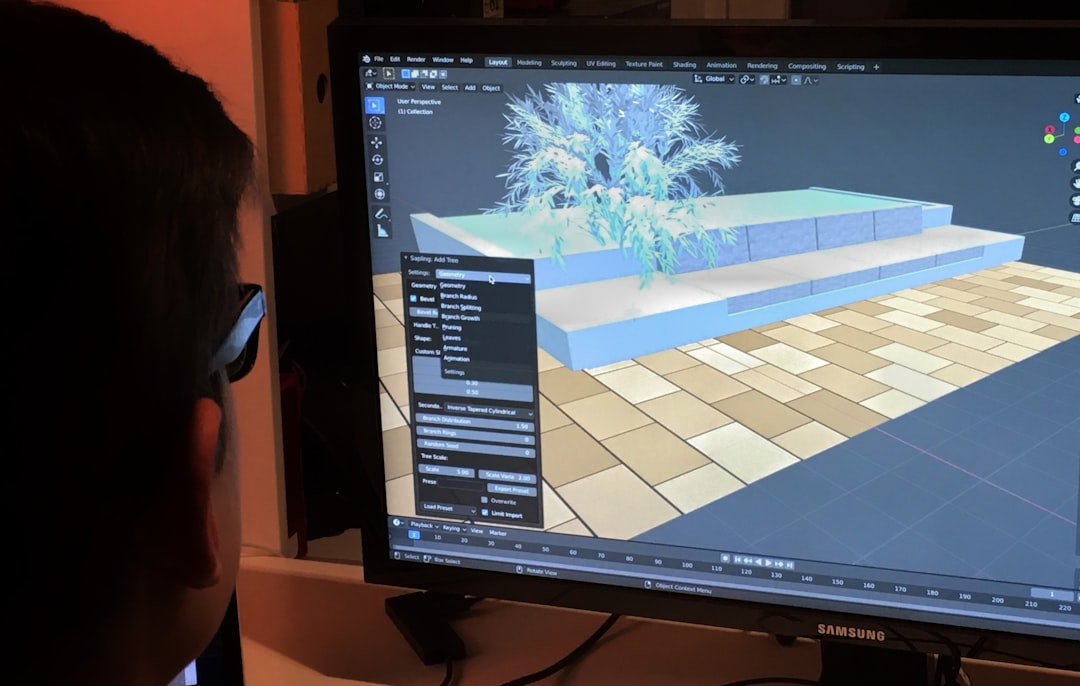
In the vibrant universe of computer graphics, few concepts are as crucial—and as frequently misunderstood—as rendering. It’s the magic behind everything from blockbuster movies and video games to architectural visualizations and virtual reality experiences. Whether it’s a photorealistic image or a stylistic cartoon, rendering is the process that brings it all together in a final viewable form.
Table of Contents
TL;DR
Rendering in computer graphics is the process of generating an image from a 2D or 3D model using computer software. It’s how digital scenes are transformed into final visuals, whether for movies, games, or apps. There are different rendering techniques—like real-time and ray tracing—and each serves specific purposes with varying levels of detail and speed. Ultimately, rendering is what turns concepts and data into visual experiences we can understand and enjoy.
What Is Rendering?
Rendering is the process of converting computer models—composed of geometry, textures, lighting, and shading rules—into a 2D image or series of images. Consider it the final step in the digital art pipeline that distills all elements into something we can see. This can be a static image in the case of product design or a moving image in the case of animations and interactive applications such as video games.
Rendering is used in a wide variety of fields, including:
- Movies and Animation – for producing high-resolution, cinematic visual effects
- Video Games – for generating visuals in real-time to respond to user inputs
- Architectural Visualization – turning 3D models of buildings into realistic images
- Product Design – showcasing digital prototypes before production
How Rendering Works
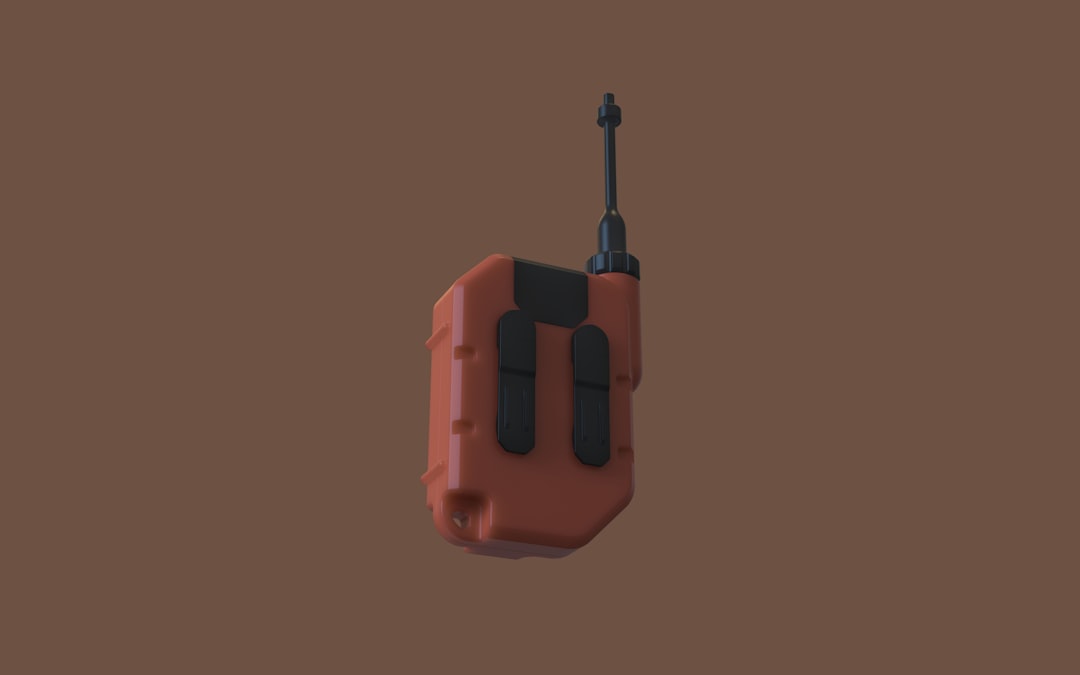
Rendering involves a multitude of elements working together. At its core, it calculates how light interacts with surfaces to produce a believable or stylized image. The process takes into consideration:
- Geometry: The 3D shapes that define the structure of objects.
- Lighting: The placement and intensity of light sources in a scene.
- Materials: How surfaces reflect or absorb light, like glass, metal, or fabric.
- Textures: 2D images or patterns applied to 3D models to give them detail.
- Cameras: The virtual viewpoint from which the render is generated.
When a render is executed, these components are all combined, and complex algorithms simulate how pixels and light work together. The output? A finalized image or frame that reflects everything described above.
Types of Rendering
There isn’t just one way to render. The method you choose can depend on your needs—whether it’s speed, quality, realism, or interactivity. Here are the main types of rendering used in computer graphics:
1. Real-Time Rendering
This is the heart of interactive applications like video games and virtual reality. Real-time rendering is fast—often running at 30 to 60 frames per second or more. It prioritizes speed over perfect realism, using optimizations and approximations to deliver quick visuals for responsive environments.
- Common APIs: DirectX, OpenGL, Vulkan
- Used in: Gaming, simulations, AR/VR applications
2. Offline Rendering
Used when time is less important than visual quality. Offline rendering can take anywhere from minutes to hours per frame, depending on complexity. It’s the go-to method for animated films, product visualization, and high-end visual effects.
- Rendering Engines: Pixar’s RenderMan, Arnold, V-Ray
- Used in: Movies, commercials, architectural design
3. Ray Tracing
Ray tracing simulates how rays of light hit objects, reflect, refract, and cast shadows. It’s highly prized for its realism. This method is computationally expensive but produces incredibly lifelike imagery, capturing nuances like caustics, soft shadows, and depth of field effects.
Recent advances—with the help of GPUs and AI—have enabled ray tracing to make its way into real-time applications, like high-end gaming consoles and PCs.
4. Rasterization
The most traditional rendering technique used largely in real-time graphics. Rasterization converts 3D models into pixels by projecting them onto a 2D screen, then calculating lighting and shading per pixel or per vertex. It’s ultra-fast, but doesn’t naturally support photorealistic interactions like reflections or global illumination.
Popular Rendering Engines
To carry out rendering tasks, artists and developers use specialized software known as rendering engines. These engines take all the 3D information and produce final images. Some notable examples include:
- Unreal Engine: Known for stunning real-time rendering used in both games and virtual production filmmaking
- Unity: Popular for real-time rendering in games, mobile, and interactive applications
- V-Ray: Favored by architects and designers for realistic high-quality offline renders
- Arnold: Employed in film and TV VFX work for its realistic ray tracing and efficient workflow
- Cycles: Blender’s built-in ray tracing engine, widely used in the open-source 3D community
What Affects Rendering Times?
Rendering can be a resource-intensive process. Several factors can influence how long it takes for an image or animation to finish rendering:
- Scene Complexity: More objects, textures, and effects mean more calculations.
- Lighting and Shadows: Realistic lighting models and soft shadows can significantly increase render times.
- Resolution: Higher resolutions generate more pixels and more data to process.
- Hardware: Powerful CPUs and GPUs can drastically reduce rendering times.
- Render Settings: Users can tweak settings (like reflection depth or sample rates) to balance quality versus speed.
Rendering in the Real World
Rendering has become ubiquitous across professions and hobbies. Here’s how different industries utilize it:
- Film: Studios use high-end render farms—sometimes with thousands of machines—to produce breathtaking imagery and complex simulations.
- Video Games: Developers use real-time rendering to create scenes that respond seamlessly to player inputs while maintaining high visual fidelity.
- Architecture: Architects present lifelike renders of buildings before construction even begins, aiding in design approval and marketing.
- Automotive: Car companies use high-resolution renders for virtual test drives and promotional content.
The Future of Rendering
Rendering continues to evolve rapidly. With advancements in machine learning and GPU technologies, rendering is becoming faster and smarter. AI-driven denoising algorithms, for example, can now predict high-quality frames using fewer samples, cutting render times dramatically.
Real-time ray tracing is increasingly common, thanks to GPUs from NVIDIA and AMD designed specifically for this purpose. Pairing these with cloud-rendering services also allows teams to render complex scenes without needing high-end local hardware.
Conclusion
Rendering is the final, critical link in the chain of computer graphics, converting lines of code and geometric data into visual stories and interactive worlds. Whether chasing photorealism or stylized charm, rendering transforms imagination into digital reality. As technology continues to advance, rendering is not just about visuals — it’s a fusion of art and science shaping how we experience and interact with the digital world.