
Pick the proxy type by the job, not by the hype. Mobile proxies are great for app testing and phone-only views. Residential proxies fit local web checks. Static ISP proxies are best when you need speed and a steady IP. Mobile use is huge too: GSMA reported 5.6 billion unique mobile subscribers in 2023 [source: GSMA].
TLDR: Mobile proxies use phone carrier IPs, so they look like real mobile users. Residential proxies use home internet IPs, so they are useful for local checks, price research, and search result testing. Static ISP proxies give you a stable IP that acts more “real” than a basic data center IP. For example, a QA team testing an app in 10 cities might use mobile proxies for login flows, then static ISP proxies for 500 fast page checks per hour.
Table of Contents
1. Mobile proxies are the “phone in the crowd” option
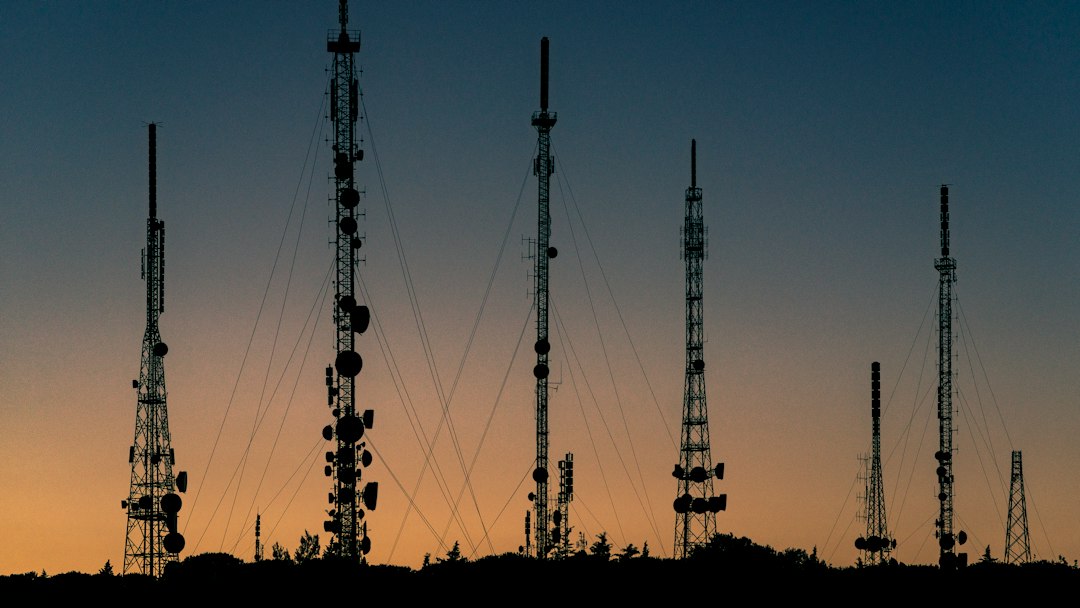
A mobile proxy routes your traffic through a mobile carrier network. Think 4G or 5G. The IP often belongs to a real carrier, like a phone plan would.
This makes mobile proxies useful when you need to see what phone users see. App testing is a classic case. So is checking mobile ads. So is testing signup flows that behave differently on mobile networks.
The catch is, mobile proxies can be slower. They can also rotate often. That means your IP may change in the middle of a session. Fun, right? Nothing says “good morning” like logging in again because the session got weird.
- Best for: mobile app tests, mobile ads, carrier-based checks.
- Not great for: bulk speed jobs.
- Main perk: very natural mobile traffic signals.
2. Residential proxies look like home internet
A residential proxy uses an IP linked to a real internet service provider and a real home connection. It may look like someone browsing from a house in Boston, Madrid, or Sydney.
This is useful for checking local content. Search results can change by city. Prices can change by region. Some pages show different stock, language, or delivery options based on location.
Residential proxies are popular because they feel normal to websites. But quality matters a lot. A cheap pool can be full of tired IPs. Those IPs may get blocked more often. Expect to waste time on random slow pages if the pool is bad.
- Best for: local SEO checks, price checks, market research.
- Not great for: tasks that need one fixed IP for days.
- Main perk: strong local signals.
3. Static ISP proxies are the steady middle child
A static ISP proxy usually comes from an ISP-issued IP, but it is hosted in a server setup. So it gives you a neat mix. It can look more trusted than a plain data center IP. It is also more stable than many rotating residential proxies.
This is the proxy type people often miss. That is a shame. It is boring in the best way. One IP. Good speed. Fewer surprises.
Use static ISP proxies when you need account stability. They also work well for dashboards, brand monitoring, and other jobs where a changing IP is annoying.
- Best for: account access, fast checks, longer sessions.
- Not great for: huge location spread.
- Main perk: stable identity with better trust signals.
4. Rotation matters more than people think
Proxy rotation means your IP changes. Sometimes it changes every request. Sometimes every few minutes. Sometimes only when you ask.
This sounds simple. It is not. Rotation can make or break your task.
If you are scraping public pages at scale, rotation can help spread requests. If you are testing a checkout flow, too much rotation can break the session. A cart may vanish. A login may fail. A payment page may get suspicious.
Here is the simple rule:
- Short tasks: rotating proxies can work well.
- Long sessions: sticky proxies are safer.
- Account work: static ISP proxies are often best.
It drives me crazy when tools hide rotation settings behind vague labels like “smart mode.” Smart for whom? Give me a timer. Give me a sticky session option. Let me choose.
5. Price is not just “cheap vs expensive”
Mobile proxies often cost more. Residential proxies can be priced by bandwidth. Static ISP proxies are often priced per IP. Each model can be good or painful.
Let’s say you need to load image-heavy pages. A bandwidth plan can disappear fast. If one page uses 8 MB and you load 10,000 pages, that is about 80 GB. Ouch. A cheaper plan may not feel cheap after that.
For simple monitoring, static ISP proxies may be cheaper over time. For many city checks, residential proxies may be better. For phone-only behavior, mobile is worth the higher price.

Quick match guide
- Choose mobile proxies when the site or app treats phone users differently.
- Choose residential proxies when location and home-user signals matter.
- Choose static ISP proxies when speed and a stable IP matter most.
- Choose rotating sessions for many quick public page checks.
- Choose sticky sessions for logins, carts, and longer flows.
A simple real-world example
Imagine a small ecommerce team. They want to test how their store appears in 20 cities. They also want to test the mobile app. Then they need to monitor their admin dashboard.
They could use residential proxies for the 20 city checks. They could use mobile proxies for the app. They could use static ISP proxies for the dashboard. Clean. Simple. Less hair-pulling.
One last tip: do not treat proxies like magic cloaks. Use them for valid testing, research, security checks, and access control. Respect site rules. Keep request rates sane. A good proxy setup should make work smoother, not sketchier.