

Modern software applications power everything from social media platforms and banking systems to smart home devices and enterprise resource planning tools. While users often interact with sleek interfaces and seamless workflows, beneath the surface lies a carefully structured collection of components working together. Understanding these components not only clarifies how software works but also helps developers design better systems and enables stakeholders to make informed technical decisions.
TLDR: Software applications are built from interconnected components that each serve a specific role, such as handling user interaction, processing logic, managing data, and enabling communication. These components can be classified into categories like frontend, backend, database, middleware, and infrastructure. Modern systems often use layered and modular architectures to improve scalability, maintainability, and performance. Knowing how these pieces fit together makes software development and evaluation far more effective.
Table of Contents
What Are Software Application Components?
A software component is a modular, reusable piece of a system that encapsulates specific functionality. Think of an application as a machine: each gear, bolt, and lever contributes to the overall operation. Similarly, each software component fulfills a defined responsibility and interacts with other components through well-defined interfaces.
Components are designed with three overarching goals in mind:
- Reusability – The ability to use the component in multiple systems.
- Maintainability – Ease of updating or improving the component.
- Scalability – Capacity to handle growth in users, data, or functionality.
To understand software systems comprehensively, it helps to classify components based on their responsibilities.
1. User Interface (UI) Components
The User Interface is what users see and interact with. It forms the visual and interactive layer of an application, often referred to as the frontend.
UI components include:
- Buttons, forms, and menus
- Layouts and navigation bars
- Dashboards and visualizations
- Interactive widgets and animations
Frontend components are typically built using technologies such as HTML, CSS, and JavaScript for web applications, or platform-specific frameworks for mobile and desktop applications.
The main responsibilities of UI components are:
- Collecting user input
- Displaying processed information
- Ensuring accessibility and usability
- Providing visual feedback
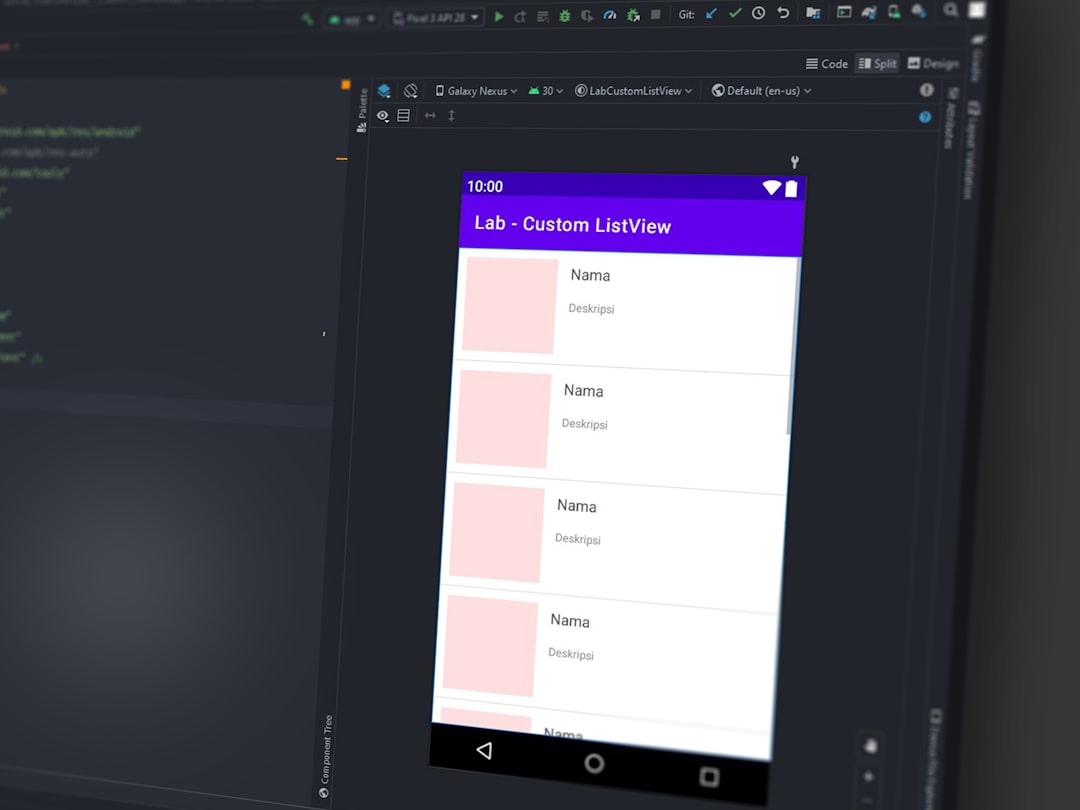
A well-designed interface improves user satisfaction, reduces errors, and enhances productivity. However, UI components do not operate independently—they rely heavily on backend systems to process data.
2. Business Logic Components
The business logic layer represents the “brain” of an application. It processes user input, makes decisions, performs calculations, and enforces rules that align with business requirements.
Examples include:
- Validating login credentials
- Calculating taxes or discounts
- Applying access control permissions
- Processing transactions
This layer ensures that data moves through the system according to defined workflows. For instance, in an e-commerce application, business logic determines whether a product is in stock, calculates shipping costs, and confirms payment before completing an order.
Separating business logic from the user interface enhances flexibility. Developers can modify business rules without redesigning the interface, and applications can support multiple interfaces (web, mobile, API) using the same logic.
3. Data Access Components
Applications constantly interact with data—retrieving it, storing it, modifying it, and analyzing it. Data access components manage communication between software and databases.
Their responsibilities include:
- Querying databases
- Handling data transactions
- Ensuring data integrity
- Managing connections and performance optimization
These components act as intermediaries, shielding the business logic layer from database-specific details. Instead of writing raw queries throughout the application, developers interact with a structured data layer that standardizes database communication.
This abstraction increases security and simplifies database migration or upgrades.
4. Database Components
At the core of most applications is the database, responsible for persistent data storage. Unlike temporary memory used during execution, databases ensure information remains available long-term.
Database components include:
- Database management systems (DBMS)
- Stored procedures
- Indexes and schemas
- Backup and recovery systems
Databases can be classified into several types:
- Relational databases – Structured tables with predefined schemas.
- NoSQL databases – Flexible data models such as document, key-value, or graph-based storage.
- In-memory databases – Optimized for high-speed processing.
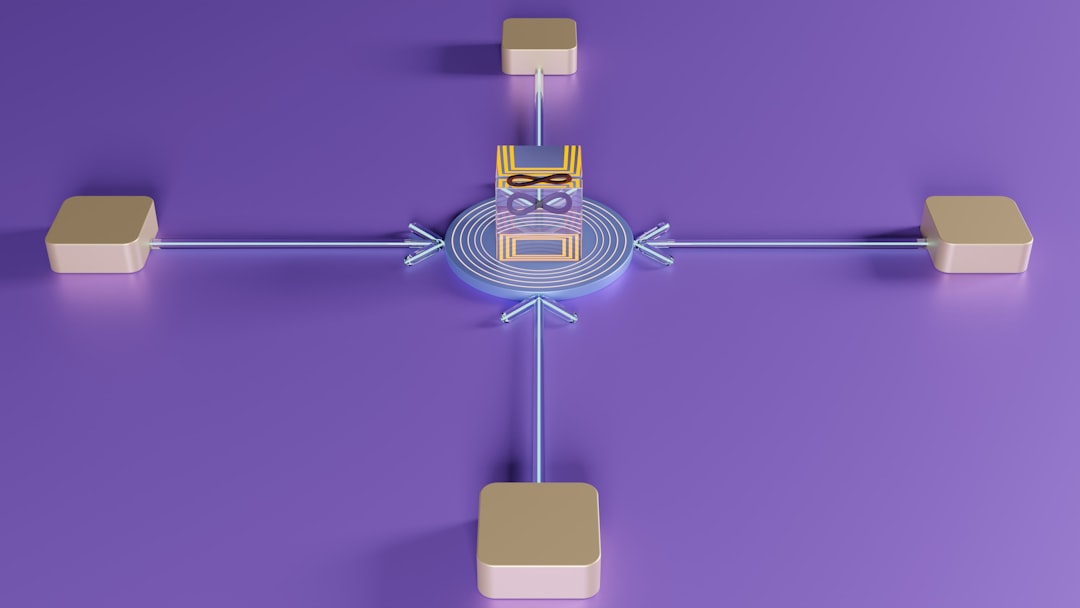
Choosing the right database type depends on scalability needs, performance requirements, and data complexity.
5. Middleware Components
Middleware acts as a bridge between different parts of a system. It facilitates communication, data exchange, and integration between components and sometimes between entirely separate applications.
Common middleware examples include:
- Application servers
- Message brokers
- API gateways
- Authentication services
Middleware often handles cross-cutting concerns such as:
- Security and authentication
- Logging and monitoring
- Transaction management
- Load balancing
In distributed systems, middleware ensures that services running on different machines can communicate reliably and securely.
6. API Components
Application Programming Interfaces (APIs) allow different software systems to communicate. APIs define specific rules and protocols for requests and responses.
Types of APIs include:
- Internal APIs – Used within an organization’s systems.
- External APIs – Provided for third-party developers.
- RESTful APIs – Common web-based APIs using HTTP standards.
- GraphQL APIs – Flexible query-based interfaces.
APIs promote modularity by allowing developers to update or replace backend components without disrupting external clients.
7. Infrastructure Components
Infrastructure components provide the foundational environment where applications run. While not always visible to end users, they are critical to system stability and scalability.
Examples include:
- Servers and cloud platforms
- Containerization systems
- Networking configurations
- Monitoring and logging tools
Infrastructure determines how efficiently software handles traffic spikes, manages failures, and maintains uptime. Modern applications often rely on cloud-based infrastructure to dynamically allocate resources based on demand.

Layered Architecture: Organizing Components
To maintain order and reduce complexity, developers frequently adopt a layered architecture. This design approach stacks components into logical layers:
- Presentation Layer – User interface elements.
- Application Layer – Business logic and workflows.
- Data Layer – Data access mechanisms and databases.
- Infrastructure Layer – Hosting, networking, and system services.
Each layer communicates primarily with adjacent layers. This separation improves maintainability and allows teams to work independently on different aspects of the system.
Monolithic vs. Microservices Components
Software components can also be classified by deployment architecture.
Monolithic Architecture:
- All components bundled into a single application.
- Simpler for smaller systems.
- Harder to scale independently.
Microservices Architecture:
- Each component operates as an independent service.
- Services communicate via APIs.
- Enables independent scaling and deployment.
Microservices increase flexibility but introduce additional complexity in communication, monitoring, and deployment.
Cross-Cutting Components
Some components affect multiple parts of an application rather than fitting neatly into a single category. These are known as cross-cutting components.
Examples include:
- Security modules – Encryption, authentication, and authorization.
- Logging systems – Activity tracking and diagnostics.
- Error handling frameworks – Graceful exception management.
- Performance monitoring tools – Real-time analytics and alerts.
These components improve reliability and protect sensitive information, often operating quietly in the background.
Why Component Classification Matters
Classifying software components is more than an academic exercise. It offers strategic advantages:
- Improved development workflow – Teams specialize in defined layers.
- Easier debugging – Issues can be isolated to specific components.
- Enhanced scalability – Individual components can scale independently.
- Better cost control – Infrastructure can be optimized for specific services.
Clear classifications also make onboarding new developers easier, as they can quickly understand the architecture and identify where their contributions fit.
Conclusion
Software applications may appear seamless to users, but behind every click lies a network of carefully designed components. From user interfaces and business logic to databases and infrastructure, each element serves a unique purpose while collaborating with the others.
By understanding how these components are classified and organized, stakeholders gain insight into system performance, scalability, and maintainability. Developers can build more modular, efficient systems, and decision-makers can better evaluate architecture choices. Ultimately, the thoughtful design and classification of software components form the backbone of reliable, modern digital experiences.