

Rotating proxies are worth using when blocked requests cost more than the proxy bill. They swap your visible IP address at set intervals or per request, which helps with data collection, ad checks, price tracking, QA testing, and account safety checks. A common warning sign is HTTP 429, which means too many requests were sent in a given time window [source: MDN].
TLDR: 360Proxy is a practical option for users who want rotating residential IPs without a heavy setup. A small ecommerce team checking 5,000 product pages per day might use rotating IPs to cut failed requests from, say, 18% to under 5% if rate limits are the issue. Bigger teams may prefer providers like Bright Data, Oxylabs, Smartproxy, or SOAX for stronger dashboards, support, and compliance tools. Pick based on success rate, country coverage, session control, and how painful the billing page is.
Table of Contents
What 360Proxy Tries to Do Well
360Proxy focuses on access to rotating residential IPs, with options for location targeting and session control. That matters because many websites treat residential traffic as more normal than data center traffic. If your scraper or testing tool keeps hitting blocks, a residential pool can help.
The service is often discussed by users who need bulk IP rotation for scraping, social media checks, SEO tasks, and market research. Its appeal is simple: get many IPs, rotate them, and avoid doing manual proxy swaps all day. Honestly, it feels like nobody should still be copying proxy strings into spreadsheets in 2026.
The useful parts usually include:
- Rotating IP access for repeated requests across many sites.
- Residential proxy options for cases where data center IPs get blocked too fast.
- Geo targeting for testing search results, prices, content, and ads by region.
- Session settings for keeping the same IP briefly or changing it often.
- Tool compatibility with browsers, scrapers, bots, and automation scripts.
Where 360Proxy May Fit Best
360Proxy is best suited for users who already understand proxies and want volume. It can be a good fit for scraping public web data, checking localized pages, running SEO rank checks, or testing how a website behaves from different regions.
It may not be the best first choice for a very cautious enterprise team. Those teams often need legal paperwork, audit trails, strict consent records, and a support team that answers fast. If that sounds like your company, larger providers may be safer.
How It Compares With Other Providers
Bright Data is one of the more advanced providers. It has a broad product range, strong targeting, and tools for scraping. The downside is cost and complexity. Expect to spend time learning the dashboard before anything feels smooth.
Oxylabs is strong for enterprise use. It offers residential, mobile, data center, and scraper APIs. It tends to fit teams with bigger budgets and stricter project needs. The setup feels more polished than many smaller vendors.
Smartproxy is friendlier for small and mid-size teams. The interface is easier to understand, and the pricing is often more approachable. It is a common pick for ecommerce tracking, SEO monitoring, and basic scraping.
SOAX is known for clean targeting controls. It can work well when you need country, city, or carrier options. That level of control helps when testing ads or mobile content.
IPRoyal and Webshare are often considered by budget-minded users. They can be useful for smaller jobs, testing, or projects with lower risk. The tradeoff is that performance can vary more by target website.
The Metrics That Actually Matter
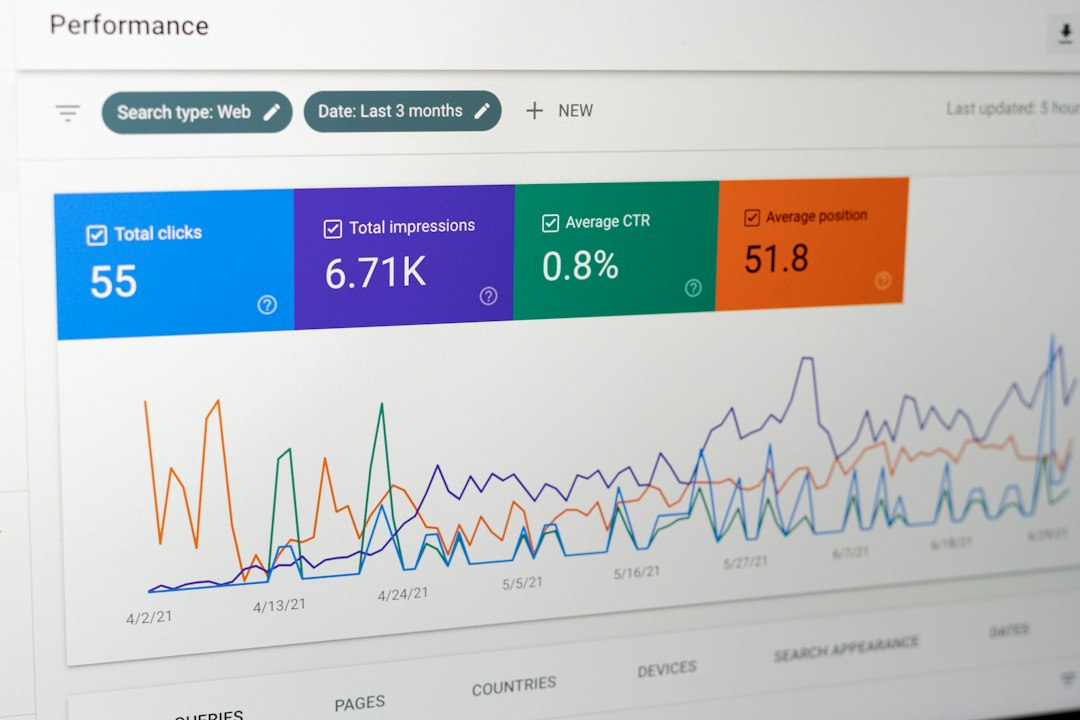
Marketing pages love huge IP numbers. Fine. But pool size alone does not tell you if the proxy will work for your target site. A provider with fewer high-quality IPs may beat a massive pool that gets blocked often.
Watch these numbers instead:
- Success rate: How many requests return the page you need?
- Block rate: How often do captchas, 403 errors, or 429 errors appear?
- Latency: Does each request take 800 ms or 8 seconds?
- Session length: Can you hold one IP long enough to finish a task?
- Geo accuracy: Does a “Paris” IP really behave like a Paris visitor?
- Support speed: Do they respond before your deadline is already dead?
It drives me crazy when a proxy provider shows a beautiful control panel but hides basic limits in tiny help docs. Check bandwidth limits, thread limits, refund rules, and banned use cases before paying.
Rotating Residential vs Data Center Proxies
Residential rotating proxies use IPs tied to real consumer networks. They tend to look more natural to websites. They cost more, but they often work better for hard targets.
Data center proxies are cheaper and fast. They are good for simple tasks, internal testing, and sites that do not block aggressively. They fail faster on websites with strict anti-bot systems.
Mobile proxies use carrier networks. They can be powerful for app testing, mobile ads, and social checks. They are usually the most expensive option.
A Simple Buying Checklist
Before choosing 360Proxy or any rival, run a small test. Use your real target sites. Do not trust generic claims. A proxy that works great on one site may fall apart on another.
- Test at least 500 to 1,000 requests before buying a larger plan.
- Compare results across three regions you actually need.
- Track status codes, load time, and captcha rate.
- Try both sticky sessions and per-request rotation.
- Ask support one hard question before paying more.

Final Take
360Proxy can be a solid pick if you need rotating residential IPs and you care more about volume than hand-holding. It sits in a crowded field, though. Bright Data and Oxylabs suit larger teams. Smartproxy and SOAX are easier for many everyday users. Budget providers can work, but test them hard.
The best proxy provider is not the one with the loudest promise. It is the one that gives you clean results, stable sessions, fair pricing, and fewer blocked requests on the sites that matter to you.