
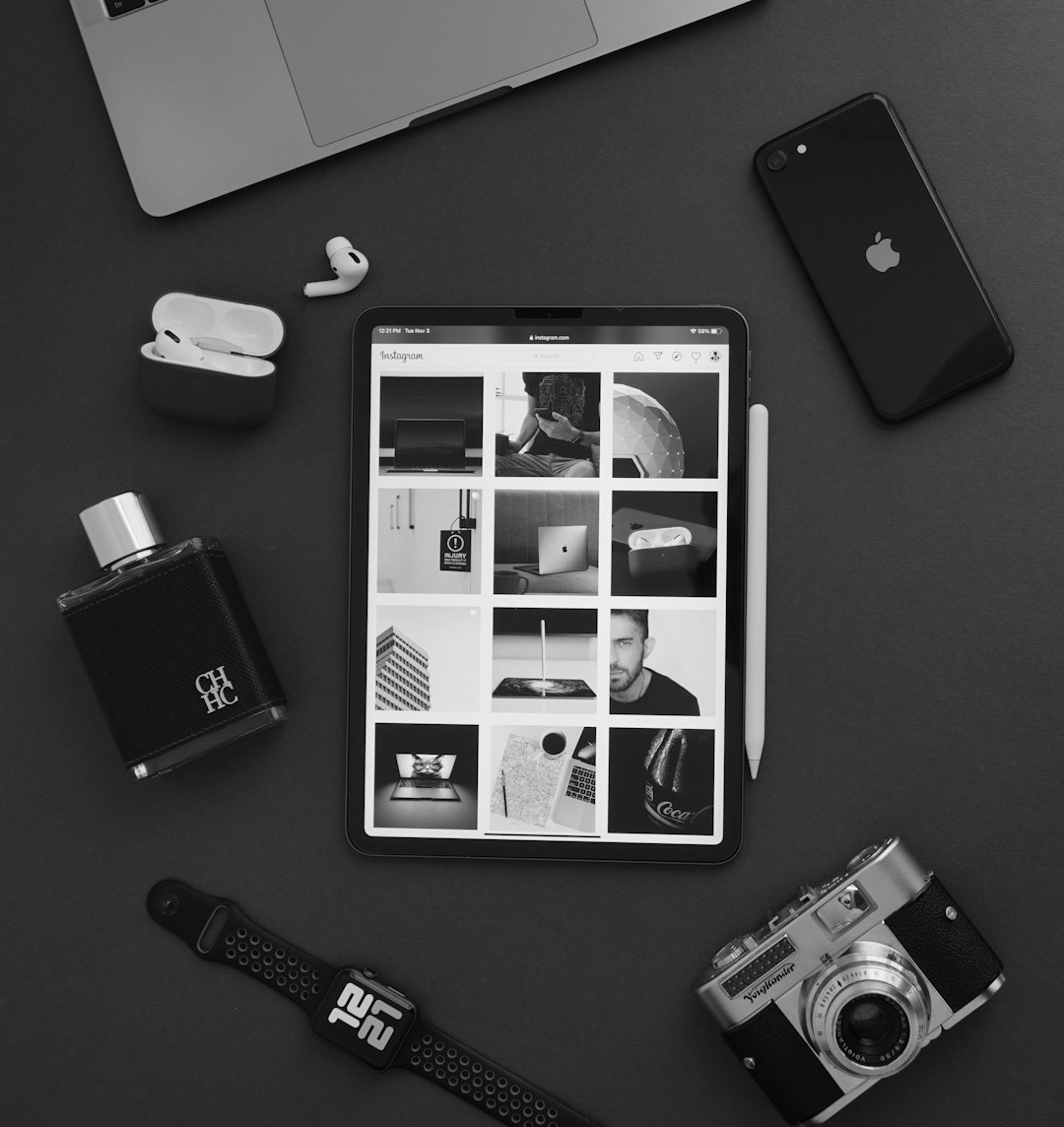
In today’s digital-first world, well-edited photos aren’t just for professional photographers—they’re essential for everyone who wants to stand out on social media. Whether it’s Instagram, TikTok, or Facebook, eye-catching visuals drive engagement. But you don’t need to break the bank to make your photos look polished and professional. Here are some budget-friendly photo editing tools that offer powerful presets and filters to help anyone create share-worthy content with ease.
Table of Contents
TL;DR
Looking for an affordable way to make your Instagram posts pop? This guide covers seven budget-friendly photo editing apps packed with impressive presets and filters. From Lightroom’s mobile version to hidden gems like Darkroom, these tools offer professional effects without the steep price tag. Ideal for influencers, content creators, and even casual users aiming for stand-out visuals.
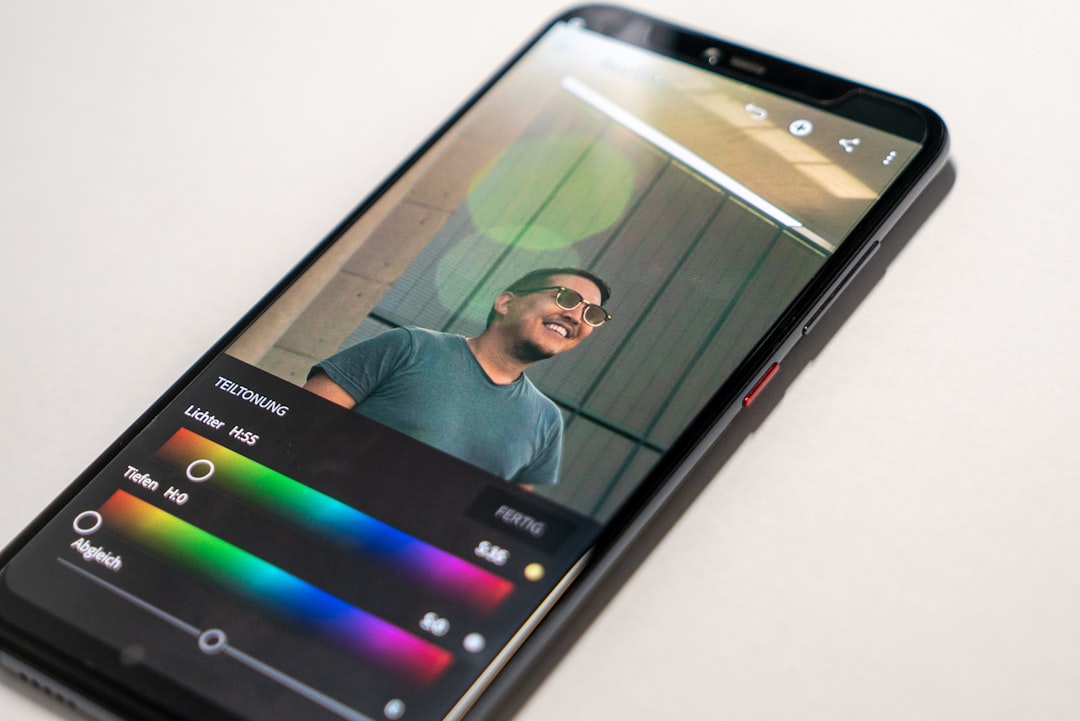
1. Adobe Lightroom Mobile (Free with in-app purchases)
Platform: iOS, Android
Why it’s great: While Lightroom’s desktop version is a professional staple, its mobile counterpart is a robust tool in its own right—and the basic version is free! Users get access to professional-grade presets, customizable sliders, and easy syncing across devices. The free filters alone are excellent, but those who want more can dive into the premium features for just a few dollars a month.
Notable Features:
- Advanced light and color editing tools
- Cloud storage and synchronization (premium)
- RAW photo editing functionality
- Batch editing for consistent aesthetics

2. Snapseed (Completely Free)
Platform: iOS, Android
Why it’s great: Developed by Google, Snapseed remains a strong contender in free photo editing. It offers 29 editing tools and filters including healing, brush, selective adjustments, and presets. Its interface is simple but powerful, making it ideal for both beginners and advanced users.
Notable Features:
- Precise control over brightness, saturation, and contrast
- Curves and white balance adjustments
- Lens blur, portrait and glamour glow effects
- Stacks for layered editing
3. VSCO (Free with optional subscription)
Platform: iOS, Android
Why it’s great: VSCO is synonymous with trendy, minimalist filters. The app offers a limited number of free presets, but a small subscription ($7/month) unlocks over 200 filters modeled after classic film styles. It’s perfect for creating a consistent feed aesthetic and features a strong editing suite.
Notable Features:
- One-tap vintage film filters
- Photo and video editing features
- Montage tool for short creative clips
- Weekly inspirations and curated content ideas
4. PicsArt (Free with premium options)
Platform: iOS, Android, Web
Why it’s great: PicsArt isn’t just an editor—it’s a creative suite. This app features photo editing, graphic design tools, collage making, and social sharing. With an extensive library of filters and pre-made effects, it’s ideal for social media content from stories to posts to profile banners.
Notable Features:
- One-tap effects and filters
- AI-powered background removal
- Template-driven design tools
- Remix images and collages
5. Darkroom (Free with in-app purchases)
Platform: iOS only
Why it’s great: For iOS users, Darkroom is a sophisticated but approachable choice. It supports RAW and portrait photos, and offers adjustable filters that can be layered or fine-tuned. Unlike many other apps, Darkroom feels fast and responsive, even on large files.
Notable Features:
- Professional-grade tools without the learning curve
- Real-time preview when applying filters
- Batch editing and copy-paste settings
- Custom preset creation
6. Canva (Free with optional Pro version)
Platform: Web, iOS, Android
Why it’s great: Known primarily as a graphic design platform, Canva’s photo editor is surprisingly powerful. It’s built around social media needs, providing drag-and-drop functionality, visual templates, and preset filters to create posts quickly and effectively.
Notable Features:
- Built-in crop, adjust, and filter functions
- Over 75 million premium assets (Pro access)
- Design templates for every social platform
- AI background remover (Pro only)
7. Polarr (Free with extra features via subscription)
Platform: iOS, Android, Web
Why it’s great: Polarr is geared toward those who prefer precise personalization. It offers both AI-generated enhancements and the ability to create custom filters from scratch or from existing edits. Filters can even be shared via QR codes for a collaborative experience.
Notable Features:
- Facial recognition and enhancement tools
- Custom overlay filters and effects
- Batch import and export capabilities
- QR filter sharing for community presets
Final Thoughts
High-quality photo editing no longer requires expensive software or professional skills. These seven editing tools provide budget-conscious creators the power to produce remarkable results with ease. Whether you’re after subtle corrections or artistic transformations, each app on this list offers unique features that can elevate your social media visuals—without draining your wallet.
FAQs
-
Which app is best for minimalist photo editing?
VSCO is ideal for clean, minimalist aesthetics thanks to its refined film-style presets. -
Are these apps suitable for beginners?
Absolutely. Most of these apps are designed with usability in mind and offer tutorials, guided edits, or AI enhancements to simplify the process. -
Can I edit RAW photos with these tools?
Yes, apps like Lightroom Mobile and Darkroom support RAW editing, giving users full control over their images. -
Do any of these work offline?
Yes. Snapseed, VSCO, and Lightroom Mobile can function offline once downloaded and installed. Some features may require an internet connection for updates or cloud backups. -
Which app is best for custom filter creation?
Polarr allows advanced users to create and share personalized presets through QR codes, making it unbeatable for customization.