
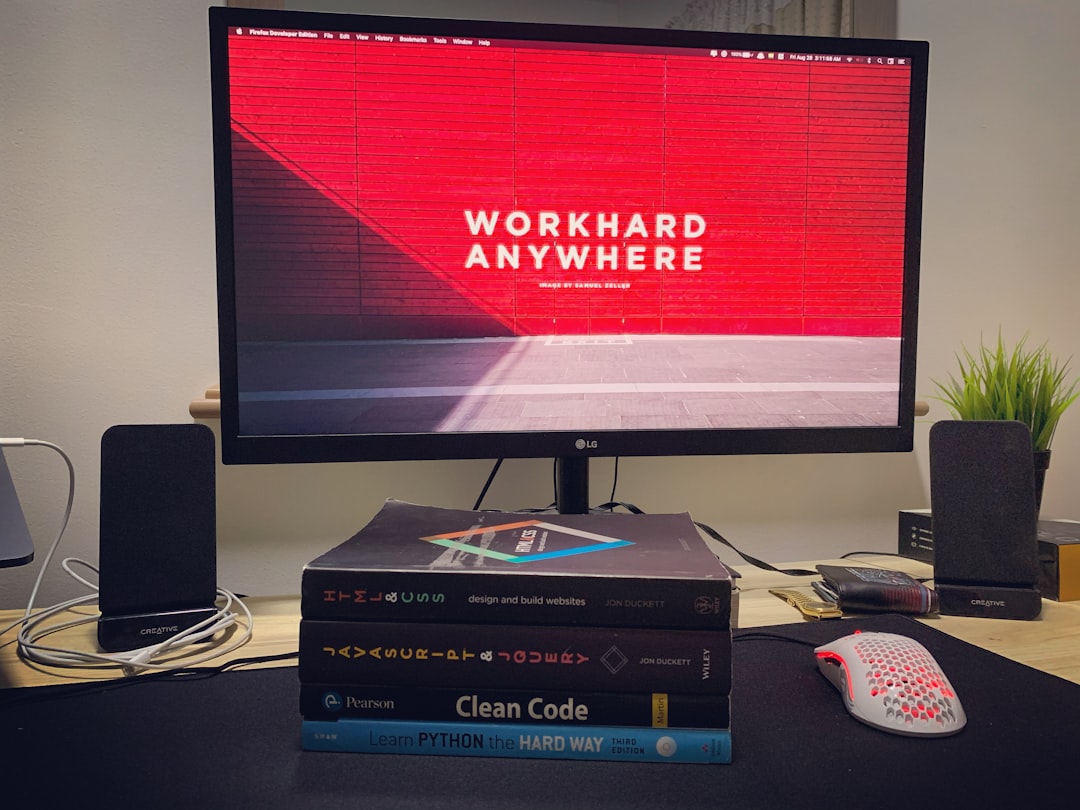
If you’re a developer, you’ve probably wished for a better way to keep your code snippets, ideas, and task lists in one place—without needing a dozen different apps. Markdown is magical for clean notes. Code snippets are a must. And PKM (Personal Knowledge Management)? It’s the secret sauce. Lucky for you, I’ve wrangled the top four tools that combine all three into one neat workflow.
Table of Contents
TL;DR
Developers love simplicity and flexibility. These four tools make it easy to manage code, notes, research, and tasks, all with Markdown. If you’re into keeping dev logs, TODOs, or snippet libraries, these apps will level up your workflow. Each one shines in its own way—so pick what suits you best.
1. Obsidian – The PKM Powerhouse with Code Style
Obsidian is like a superbrain for developers. It’s Markdown-based, local-first, and insanely customizable. Whether you’re writing docs, logging ideas, or just building your second brain, Obsidian keeps things snappy.
- Markdown-first: Everything is a plain text .md file.
- Code snippets: Supports fenced code blocks and syntax highlighting.
- PKM-friendly: Bi-directional links, graph views, and tagging for easy knowledge management.
- Community plugins: Add task managers, snippet inserters, or Git integrations.
Need to write a DevLog, track your daily tasks, and keep odd little tips you find online? Obsidian does it all—and more. You can configure daily note templates, embed code blocks, and even search across your knowledge universe.

Who it’s for: Devs who want complete control over their data and a focus on deep linking & organization, without sacrificing Markdown.
2. Notion – The Visual Editor That Also Gets Devs
Okay—it’s not plain text, but hear me out. Notion offers enough Markdown support that most devs feel at home. It gives code snippets proper respect, and the workspace is incredibly flexible. Plus, with databases and filters, it becomes your full-blown dev journal or snippet archive.
- Easy UI: Intuitive drag-and-drop with Markdown-style typing.
- Code blocks: Highlighting for tons of languages, and collapsible sections too.
- PKM features: Linked pages, embedded databases, and task tracking.
- Collaboration-ready: Share notes, docs, or entire project hubs with your team.
Want to make a daily log and link each day to code snippets, tasks, and a client meeting? Boom—Notion can handle it. It’s perfect if you like a more visual interface and don’t mind using the mouse a bit more.

Who it’s for: Developers who want more design flexibility or work as part of a team. It’s like PKM meets project management with solid Markdown support tossed in.
3. Zettlr – The Markdown-Only Workhorse for Devs
This one flies under the radar, but Zettlr deserves more hype. Think of it as a swiss army knife for writing and organizing, with real coder features. It’s totally offline, open-source, and supports citation management (great for research).
- Zero clutter: Markdown-focused with minimal UI distractions.
- Supports code: Syntax highlighting for snippets, plus export to multiple formats.
- Zettelkasten-style PKM: Link notes using Zettelkasten IDs or tags.
- Platform-friendly: Works great on macOS, Windows, and Linux.
Zettlr doesn’t try to be everything—it just does the basics right. You get keyboard-focused writing, great tagging & hierarchy, support for code, and export tools when you’re ready to share.
Who it’s for: Devs who want local, distraction-free writing and research with solid structure. No bloated features, just smart tools.
4. Code Snippets Lab – The Developer’s Code Vault
Last but not least, we’ve gotta talk about SnippetsLab. If you’re on macOS and constantly copy-pasting Stack Overflow snippets into s̶t̶i̶c̶k̶y̶ ̶n̶o̶t̶e̶s̶ random files—you’ll love this one.
- Snippets-first: Built for organizing and storing code.
- Syntax highlighting: 420+ languages supported. That’s… a lot.
- Markdown notes included: Add notes to snippets or treat Markdown as a native companion.
- Tags & folders: Clean UI to sort your brain-dump code stash.
What makes SnippetsLab shine is how well it understands what devs need. You’re not writing essays—you’re storing clever bits of code, reusable functions, configs, and more. It’s wicked fast, offline, and distraction-free.

Who it’s for: Mac devs who just want to build an epic snippet library without reinventing the note-taking wheel.
Choosing the Right One for You
Each of these does something special, so ask yourself:
- Want PKM with graphs and backlinks? Go with Obsidian.
- Want visual docs, smart tables, and collaboration? Try Notion.
- Prefer plain-text writing without distractions? Pick Zettlr.
- Just want to organize your code library? SnippetsLab is gold (macOS only).
Hey, no one said you can’t use more than one, either! Combine Obsidian for your daily ideas, SnippetsLab for your magic functions, and Notion for project status boards.
Honorable Mentions
We can’t end without tipping our hat to a few others:
- Joplin: Great for syncing Markdown notes across devices with encryption.
- Quiver: A notebook for programmers—notes and code side-by-side.
- Logseq: Roam-style PKM with Markdown and a developer-friendly vibe.
Final Thoughts
Being a developer isn’t just about writing code—it’s about building systems for yourself. Whether you’re wrangling TODOs, saving that golang snippet, or tracking research, the right tool can save you hours. Embrace Markdown. Embrace structure. Your brain deserves it.
And don’t forget—it’s okay to try a few and see what sticks. After all, it’s your digital playground. Happy coding!