
Managing a growing WordPress site often means dealing with large volumes of content and user data. Over time, posts become outdated, pages need restructuring, users change roles, and custom fields pile up with legacy information. Manually maintaining this data is time-consuming and prone to error. That is why learning how to schedule bulk operations in WordPress—such as deleting posts, pages, users, and custom fields efficiently—is essential for performance, security, and organization.
TLDR: Bulk operations in WordPress can be streamlined and automated using built-in tools, plugins, WP-CLI, and cron scheduling. Instead of manually deleting content, administrators can schedule recurring cleanup tasks to remove old posts, unused pages, inactive users, and unnecessary custom fields. Combining automation with proper backups ensures safety and efficiency. A structured approach reduces clutter, improves performance, and keeps your WordPress installation optimized.
Table of Contents
Why Schedule Bulk Operations in WordPress?
WordPress sites accumulate data quickly. Blogs with daily posts, membership sites with thousands of users, and WooCommerce stores with seasonal pages all generate content that eventually becomes obsolete. Tools like Bulk WP can save hours of work by performing manual or scheduled bulk operations—deleting posts, pages, users, or custom fields based on numerous conditions, helping you manage this buildup before it leads to:
- Slower database performance
- Increased backup sizes
- Cluttered admin dashboards
- Higher security risks from inactive accounts
- Outdated metadata affecting queries
Instead of performing irregular manual cleanups, scheduling bulk operations ensures that site maintenance becomes a routine, automated process. This results in consistent performance optimization and fewer administrative headaches.
Understanding WordPress Bulk Actions
WordPress includes built-in bulk action tools for posts, pages, comments, and users. From the dashboard, administrators can select multiple entries and apply batch actions such as move to trash, edit, or delete.
However, native functionality has limitations:
- No built-in scheduling for bulk deletions
- Limited filtering options
- No advanced automation rules
To schedule bulk operations efficiently, site owners must rely on plugins, WP-CLI commands, or cron jobs.
Method 1: Using Plugins to Schedule Bulk Deletion
Plugins provide the easiest way to manage and schedule large data operations without technical knowledge. Many database cleanup and content management plugins allow administrators to:
- Delete posts older than a specific date
- Remove posts from certain categories
- Delete users without roles
- Clean up orphaned custom fields
- Set recurring cleanup intervals
After installation, administrators typically:
- Select the content type (posts, pages, users, custom post types).
- Define filtering criteria (date range, taxonomy, status, role).
- Choose whether to move items to trash or permanently delete.
- Set a schedule (daily, weekly, monthly).
This approach is ideal for non-developers and small-to-medium websites. Still, administrators should always create a full backup before enabling automated deletions.
Method 2: Scheduling Bulk Operations with WP-Cron
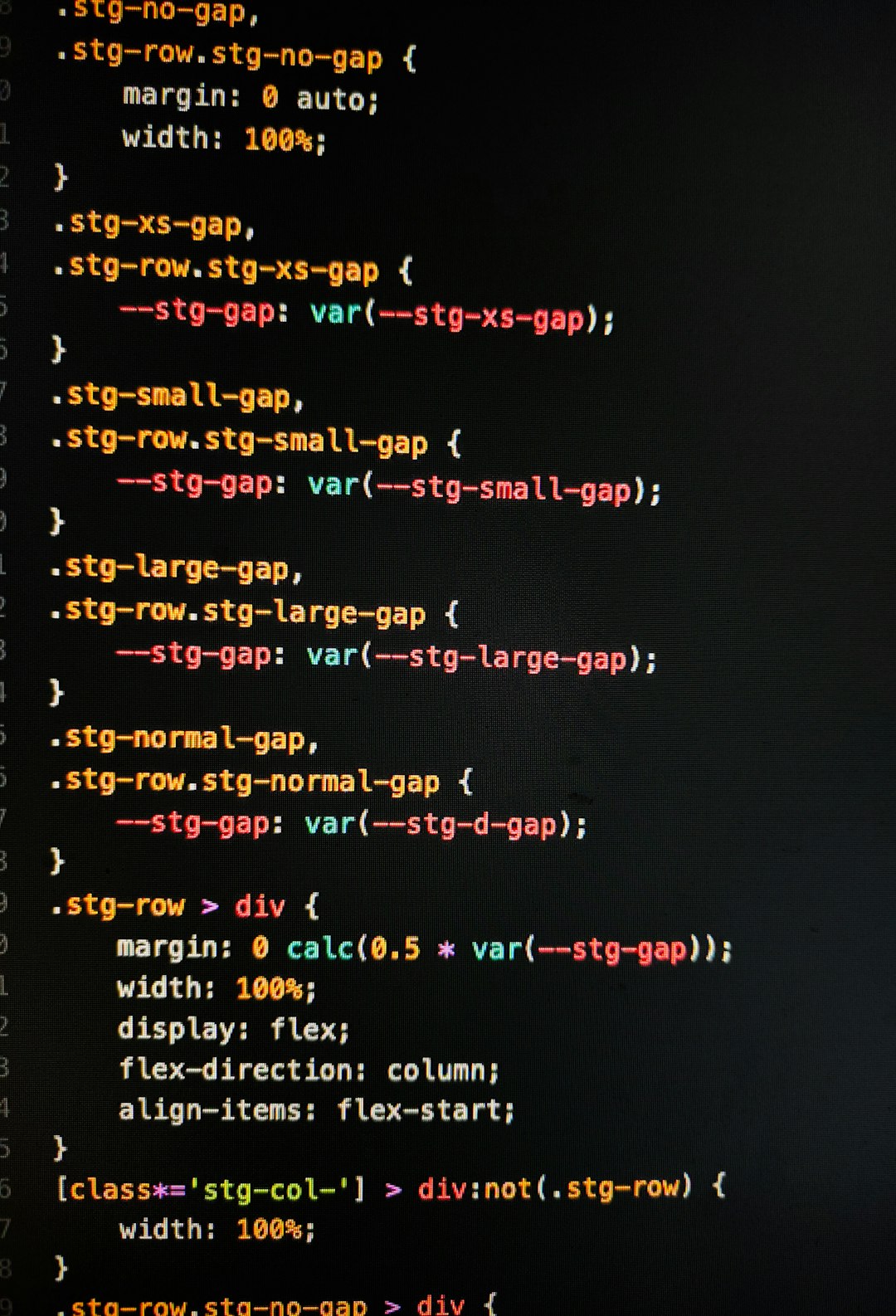
WordPress includes a pseudo-cron system called WP-Cron, which runs scheduled tasks when someone visits the site. Developers can hook custom functions into WP-Cron to delete specific data at scheduled intervals.
For example, one can create a custom function that deletes posts older than 365 days and schedule it to run weekly. The process involves:
- Creating a custom deletion function
- Registering a scheduled event
- Hooking the function to the event
This method offers more flexibility than plugins, as developers can define very specific rules, such as:
- Deleting expired custom post types automatically
- Removing users who have not logged in for a year
- Clearing specific post meta keys from the database
Important: WP-Cron depends on site traffic. For high reliability, administrators often configure a real server-level cron job that triggers WordPress cron events at fixed intervals.
Method 3: Using WP-CLI for Advanced Bulk Deletions
WP-CLI is a command-line tool that allows administrators to manage WordPress installations via SSH. It is extremely powerful for bulk and scheduled operations, particularly on large-scale sites.
Examples of tasks that can be executed with WP-CLI include:
- Deleting hundreds or thousands of posts instantly
- Removing users by role
- Cleaning up orphaned metadata
- Deleting unused terms and taxonomies
By combining WP-CLI with server cron jobs, site owners can fully automate recurring cleanup tasks. For example:
- Schedule a monthly command to delete draft posts older than 90 days
- Automatically remove spam users weekly
- Clean expired promotional pages after campaign deadlines
This method is best suited for developers, hosting providers, or administrators managing enterprise websites.
Deleting Posts and Pages Efficiently
Outdated content affects SEO and usability. Instead of manually searching and deleting old entries, administrators can filter posts by:
- Publication date
- Category
- Status (draft, pending, private)
- Tag
Automated deletion workflows often follow this logic:
- Identify content older than X months.
- Move it to trash automatically.
- Permanently delete items after a retention period.
This two-step process reduces the risk of accidental data loss while maintaining organization.
Removing Users in Bulk
Inactive or spam accounts can become a security vulnerability. WordPress allows manual bulk deletion of users, but scheduled removal requires automation.
Criteria for automated user deletion might include:
- No login activity in 12 months
- No assigned posts or content
- Subscribed during spam sign-up attacks
- Specific temporary user roles
When deleting users, administrators must reassign their content to another account to prevent data loss. Automation tools typically include reassignment options to ensure continuity.
Cleaning Up Custom Fields and Post Meta
Custom fields, especially from old plugins or themes, can significantly increase database size. Orphaned metadata remains even after the related content is deleted.
Efficient cleanup involves:
- Identifying unused meta keys
- Removing orphaned post meta entries
- Deleting transients and temporary data
- Removing theme or plugin leftover settings
This cleanup improves database query performance and reduces storage overhead.
Best Practices Before Scheduling Bulk Deletions
Automation is powerful—but potentially dangerous. Following best practices ensures safe implementation:
- Always back up the database before enabling automated deletions.
- Test deletion scripts in staging environments.
- Start with moving items to trash before permanent deletion.
- Log all automated operations for auditing.
- Clearly define retention policies.
Establishing a content lifecycle strategy helps determine when and why content should be removed.
Creating a Long-Term Cleanup Strategy
A successful bulk operation system is not just about deletion—it is about lifecycle management. Websites benefit from written policies outlining:
- Content expiration timeframes
- User inactivity thresholds
- Metadata retention duration
- Archiving versus deletion rules
This strategic approach ensures that deletions align with business and compliance requirements.
Conclusion
Scheduling bulk operations in WordPress transforms site maintenance from a reactive task into a proactive system. Whether using plugins, WP-Cron, or WP-CLI, administrators can automate the deletion of outdated posts, redundant pages, inactive users, and unnecessary custom fields efficiently.
By combining automation with backups and thoughtful planning, WordPress site owners maintain performance, security, and organization. In the long run, a clean database is not just about efficiency—it supports scalability, better user experience, and sustainable website growth.
Frequently Asked Questions (FAQ)
1. Is it safe to schedule automatic deletions in WordPress?
Yes, provided proper backups are in place and the deletion rules are tested in staging. Always begin with trashing content rather than permanently deleting it.
2. What is the best method for large websites?
For high-traffic or enterprise websites, WP-CLI combined with server cron jobs offers the most reliable and scalable approach.
3. Can bulk deletions affect SEO?
Yes. Removing indexed content without proper redirects may harm SEO. It is recommended to implement redirects or update sitemaps after deletions.
4. How can orphaned custom fields be identified?
Database optimization plugins or WP-CLI commands can scan for post meta entries that are not associated with existing posts.
5. Should deleted users’ content always be reassigned?
Yes. Reassigning content ensures posts remain published and attributed correctly within the system.
6. How often should WordPress cleanup tasks run?
This depends on site size and activity. Active sites may benefit from weekly cleanups, while smaller sites may only need monthly maintenance.
7. Is WP-Cron reliable for scheduling?
WP-Cron works well for moderate-traffic sites, but high-reliability environments should use a real server cron job to trigger scheduled tasks.