
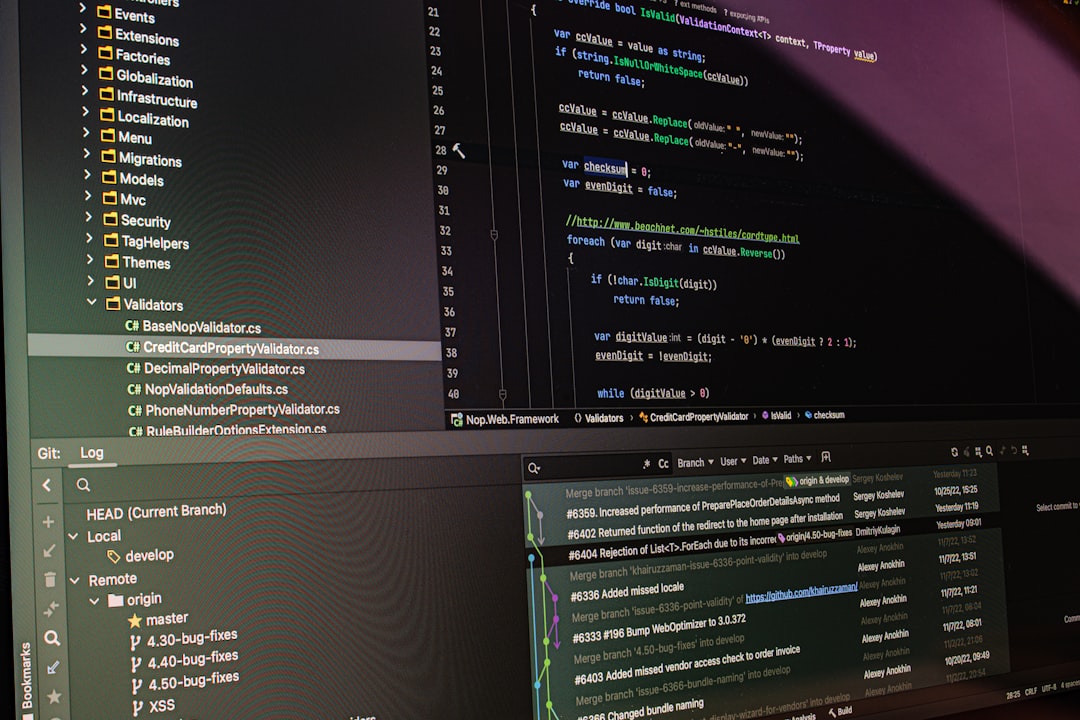
Building internal tools used to require weeks of developer time, long feedback cycles, and constant back-and-forth between business and engineering teams. Today, low-code platforms are changing that equation. Tools like ToolJet have made it possible to design dashboards, admin panels, approval systems, and operational apps in days instead of months—often without writing much code at all. As companies increasingly prioritize speed and agility, the demand for powerful internal app builders continues to grow.
TLDR: If you like ToolJet but want to explore alternatives, there are several strong low-code platforms worth considering. Appsmith, Retool, Budibase, Appian, OutSystems, and Zoho Creator all offer robust tools for internal app development with varying strengths in scalability, customization, and enterprise readiness. Choosing the right platform depends on your technical resources, integration needs, and budget. Below, we break down what makes each option stand out.
Let’s explore six low-code platforms comparable to ToolJet that help teams build robust internal applications faster and more efficiently.
Table of Contents
1. Appsmith
Best for: Open-source flexibility and developer-friendly customization
Appsmith is one of the most popular open-source alternatives to ToolJet. Designed specifically for internal tools, it provides a powerful drag-and-drop interface combined with deep customization via JavaScript.
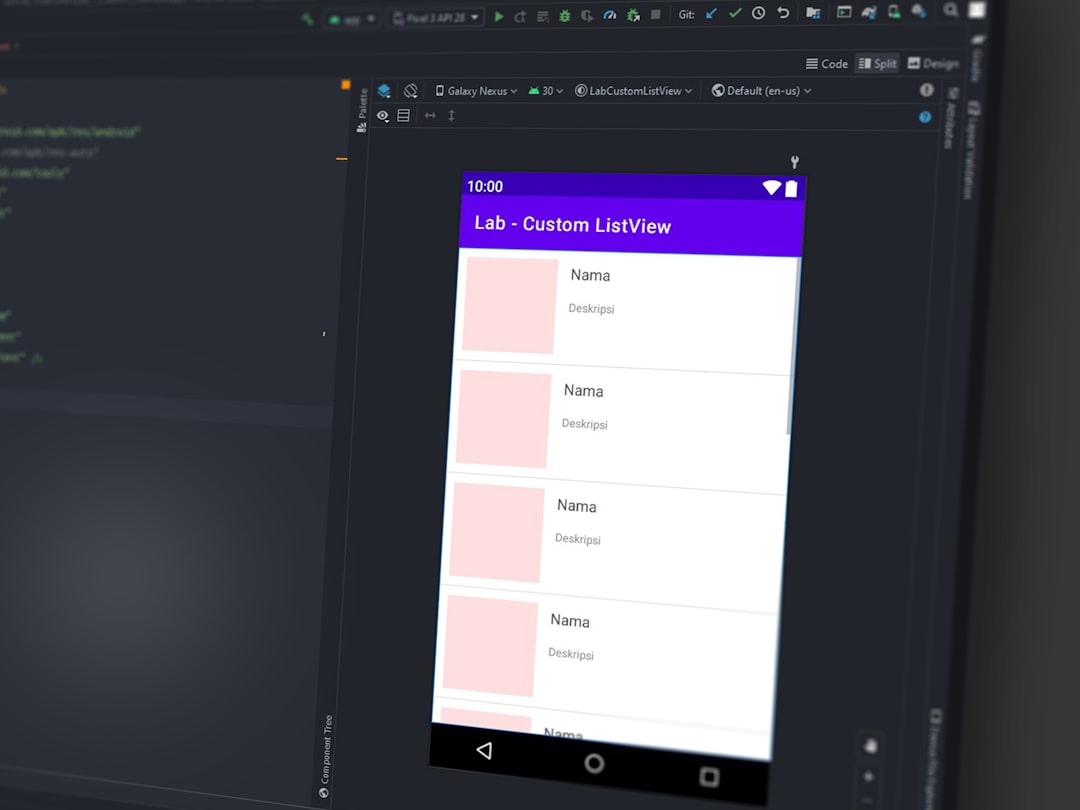
What makes Appsmith particularly attractive is its balance between simplicity and control. Non-technical users can create basic dashboards visually, while developers can extend logic using APIs, SQL queries, and custom JavaScript.
Key features:
- Drag-and-drop UI builder
- Supports REST, GraphQL, and database integrations
- JavaScript customization
- Role-based access control
- Self-hosted and cloud deployment options
Appsmith is ideal for teams that want open-source flexibility without sacrificing advanced functionality.
2. Retool
Best for: Fast internal dashboards and enterprise-grade integrations
Retool is often the first platform mentioned alongside ToolJet. It’s highly polished, incredibly powerful, and widely adopted by startups and large enterprises alike.
Its strength lies in its ability to connect instantly to almost any database or API while offering pre-built components like tables, charts, forms, and maps. Developers especially appreciate how easily complex business logic can be written within the platform.
Key features:
- Hundreds of pre-built UI components
- Extensive database integrations
- Custom scripting support
- Enterprise-ready security features
- Scalable deployment options
While it may be more expensive than some competitors, Retool offers exceptional reliability and scalability, making it a strong ToolJet alternative for fast-growing teams.
3. Budibase
Best for: Rapid internal CRUD app development
Budibase focuses heavily on internal business applications and CRUD (Create, Read, Update, Delete) functionality. Like ToolJet and Appsmith, it is open source, which appeals to organizations that prefer greater transparency and control.
Budibase excels in simplifying repetitive workflows. You can auto-generate screens from connected data sources, which accelerates development significantly.
Key features:
- Auto-generated internal apps
- Built-in database options
- Custom workflows and automation
- Self-hosting capabilities
- User permission management
If your primary need is to create internal administrative panels, employee portals, or approval systems quickly, Budibase is a practical and efficient choice.
4. Appian
Best for: Enterprise process automation
While Appian operates at a higher tier than ToolJet, it deserves mention for organizations seeking deep process automation and enterprise coordination. It’s a powerful low-code platform geared toward workflow-heavy environments such as finance, healthcare, and government.

Appian goes beyond building dashboards—it enables sophisticated business process management (BPM), robotic process automation (RPA), and case management solutions.
Key features:
- Advanced workflow automation
- Data fabric architecture
- AI-assisted document processing
- High-level compliance and governance tools
- Enterprise-grade scalability
For small teams, Appian may feel heavy. But for enterprises managing complex operations, it can be a transformative investment.
5. OutSystems
Best for: Full-scale business application development
OutSystems bridges the gap between low-code simplicity and full-stack development. It supports building not only internal dashboards but also customer-facing web and mobile apps.
This platform is known for its performance optimization and application lifecycle management tools, making it ideal for large development teams with long-term projects.
Key features:
- End-to-end development lifecycle management
- Mobile and web deployment
- Extensive integration library
- Visual development environment
- Strong security and compliance features
OutSystems may require more investment and onboarding time, but for companies seeking scalable, enterprise-ready solutions, it rivals traditional development approaches.
6. Zoho Creator
Best for: Business users and small-to-midsize teams
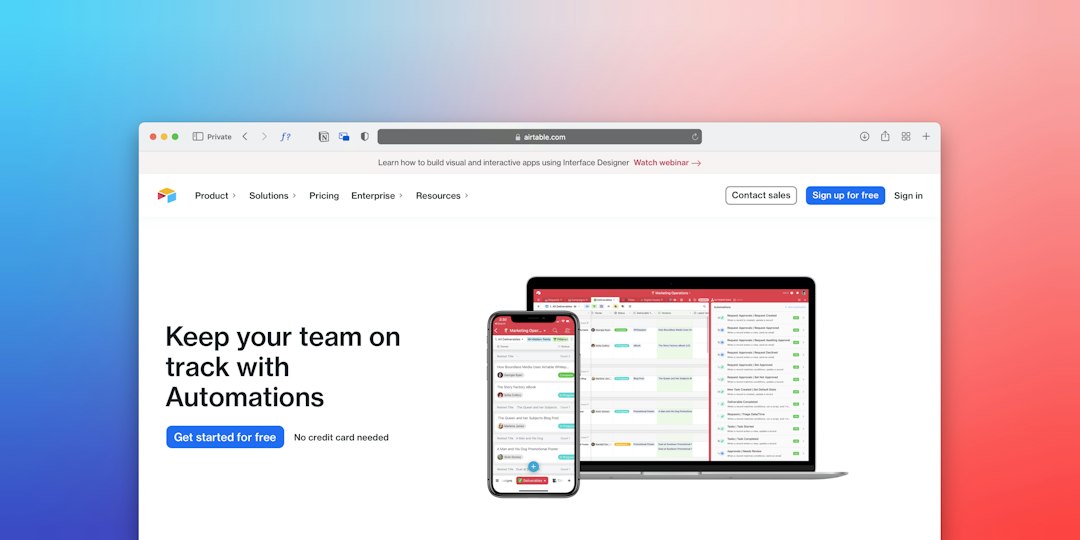
Zoho Creator stands apart due to its accessibility and integration within the broader Zoho ecosystem. It allows less technical users to build internal tools, customer portals, and automated workflows without significant programming skills.
The platform uses a proprietary scripting language but keeps things approachable for beginners.
Key features:
- Pre-built templates and drag-and-drop builder
- Workflow automation
- Integration with Zoho apps and third-party services
- Mobile app deployment
- Cost-effective pricing structure
If your organization already uses Zoho tools—or if you prefer a guided, business-friendly design experience—Zoho Creator can be an efficient option.
Comparison Chart
| Platform | Open Source | Best For | Enterprise Ready | Customization Level |
|---|---|---|---|---|
| Appsmith | Yes | Custom internal tools | Moderate | High (JavaScript support) |
| Retool | No | Fast dashboards | High | Very High |
| Budibase | Yes | CRUD apps | Moderate | Medium to High |
| Appian | No | Enterprise automation | Very High | High |
| OutSystems | No | Full-scale applications | Very High | Very High |
| Zoho Creator | No | Business user development | Moderate to High | Medium |
How to Choose the Right Tool
Even though these platforms share similarities, selecting the right one depends on several factors:
- Technical Expertise: Do you have developers who can write custom scripts, or do you need something fully visual?
- Hosting Requirements: Is self-hosting important for security or compliance?
- Scalability: Will your internal tool remain small, or should it grow across the organization?
- Budget: Open-source tools may reduce licensing costs but require internal infrastructure.
- Integration Needs: Consider database connections, APIs, and third-party services.
For startups or mid-size companies, Appsmith or Budibase may provide enough flexibility without enterprise pricing. Growing tech companies may find Retool the most balanced option. Large enterprises handling complex workflows may gravitate toward Appian or OutSystems.
Final Thoughts
The rise of low-code development platforms reflects a broader shift in the way organizations build software. Internal tools no longer need to be custom-built from scratch every time—teams can now assemble functional, secure applications in a fraction of the time.
While ToolJet remains a strong contender in this space, alternatives like Appsmith, Retool, Budibase, Appian, OutSystems, and Zoho Creator offer compelling features for different business needs. Some emphasize open-source transparency, others excel in enterprise process automation, and a few prioritize accessibility for non-technical users.
Ultimately, the right platform is the one that aligns with your team’s skill set, security requirements, and long-term growth strategy. With the right low-code solution in place, internal development becomes less of a bottleneck—and more of a competitive advantage.