
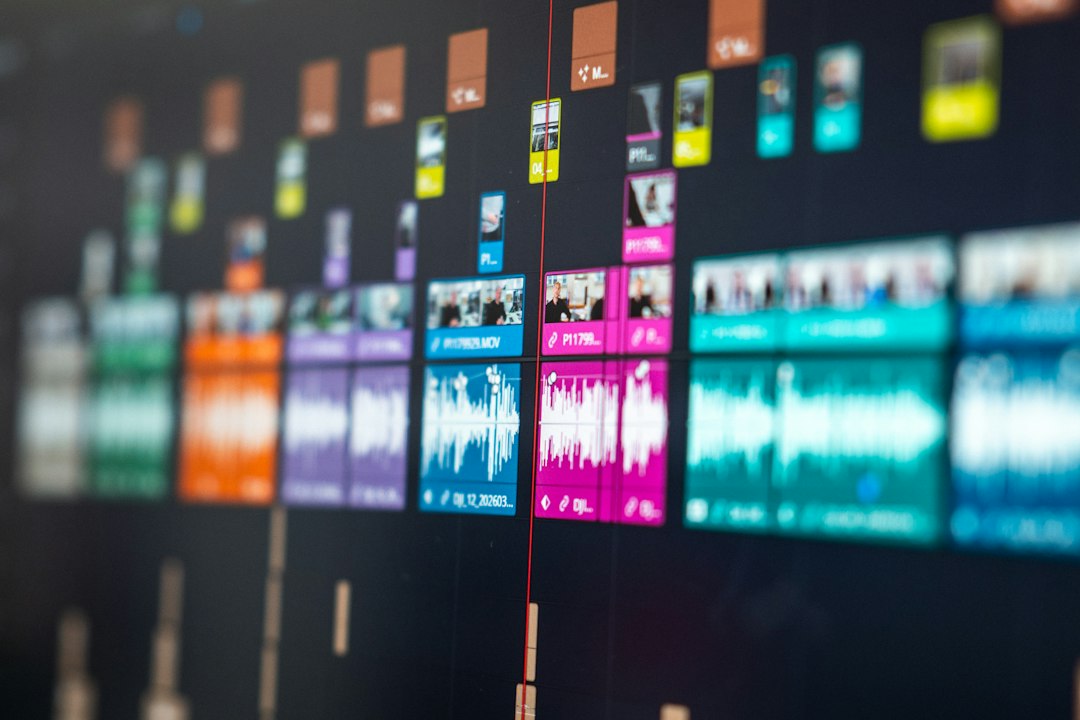
DaVinci Resolve is the safer After Effects alternative for most motion graphics work, while Natron is better for focused node-based compositing and open-source VFX pipelines. Resolve includes editing, color, Fusion visual effects, and audio in one package, with DaVinci Resolve Studio priced at $295 [source: Blackmagic Design]. If you need one tool for client videos, social ads, title work, and cleanup shots, start with Resolve.
TLDR: Pick DaVinci Resolve if you want an After Effects replacement that also edits and finishes video. Pick Natron if you mostly create VFX composites and prefer a free, open-source node workflow. For example, a small studio making 20 short ads per month may save hours by keeping edit, motion titles, color, and export inside Resolve. A VFX artist doing 30 green-screen shots may prefer Natron because its node tree keeps every key, mask, and grade visible.
Table of Contents
Best choice for most users: DaVinci Resolve
DaVinci Resolve is not a perfect After Effects clone. That is a good thing. It is heavier, broader, and more production-ready. Its Fusion page handles motion graphics, compositing, particles, tracking, keying, rotoscoping, and 3D-style scene builds.
The big win is the full pipeline. You can cut a video, build animated lower thirds, track a screen replacement, grade the footage, mix audio, and export without jumping between apps. That matters when deadlines are ugly.
Resolve is strongest for:
- YouTube channels that need repeated title templates and clean exports.
- Agencies producing ads, reels, explainers, and branded videos.
- Editors who also need moderate VFX and motion design.
- Color-heavy work, such as music videos, documentaries, and commercial spots.
The catch is that Fusion can feel stiff if you come from After Effects. Simple text animation may take more clicks than expected. A basic “slide in, bounce, fade out” title can feel 20 seconds slower at first because you are wiring nodes instead of stacking layers. That sounds small. Across 40 graphics, it gets annoying.
Best choice for pure compositing: Natron
Natron is a free, open-source compositor built around nodes. It feels closer to Nuke than After Effects. That makes it serious for VFX, but less friendly for broad motion design.
Natron shines when the job is about image processing. Think green screen, cleanup, masks, tracking, paint fixes, and multi-pass compositing. You can see the full structure of a shot because each operation sits in a node graph. That is cleaner than digging through hidden layer effects.
Natron is strongest for:
- Green-screen composites with several masks and color corrections.
- VFX cleanup, such as wire removal or object removal.
- Open-source studios that want flexible tools without license costs.
- Artists learning node logic before moving into higher-end compositing apps.
Honestly, it feels like Natron asks you to be patient before it rewards you. The interface is plain. Templates are limited. Motion graphics with lots of text, shapes, and timing changes can feel dry and slow.
Motion graphics: Resolve wins
For motion graphics, DaVinci Resolve is the better option. Fusion supports text animation, shape tools, particles, expressions, and reusable macros. It also has a real timeline nearby. That matters for timing graphics to music, voiceover, or cuts.
Natron can animate. It can keyframe values and build clean visual effects. But it is not built around fast graphic design. Creating a polished social media pack with animated captions, logo reveals, and transitions is more comfortable in Resolve.
If your work overlaps with business software decisions, the same rule applies: choose the tool that reduces handoffs. This is true whether you compare software for budget-conscious businesses or creative apps for video teams.
Visual effects: closer than it looks
For VFX, the answer depends on the shot. Resolve’s Fusion is strong. It can track, key, roto, stabilize, composite, and manage complex node setups. It also benefits from Resolve’s color tools.
Natron is more focused. Its node graph is clear and direct. For a compositor who only wants to build shots, that focus can be refreshing. No edit page. No audio page. No extra workspace calling for attention.
Still, Resolve has the stronger future for many teams. It has wider training support, more current workflows, and better ties to editing and delivery. Natron is useful, but it feels quieter as a platform.
Learning curve and reliability
After Effects users may struggle with both apps at first. Layers are familiar. Nodes are not. But nodes are not the enemy. They are often easier to audit because every step is visible.
Resolve has more learning material and a larger user base. That helps when you hit a weird render issue at 11 p.m. Natron has documentation and community knowledge, but answers can be harder to find.
Expect to waste time on setup details in both tools. Cache settings, GPU behavior, plugins, and codecs can slow you down. Resolve is usually smoother for mixed media projects. Natron is lighter in scope, but not always faster in practice.

Cost and team fit
Natron is free. That is its strongest business argument. For students, indie VFX artists, and Linux users, it is attractive. There is no subscription pressure.
Resolve also has a very capable free version. For many editors, it is enough. The Studio version adds advanced tools, higher-end performance features, and professional extras. For paid work, the one-time price is easier to accept than a monthly bill.
When judging software, use the same practical lens you would use for a small business software shortlist. Price matters, but workflow matters more. A free tool that adds five hours of friction each week is not really free.
Final recommendation
Choose DaVinci Resolve if you want the best all-around alternative to After Effects for motion graphics, video editing, color, and everyday VFX. It is the stronger pick for freelancers, agencies, creators, and small production teams.
Choose Natron if you want a free node compositor for VFX shots and you do not need a full editing or motion design suite. It is serious, capable, and clean for compositing, but less convenient for polished graphic-heavy work.
For most people leaving After Effects, DaVinci Resolve is the better first move. Natron is worth keeping nearby for focused compositing, especially if open-source tools are part of your workflow.