

The Amazon Web Services (AWS) Careers page is a crucial destination for tech professionals seeking employment opportunities at one of the world’s leading cloud computing companies. Whether you’re a seasoned IT engineer or a fresh graduate hoping to break into cloud development, navigating to the AWS Careers page is often the first step. However, many users have recently reported issues accessing the page, leading to confusion and frustration.
TL;DR: Many people trying to explore job opportunities on the AWS Careers page have encountered performance issues or total outages. These problems can happen due to high traffic, server issues, browser incompatibilities, or even redirects gone wrong. Knowing the root causes helps users find workarounds and continue their job search uninterrupted. Below, we dive into the common causes, fixes, and alternatives if the AWS Careers page isn’t working for you.
Table of Contents
Common Reasons Why the AWS Careers Page Isn’t Working
There are several plausible explanations for why the AWS Careers page may not be functioning as expected. From technical glitches to user-end problems, understanding these can point users toward a solution faster.
1. High Traffic Volume
One of the most frequent causes of downtime or slow load times on the AWS Careers site is traffic overload. When a major hiring event or job announcement occurs, thousands of users might try to access the site simultaneously, leading to bandwidth stress on the server.
Tip: Try accessing the page during off-peak hours. Early morning or late evening in your local time zone may yield better accessibility.
2. Site Maintenance or Backend Updates
Amazon often conducts system updates or maintenance that temporarily disables user access. While these are generally scheduled during low-traffic periods, users might try to visit the site mid-update unknowingly.
- Signs include a “Service Unavailable” or “403 Forbidden” error.
- Sometimes, only specific features (like the job search filter) go offline.
Check AWS’s official service status page or company announcements for ongoing maintenance details.
3. Browser Incompatibility or Cache Issues
Old browser versions, outdated cookies, or stubborn cache files can prevent proper rendering of dynamic content, including modern recruitment portals.
Recommended steps:
- Clear your browser cache and cookies
- Try accessing the page using Chrome, Firefox, or Safari in incognito/private mode
- Disable browser extensions temporarily, especially ad blockers or script blockers
4. Redirect Problems and Broken Links
Sometimes, job postings from LinkedIn or career boards redirect users to broken or expired AWS page URLs. These lead to “Page Not Found” errors or endless loading loops.
In such cases, it helps to visit the main AWS Careers homepage directly at aws.amazon.jobs rather than following third-party links.
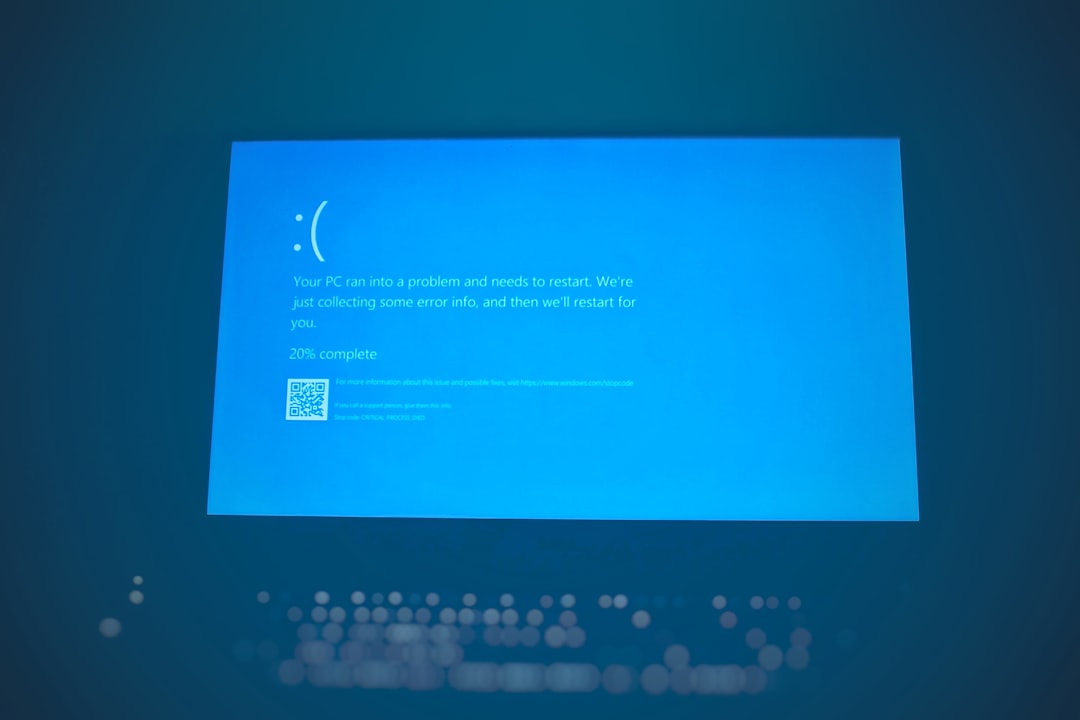
5. Geo-Restrictions or Network Firewall
In rare cases, the page may be inaccessible due to network restrictions or country-specific server issues. AWS might block or restrict access in certain regions due to internal policies or international sanctions.
- Try switching to a different network or use a reliable VPN
- Analyze whether your institution or workplace has firewalls blocking access
How to Work Around the Problem
If you’re experiencing trouble with the AWS Careers page, there are several actions you can take right now:
- Use a Different Browser: If Chrome fails, try Firefox or Safari. Alternative browsers may bypass the issue.
- Mobile Access: Sometimes the mobile version of the site renders correctly even when desktop does not.
- Check Internet Speed and DNS: Slow internet or DNS issues can stall site loading. Reset your modem or switch DNS servers.
- Clear Cache: Often overlooked, but crucial. Old cache causes loading conflicts.

Alternative Ways to Apply to AWS Jobs
Even if the official careers page is down, AWS job opportunities are still accessible through several channels:
- LinkedIn: AWS posts a substantial number of listings on their verified LinkedIn page.
- Glassdoor and Indeed: Job boards often mirror postings from the official site. Just be cautious of outdated links.
- Amazon.jobs: Since AWS is a subsidiary of Amazon, some jobs are available directly on the general careers site at Amazon.jobs.
- Recruitment Fairs and Virtual Hiring Events: Look out for AWS job booths at tech expos and cloud conferences.
Preventing Future Access Issues
For job seekers serious about working at AWS, taking proactive steps can save time and hassle:
- Bookmark the correct URL: Always use https://aws.amazon.jobs to prevent redirect errors.
- Subscribe to AWS Career Newsletters: Get notified before mass job postings go live and avoid traffic peaks.
- Enable JavaScript and Location Access: Some features on the site rely heavily on user permissions.
Finally, patience is often key. Given Amazon’s enormous scale, they are typically quick to resolve outages or tech mishaps. But being prepared ensures you can act immediately when the page becomes available again.
Frequently Asked Questions (FAQ)
- Q1: Why is the AWS Careers page not loading at all?
- This could be due to high traffic, server downtime, browser issues, or your own network/firewall settings. Try accessing the site through an incognito window, another browser, or a different device.
- Q2: What should I do if I get a “403 Forbidden” error?
- This usually indicates that access is restricted. It could be a result of geolocation blocking or IP bans. Try using a VPN or contacting AWS support.
- Q3: Can I still apply for AWS jobs if the careers page is down?
- Yes. AWS job postings can also be found via LinkedIn, Amazon.jobs, Glassdoor, and Indeed. Some roles are also promoted during virtual fairs.
- Q4: How do I know if the site is down for everyone or just me?
- Use a service like downforeveryoneorjustme.com to check the status of the site globally.
- Q5: Who can I contact if I keep having issues applying?
- If problems persist, you can reach out through AWS’s general support channels or via recruitment-specific contact info on Amazon.jobs.