
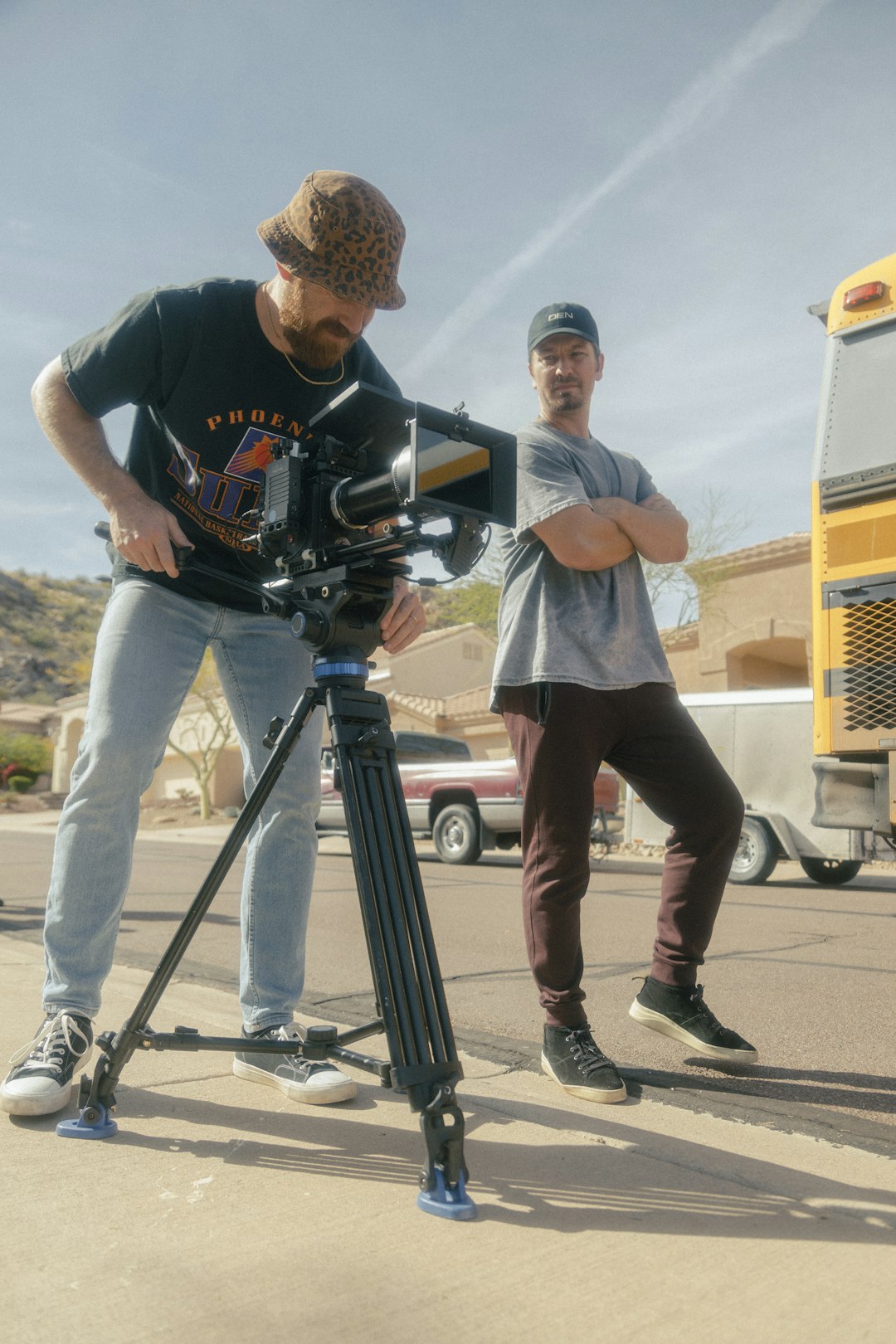
Short-form video has become the default language of social media, while AI writing tools now help creators plan, script, caption, and repurpose content faster than ever. If you are searching for a Clippie AI free alternative, the real question is not only “Which tool is free?” but “Which tool can take me from idea to publishable content with the least friction?” The best choice depends on whether you need automatic video clipping, social captions, script generation, voiceovers, subtitles, or a full editing workspace.
TLDR: Clippie AI is useful for turning longer content into shorter clips, but free alternatives can offer similar or broader features depending on your workflow. CapCut, Clipchamp, Canva, and DaVinci Resolve are strong video options, while tools like ChatGPT, Gemini, and Claude help with scripts, captions, outlines, and content strategy. For the best free setup, combine one AI writing assistant with one video editing tool rather than expecting a single platform to do everything perfectly.
Table of Contents
What Clippie AI Is Usually Used For
Clippie AI is generally associated with simplifying short-form video creation. Tools in this category help creators take longer videos, webinars, podcasts, interviews, or tutorials and transform them into short clips for platforms like TikTok, Instagram Reels, YouTube Shorts, and LinkedIn. The appeal is obvious: instead of manually scanning a one-hour video for standout moments, AI can identify highlights, generate captions, and format the clip for vertical viewing.
However, many users quickly discover that “AI clipping” is only one part of the content process. Before a video is recorded, you may need a script. After a clip is generated, you may need a better hook, a thumbnail concept, a description, hashtags, or a content calendar. That is why the best free alternative is often a tool stack, not a single replacement.
What to Look for in a Free Alternative
Before comparing tools, it helps to define what “good” means. A free alternative should not only save money; it should also save time and produce content that looks professional enough to publish.
- Automatic captions: Essential for social video, especially since many viewers watch without sound.
- Vertical video formatting: A must for Reels, Shorts, and TikTok.
- AI highlight detection: Useful if you regularly repurpose long videos.
- Script and caption writing: Helpful for creators who struggle with hooks or consistency.
- Templates and brand controls: Important for keeping videos visually consistent.
- Export limits: Many free plans include watermarks, lower resolution, or limited monthly exports.
- Ease of use: The best tool is the one you will actually use every week.
CapCut: Best Free Video Editor for Social Creators
CapCut is one of the strongest free alternatives for creators focused on short-form video. It offers a friendly editing interface, mobile and desktop versions, auto captions, effects, transitions, templates, background removal, and social-friendly aspect ratios. For many creators, CapCut is the closest practical option to an all-in-one free video production tool.
Its biggest advantage is speed. You can import a clip, add captions, trim awkward pauses, apply a template, and export a vertical video quickly. It is especially useful for TikTok-style content, talking-head clips, tutorials, product demos, and creator commentary.
The downside is that CapCut is more of an editor than a long-form content intelligence tool. If your main task is automatically finding the best moments from a two-hour podcast, you may still prefer a dedicated AI clipping platform. But if you already know which sections you want to edit, CapCut is hard to beat.
Microsoft Clipchamp: Best for Simple Browser Editing
Clipchamp is a solid free option for users who want straightforward video editing without installing complicated software. It runs in the browser and is especially convenient for Windows users. It includes trimming, text overlays, stock assets, templates, voice recording, and basic AI-assisted features such as text-to-speech and auto-captioning in certain workflows.
Clipchamp is ideal for small businesses, educators, and beginners who need clean videos without a steep learning curve. It is not the most advanced tool for viral-style edits, but it works well for tutorials, announcements, internal presentations, and polished social posts.
The biggest limitation is creative depth. Compared with CapCut or DaVinci Resolve, Clipchamp can feel basic. Still, for a free tool that is easy to access and quick to learn, it deserves a place on any comparison list.
Canva: Best for Content Packaging and Visual Consistency
Canva is not only a design tool; it also includes video editing features, social media templates, presentation tools, AI writing support, and brand-friendly layouts. If your workflow includes thumbnails, carousel posts, video intros, captions, and promotional graphics, Canva can be a strong Clippie AI alternative in a broader content-production sense.
Its biggest strength is packaging. A clip is more likely to perform when it has a strong title card, consistent colors, clean typography, and a platform-specific layout. Canva makes these elements easy, especially for non-designers.
However, Canva’s video editor is not as powerful as dedicated editing software. It is excellent for simple edits, branded content, and repurposed assets, but less ideal for complex timelines, advanced audio cleanup, or high-volume automated clipping.
DaVinci Resolve: Best Free Professional Editor
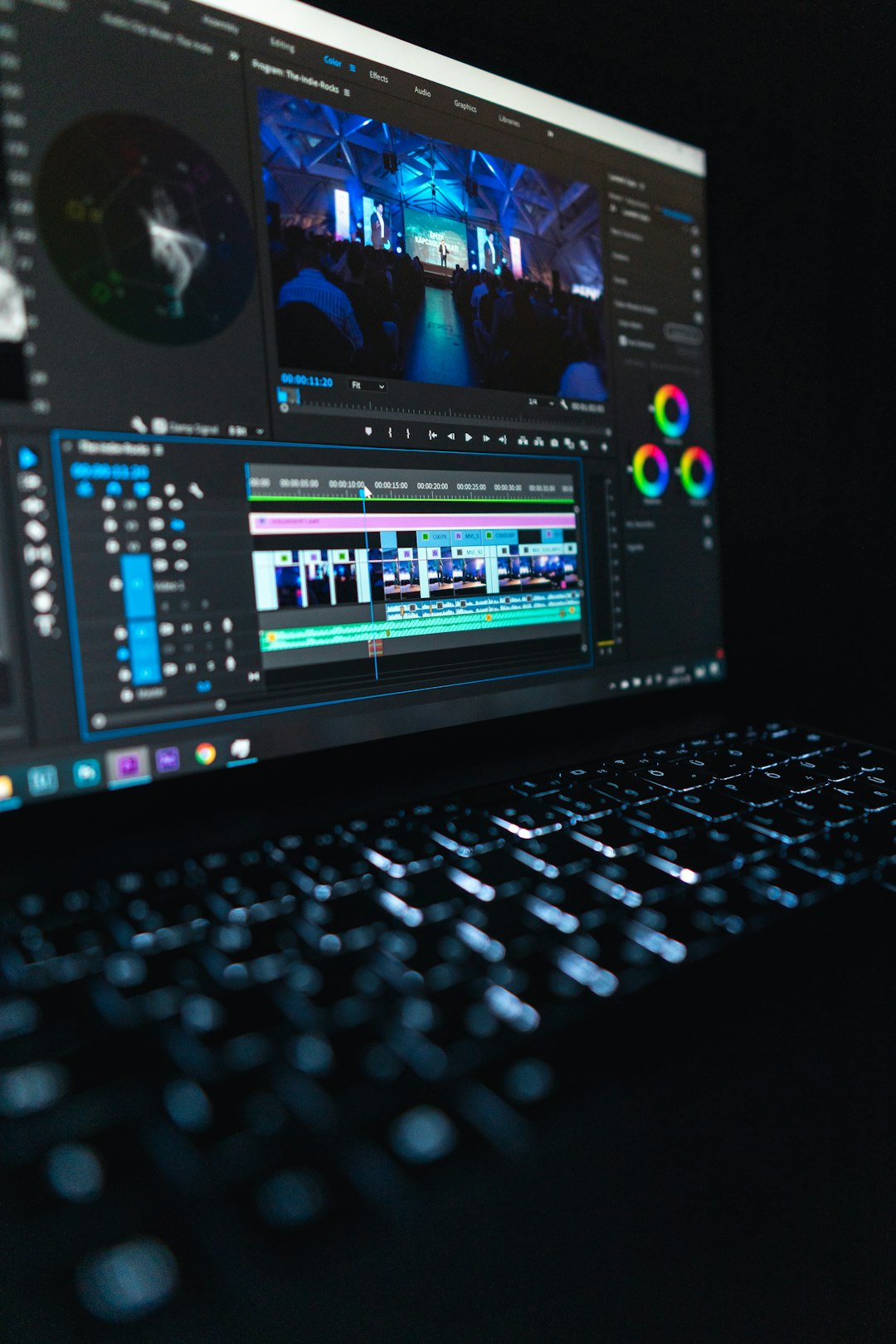
DaVinci Resolve is the most powerful free video editor in this comparison. It is used by serious editors and includes advanced color correction, audio tools, effects, multicam editing, and professional timelines. If you want maximum control and are willing to learn, Resolve is exceptional.
For creators moving beyond basic social clips, DaVinci Resolve can become a long-term editing hub. It is especially strong for YouTube videos, documentaries, interviews, course content, and cinematic brand videos. The free version is generous enough for many professional workflows.
The tradeoff is complexity. Resolve is not the fastest option if you simply want to generate five captioned Shorts from a webinar. It also requires a reasonably capable computer. For quick AI-assisted social edits, CapCut may be easier; for serious editing quality, Resolve wins.
OpusClip and Similar AI Clippers: Best for Long-Form Repurposing
Tools like OpusClip, Vizard, Vidyo.ai, and similar AI clipping platforms are built around the same core promise: upload long-form video and let AI identify short, shareable moments. They often add captions, assign virality scores, reframe speakers, and create multiple vertical clips from a single source.
These tools are the most direct alternatives to Clippie-style workflows. They are valuable for podcasters, webinar hosts, coaches, streamers, and YouTubers who already have long videos and need to extract highlights quickly.
The catch is that free plans are usually limited. You may get a small number of processing minutes, watermarked exports, or restricted quality. Still, they can be excellent for testing whether AI clipping fits your content strategy before paying for a premium plan.
AI Writing Tools: The Missing Half of the Workflow
A video tool helps you edit, but an AI writing assistant helps you decide what to say. This is where tools like ChatGPT, Google Gemini, Claude, and other writing assistants become valuable free alternatives in the broader content creation process.
You can use AI writing tools to create:
- Video scripts for tutorials, ads, explainers, and thought leadership posts.
- Hooks that make the first three seconds more compelling.
- Captions and descriptions tailored to different platforms.
- Hashtag sets based on audience, niche, and content type.
- Content calendars that turn one idea into a week or month of posts.
- Repurposing plans for turning a podcast, blog post, or webinar into multiple assets.
For example, you could ask an AI writing assistant to summarize a podcast transcript, identify the top five clip-worthy moments, write social captions for each, and suggest thumbnail text. Then you can take those ideas into CapCut, Clipchamp, or an AI clipping tool.
Comparing the Best Free Options
Here is a practical way to think about the leading alternatives:
- Best for fast social edits: CapCut
- Best for simple browser editing: Clipchamp
- Best for branded visual content: Canva
- Best for professional editing: DaVinci Resolve
- Best for long-form video repurposing: OpusClip-style AI clipping tools
- Best for scripts and captions: ChatGPT, Gemini, or Claude
No free tool is perfect in every category. A creator who posts daily TikToks may prefer CapCut plus an AI writing assistant. A business repurposing webinars may prefer an AI clipper plus Canva for branded graphics. A YouTuber producing polished videos may rely on DaVinci Resolve and use AI writing tools for outlines, titles, and descriptions.

The Best Free Workflow for Most Creators
If you want a practical Clippie AI free alternative workflow, start with this simple setup:
- Plan with an AI writing assistant: Generate video ideas, hooks, outlines, and captions.
- Record or collect long-form content: Use podcasts, webinars, interviews, screen recordings, or talking-head videos.
- Find the best moments: Either manually select highlights or test a free AI clipping tool.
- Edit in CapCut or Clipchamp: Add captions, trim pauses, reframe for vertical, and improve pacing.
- Package in Canva if needed: Create title cards, thumbnails, covers, or matching social graphics.
- Publish and analyze: Track which hooks, lengths, and formats perform best.
This workflow is flexible, low-cost, and easy to improve over time. It also avoids locking you into one platform before you understand your real needs.
Free vs Paid: When Should You Upgrade?
Free tools are excellent for testing, learning, and producing consistent content. But upgrading can make sense when limits start costing you time. If you regularly hit export caps, need watermark-free videos, want better subtitle accuracy, or process many hours of footage each month, a paid plan may be worth it.
That said, do not upgrade simply because a tool has impressive features. Upgrade when you can clearly connect the paid feature to a better outcome, such as more content published, faster turnaround, improved production quality, or higher revenue from your content.
Final Verdict
The best Clippie AI free alternative is not a single universal winner. For most creators, CapCut is the strongest free video editing choice, especially for short-form social content. Clipchamp is best for simple browser-based editing, Canva is excellent for branded content packaging, and DaVinci Resolve is unmatched for professional free editing power.
If your main goal is to repurpose long videos automatically, test an AI clipping platform with a free plan. If your bigger challenge is coming up with ideas, scripts, captions, and hooks, pair your video editor with an AI writing assistant. The smartest approach is to build a lightweight workflow that matches your content style, publishing schedule, and skill level. With the right combination, you can create polished AI-assisted content without paying for a full premium platform from day one.