

If your managed IT services company was acquired today, check your contract, security controls, support terms, pricing, and assigned account team before you approve any changes. An acquisition can improve service, but it can also create confusion fast. Tools may change. Technicians may leave. Your help desk queue may suddenly feel like it belongs to a company you never hired.
TLDR: When an IT services company is acquired, review seven areas right away: contracts, pricing, security, support quality, staff changes, tools, and exit options. For example, if your old provider answered 92% of tickets within one hour and the new owner drops that to 70%, you need proof, not promises. A 30-minute review this week can save months of poor service, surprise fees, or messy vendor lock-in.
Image not found in postmeta
Table of Contents
1. Check Whether Your Contract Still Protects You
Start with the master services agreement, service level agreement, and any addendums. Do not assume the same terms apply just because the logo on the invoice changed.
Look for clauses covering assignment, change of control, termination, price changes, liability, data handling, and notice periods. Some contracts allow the provider to transfer your account to a buyer without asking you. Others require written notice or consent.
Pay close attention to service levels. If your contract promised a 15-minute urgent response time, keep that standard in writing. Ask the acquiring company to confirm it will honor every existing term. Get the answer by email, not during a friendly call that no one remembers later.
- Ask: Has our contract been assigned to the new company?
- Ask: Will all service levels remain unchanged?
- Ask: Are any terms being retired, replaced, or “standardized”?
2. Review Pricing Before “New Packages” Arrive
Acquisitions often come with pricing changes. The buyer may want all clients on the same plans. That can mean better support, but it can also mean higher monthly fees for tools you do not need.
Honestly, it feels like some providers rename the same service, add a dashboard no one asked for, and raise the price by 18%. That is not modernization. That is a billing surprise with a fresh coat of paint.
Ask for a written price freeze. If that is not possible, ask for a full pricing roadmap for the next 12 months. Include user fees, device fees, backup fees, security monitoring, project rates, after-hours support, onboarding fees, and minimum commitments.
A good question to ask: “Will our total monthly spend increase within the next billing cycle, quarter, or renewal period?”
3. Confirm Who Now Has Access to Your Systems
This is one of the most serious checks. A managed IT services company usually holds privileged access to email, servers, cloud platforms, backups, firewalls, endpoint tools, and admin portals. When ownership changes, access must be reviewed.
Ask for an updated list of people and systems with access to your environment. Include third-party subcontractors. If the acquired company used shared admin accounts, push for named accounts with multi-factor authentication.
Also ask what happens to former employees. Were their credentials disabled? Were API keys rotated? Were remote access tools audited? If a technician left during the sale and still has access to your firewall, that is a real risk.
Image not found in postmeta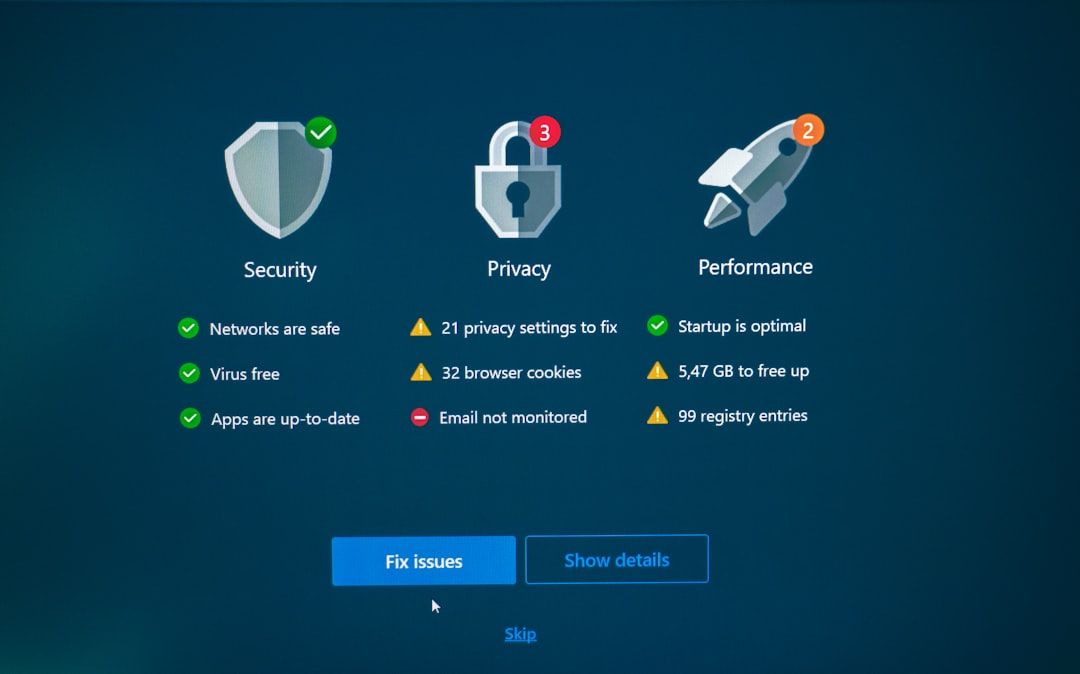
- Request a privileged access report.
- Confirm multi-factor authentication on every admin account.
- Ask when passwords, tokens, and keys were last rotated.
- Review remote monitoring and management tool permissions.
4. Measure Support Quality Right Away
Do not wait three months to notice the help desk has slowed down. Track support quality from the first week after the acquisition announcement.
Compare current support against the old baseline. Look at average response time, resolution time, ticket reopen rates, escalation quality, and user satisfaction. If you do not already track these numbers, start now.
For example, if password reset tickets used to take 12 minutes and now take 38 minutes, that matters. It may seem small, but across 80 employees, those delays add up. Expect to waste time on duplicate explanations if the new team lacks your account history.
Ask whether your existing technicians are staying. Many client relationships depend on a few key people who know your setup, your odd printer issue, and the server everyone is afraid to reboot.
5. Find Out Which Tools Are Changing
Managed IT providers run their service through platforms. These may include remote monitoring tools, endpoint security, backup software, patching systems, ticketing portals, documentation tools, and password managers.
After an acquisition, the buyer may move you to its preferred stack. That can be fine, but migrations create risk. Backups can fail. Alerts can get missed. Agents can conflict. Users can receive confusing prompts from tools they do not recognize.
Ask for a tool migration plan. It should include dates, impact, rollback steps, training needs, and who owns each task. If your business has compliance duties, ask whether the new tools meet those requirements.
Do not accept vague answers like “nothing should change.” That word, should, has caused plenty of IT headaches.
6. Check Security, Compliance, and Insurance
Your provider’s security posture affects your business. If the buyer has weaker controls, your risk can increase overnight.
Ask for proof of security standards. This may include SOC 2 reports, ISO certification, cyber insurance, incident response plans, background check policies, employee training records, and vulnerability management processes.
If your company works in healthcare, finance, legal services, government contracting, or retail, this check is even more urgent. Your provider may handle regulated data or systems that support regulated data. The acquiring company needs to meet the same bar, or a higher one.
Ask direct questions:
- Has there been any recent security incident at either company?
- Will our data move to new systems or locations?
- Who is responsible for breach notification?
- Does the new provider carry cyber liability insurance?
- Are subcontractors used for help desk, security, or backup work?

7. Review Your Exit Options Before You Need Them
No one wants to plan a breakup on day one, but you should. An acquisition is a clean moment to review how hard it would be to leave.
Check contract end dates, early termination fees, data return terms, backup ownership, domain access, documentation access, and admin credentials. Make sure you can get your passwords, network diagrams, asset lists, license records, vendor contacts, and configuration details.
If the new provider controls your Microsoft 365 tenant, firewall account, DNS, backups, and documentation, leaving can get painful. You need a clear offboarding clause before service gets rocky.
Ask for a written transition policy. It should explain how they support a move to another provider. A professional IT services firm will not treat this as an insult. A defensive reaction tells you plenty.
Questions to Ask the New Owner
Schedule a formal transition meeting. Include your operations lead, finance contact, compliance owner, and whoever manages vendor contracts. Keep it focused. You are not there for a sales pitch.
- Who is our new account manager?
- Which technicians will support our account?
- Will our current ticket history and documentation transfer fully?
- Are support hours changing?
- Will our pricing change before renewal?
- What tools will be replaced?
- Are any services being discontinued?
- How will you report service performance each month?
Red Flags After an IT Services Acquisition
Some warning signs appear quickly. Watch for missed tickets, unclear billing, pressure to sign a new agreement, high staff turnover, unexplained tool changes, and slow answers about security.
One missed ticket is not a crisis. A pattern is. If three urgent tickets in a row get delayed, document it. If invoices change without notice, challenge them. If your account manager cannot explain who has admin access, escalate fast.
The best response is calm, firm, and documented. Ask questions in writing. Keep meeting notes. Save promises. Track metrics. If the new company is solid, they will respect the process. If not, you will have the records needed to switch providers with less drama.
An acquired managed IT services company can still be a great partner. The key is not to wait and hope. Check the seven areas above now, while expectations are fresh and the new owner is paying attention.