
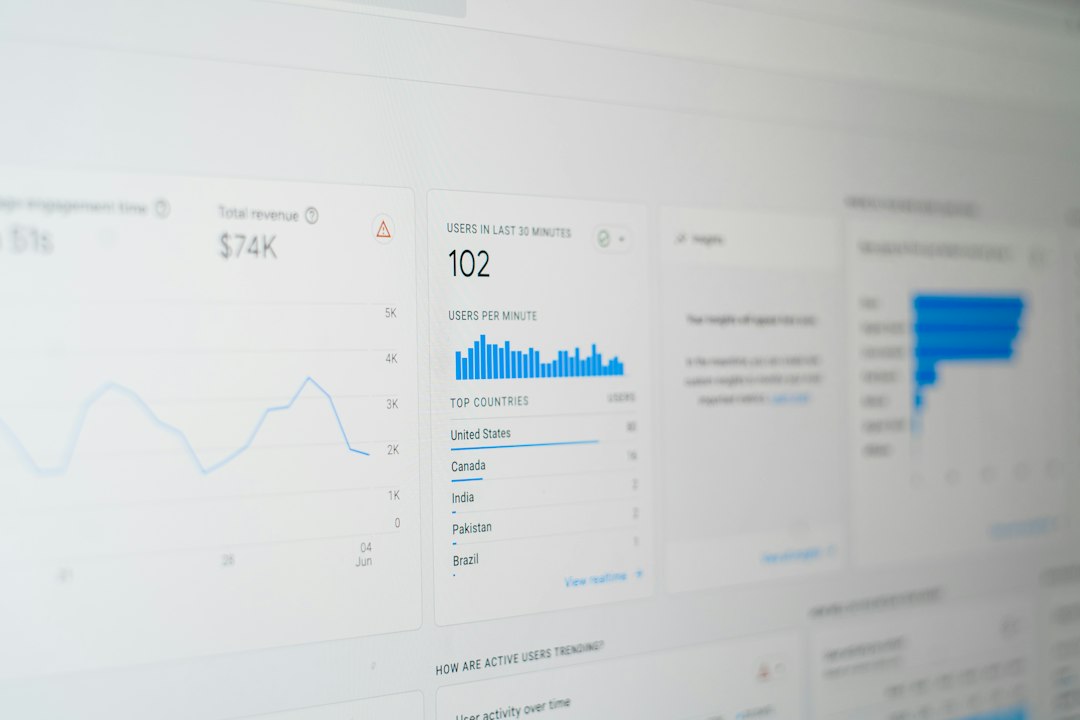
Best quick pick: Firebase fits lean app teams that need free setup, Mixpanel fits product-led teams that care about funnels, and Amplitude fits larger teams that need deep retention and behavioral analysis. Firebase Analytics includes no-cost app event reporting and automatic events, according to Google [source: Google].
TLDR: Firebase is the easiest starting point for mobile app analytics, especially when the app already uses Google tools. Mixpanel is stronger when a team wants to answer questions like, “Where do users quit onboarding?” For example, if 10,000 users install an app and 42% drop before account creation, Mixpanel or Amplitude can show the exact step causing the loss. Amplitude is best when retention, cohorts, and user paths matter more than simple event counts.
Table of Contents
How the three tools compare
Mobile app analytics should answer simple questions fast. Who installed the app? What did they tap? Where did they stop? Which users came back after seven days? Mixpanel, Firebase, and Amplitude all handle event tracking, but they feel very different in real use.
Firebase is the most common first choice for mobile teams. It works well with Android, iOS, Google Ads, Crashlytics, Remote Config, and Cloud Messaging. A small team can track installs, sessions, screen views, and basic conversions without paying right away. That is a huge plus.
The catch is that Firebase can feel cramped once product questions get more detailed. Custom reports often require BigQuery, Looker Studio, or extra setup. That may be fine for analysts. It is annoying for a product manager who just wants to compare two onboarding paths before lunch.
Mixpanel is built around product behavior. It shines with funnels, retention reports, cohorts, and event-based analysis. A team can track steps like Install → Sign up → Add payment method → First purchase. Then it can see where users quit and which user group converts best.
Amplitude goes even deeper into product usage. It is strong for retention, user paths, segmentation, and growth experiments. It is often picked by SaaS, marketplace, fintech, and subscription app teams that have many user types and many product flows.
Firebase: best for simple, cost-friendly app tracking
Firebase is ideal when the app team needs analytics, crashes, push notifications, and A/B testing under one roof. It is also a natural fit for early Android apps. Setup is usually quick. The SDK is mature. Automatic event tracking helps teams get data without planning every tiny event first.
- Best for: startups, MVPs, mobile games, Android-heavy teams.
- Strengths: free analytics, Google Ads links, Crashlytics, Remote Config.
- Weak spots: product analysis can feel limited without BigQuery.
Firebase works well when the main goal is growth tracking. It answers questions such as install source, daily active users, purchase events, and campaign results. It is less pleasant when the team needs flexible funnel analysis by plan type, country, device, or feature usage.
Mixpanel: best for funnels and product decisions
Mixpanel is made for teams that ask product questions every day. A product manager can build a funnel, slice it by platform, and save a cohort of users who failed at step three. That speed matters. It can turn vague complaints into real fixes.
Honestly, it feels like Firebase makes some of these questions take 10 extra clicks. Mixpanel is more direct. The interface is aimed at people who track activation, retention, and conversion rates as part of their daily work.

- Best for: product-led apps, marketplaces, subscription apps.
- Strengths: funnels, cohorts, retention, event exploration.
- Weak spots: pricing can rise as tracked users and events grow.
Mixpanel is often the best middle ground. It gives more product insight than Firebase without feeling as heavy as some enterprise tools. Teams still need a clean tracking plan, though. Bad event names will ruin reports fast.
Amplitude: best for advanced retention and growth analysis
Amplitude is strongest when the business has complex user behavior. It helps teams study paths, habits, retention loops, and feature adoption. A fitness app, for example, might compare users who log three workouts in week one against users who log only one. That gap may explain long-term retention.
Amplitude also works well for teams with many analysts and product squads. It supports rich cohorts, lifecycle reporting, and experimentation features. Its depth can be a gift, but it can also slow down smaller teams. Expect to spend time on tracking plans, naming rules, and training.
- Best for: scaleups, enterprise apps, data-heavy product teams.
- Strengths: retention, cohorts, user paths, advanced segmentation.
- Weak spots: setup and governance can take more effort.
Which one should a mobile team choose?
A small app team should usually start with Firebase. It is practical, low-cost, and tied to the tools many mobile developers already use.
A growing product team should consider Mixpanel when activation and conversion are the main concerns. It is easier for non-technical staff to use when they need fast funnel answers.
A larger team should consider Amplitude when retention, user paths, and long-term behavior drive revenue. It is best when the company has enough traffic and staff to make use of the deeper reports.

The best tool is not always the most powerful one. It is the one the team will actually check every week. Clean events, clear goals, and regular review meetings matter more than a fancy dashboard.
FAQ
- Is Firebase better than Mixpanel?
Firebase is better for low-cost tracking and Google tool links. Mixpanel is better for product funnels, cohorts, and behavior analysis. - Is Amplitude harder to use than Mixpanel?
Amplitude can feel heavier because it has deeper analysis options. Mixpanel often feels faster for common product questions. - Can one app use more than one analytics tool?
Yes. Many teams use Firebase for basic app and campaign tracking, then add Mixpanel or Amplitude for product analysis. - Which tool is best for a new mobile app?
Firebase is usually the safest first choice. It is affordable and easy to connect with other mobile services. - Which tool is best for retention analysis?
Amplitude is often the strongest choice for retention, cohorts, and long-term user behavior.