
Your home network has a secret clubhouse. Your laptop, phone, printer, smart TV, and game console all hang out there. They talk using special numbers called private IP addresses. The most famous ones often start with 192.168.
TLDR: A 192.168.x.x address is usually a private address used inside your home or office network. For example, your router may be 192.168.1.1, while your phone may be 192.168.1.24. In a small office with 25 devices, using organized private IP ranges can cut connection confusion by a huge amount. Keep your router secure, avoid duplicate addresses, and use DHCP unless you have a good reason not to.
Table of Contents
What Is an IP Address?
An IP address is like a street address for a device. It helps data find the right place. When you open a website, stream a movie, or print a document, IP addresses guide the traffic.
Think of your network as a tiny city. Every device needs a house number. Without house numbers, the delivery truck has no clue where to go. Chaos. Maybe even angry printers.
There are two big types of IP addresses:
- Public IP addresses: Used on the internet.
- Private IP addresses: Used inside local networks.
Your public IP is like your home’s address on the internet. Your private IP is like a room number inside the house.
What Makes 192.168.x.x Special?
The address range 192.168.x.x is reserved for private networks. That means it is not used directly on the public internet. It is meant for homes, offices, schools, shops, and other local networks.
The full private range is:
- 192.168.0.0 to 192.168.255.255
That is a lot of addresses. More than 65,000 of them. Most home users only see a tiny slice, such as:
- 192.168.0.x
- 192.168.1.x
- 192.168.10.x
The x part changes. It usually identifies each device. Your router might be 192.168.1.1. Your laptop might be 192.168.1.15. Your printer might be 192.168.1.45.
Why Do Routers Love 192.168.1.1?
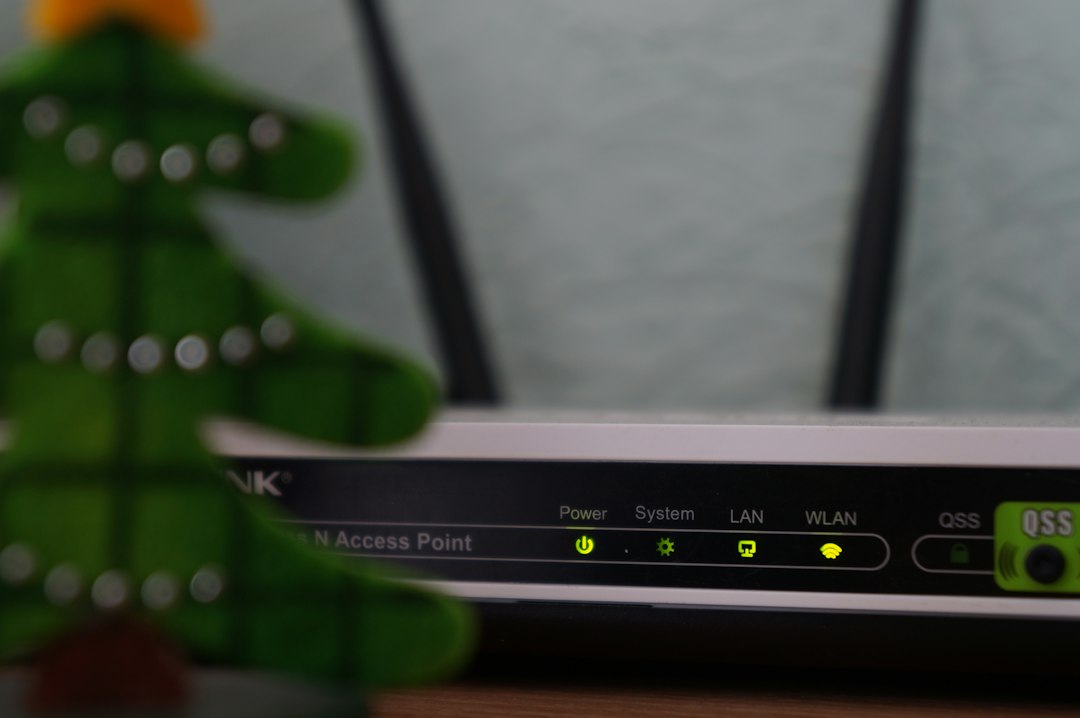
Many routers use 192.168.1.1 as their default address. Some use 192.168.0.1. This address is often called the default gateway.
That sounds fancy. It is not too scary.
Your router is the gatekeeper. It connects your private network to the internet. When your phone wants to visit a website, it sends traffic to the router first. The router then sends it out to the wider internet.
So, 192.168.1.1 is often the front desk of your network hotel. Everyone checks in there before going outside.
Private IP vs Public IP
Here is the simple version.
- Private IP: Used inside your home or office.
- Public IP: Used to reach the internet.
- Router: Connects the two worlds.
Your devices may all share one public IP when they go online. This is done using something called NAT, or Network Address Translation.
NAT is like a receptionist. Ten people in an office can send mail through one front desk. The outside world sees the office address. It does not see every desk inside.
This helps save public IP addresses. It also adds a basic layer of privacy. Your laptop’s private IP is not directly exposed to the internet.
Common 192.168.x.x Examples
Here are some common setups:
- 192.168.0.1: Router address on many cable modems.
- 192.168.1.1: Router address on many home routers.
- 192.168.1.2 to 192.168.1.254: Devices on the network.
- 192.168.10.1: Often used for a separate network.
The last number normally ranges from 1 to 254. The number 0 often describes the network itself. The number 255 is often used for broadcast messages. So most devices live between 1 and 254.
What Is DHCP?
DHCP means Dynamic Host Configuration Protocol. It is the helpful little robot inside your router.
When a device joins your Wi-Fi, DHCP gives it an IP address. No spreadsheets. No guesswork. No yelling at the printer.
For example:
- Your phone joins Wi-Fi.
- The router sees it.
- DHCP gives it 192.168.1.23.
- Your phone starts working.
Most people should use DHCP. It is easy. It prevents many mistakes. It keeps your network neat.
Static IP Addresses
A static IP address does not change. You set it by hand, or reserve it in the router. This can be useful.
Good devices for static IPs include:
- Printers
- Security cameras
- Network storage devices
- Servers
- Smart home hubs
Why? Because you may need to find them often. If your printer keeps changing address, your laptop may get confused. Then printing becomes a tiny drama.
A good trick is to let DHCP handle normal devices. Then reserve fixed addresses for important devices. For example:
- 192.168.1.10: Printer
- 192.168.1.20: Camera hub
- 192.168.1.30: NAS storage
Avoid IP Address Conflicts
An IP conflict happens when two devices use the same address. This is like two houses having the same street number. Deliveries get weird fast.
You may see problems such as:
- Slow internet.
- Random disconnects.
- Devices that cannot be found.
- Error messages about duplicate IPs.
To avoid conflicts, do not randomly assign addresses. Use DHCP reservations when possible. Also keep static addresses outside the automatic DHCP pool.
For example, your router may give out addresses from 192.168.1.100 to 192.168.1.200. You can use 192.168.1.10 to 192.168.1.50 for static devices. Nice and tidy.
Best Practices for 192.168.x.x Networks
Here are simple rules that work well.
- Change the default router password. Do this right away.
- Use strong Wi-Fi security. Choose WPA2 or WPA3.
- Keep router firmware updated. Updates fix bugs.
- Use DHCP for most devices. It is simple and safe.
- Reserve IPs for key devices. Printers love stability.
- Write down your plan. A small note can save hours.
- Do not expose devices unless needed. Be careful with port forwarding.
Security matters. A private IP does not make a device magical or invisible. If your Wi-Fi password is weak, strangers may still join your network. That is bad. They may use your bandwidth. They may poke at your devices. They may annoy your smart fridge. Nobody wants that.
Should You Change Your Router IP Range?
Sometimes, yes. Most homes are fine with 192.168.1.x. It is normal. It works.
But changing the range can help in a few cases:
- You connect to a work VPN.
- You have two routers.
- You manage many networks.
- You want better organization.
For example, if your home network and office VPN both use 192.168.1.x, your computer may get confused. It may not know which 192.168.1.50 you mean. Switching your home to 192.168.50.x can fix this.
That is like moving one of two identical coffee shops to another street. Much easier.
Other Private IP Ranges
The 192.168.x.x range is not the only private range. There are two others:
- 10.0.0.0 to 10.255.255.255
- 172.16.0.0 to 172.31.255.255
- 192.168.0.0 to 192.168.255.255
Large companies often use 10.x.x.x. It has millions of addresses. Home networks often use 192.168.x.x. It is smaller, simple, and familiar.
Final Thoughts
Private IP addresses are not mysterious. They are just local labels for your devices. The 192.168.x.x range helps your home or office network stay organized.
Use DHCP for everyday devices. Reserve static addresses for important gear. Protect your router. Keep your plan simple.
And remember: your router is the bouncer, receptionist, and traffic cop of your network party. Treat it well, and your devices will dance nicely together.