
Set a SIM PIN if your phone number protects banking, email, crypto, work systems, or password resets, but do not confuse it with your device passcode. A phone passcode protects the phone. A SIM PIN protects the mobile line when the SIM is placed into another device. Both help, but they stop different attacks.
TLDR: A device passcode locks your iPhone or Android handset, while a SIM PIN locks the SIM card itself. For example, if a thief removes your SIM and puts it into another phone, a SIM PIN can block calls, texts, and SMS recovery codes. In a 2023 FBI public alert, SIM swap scams were tied to more than $68 million in reported losses in one year, so carrier account protection also matters. Use a SIM PIN, then add a carrier port lock and move key accounts away from SMS codes.
Table of Contents
SIM PIN vs device passcode: the simple difference
A device passcode is the code, password, pattern, fingerprint, or face unlock used to open your phone. It protects local data such as photos, apps, saved files, messages, and password managers.
A SIM PIN is different. It is a short numeric code stored against the SIM card or eSIM profile. When active, the SIM will not connect to the mobile network after a restart or after being moved to another phone unless the PIN is entered.
That means a device passcode does not fully protect your phone number. If someone steals an unlocked phone, that is one risk. If someone steals the physical SIM from a locked phone, that is another. The SIM PIN is built for the second case.
What a SIM PIN actually protects
A SIM PIN helps block unauthorized use of your mobile service. Without the PIN, the SIM should not be able to place calls, receive texts, or use mobile data after it has been locked.
This matters because many online accounts still use SMS for recovery. A criminal who controls your number may be able to receive one time codes from banks, email services, delivery apps, or social accounts. That is exactly why SIM related fraud is so irritating. One weak link can reset several accounts.
A SIM PIN can help in these situations:
- SIM theft: Someone removes your physical SIM and inserts it into another phone.
- Lost phone: The device is restarted, and the SIM asks for its PIN before joining the network.
- Shared or repaired devices: The SIM cannot be used casually by someone handling the phone.
- Travel risk: A stolen bag or phone does not instantly expose your number for SMS codes.
It does not stop every attack. A SIM PIN will not stop a criminal from tricking your carrier into moving your number to a new SIM. That is called a SIM swap or port out fraud. For that, you need carrier level protections.
What your device passcode protects
Your phone passcode protects the handset. On modern iPhones and Android phones, it also helps protect encryption keys. This is why a strong passcode matters so much.
A device passcode helps protect:
- Stored messages and call history
- Photos, files, and downloads
- Email apps and workplace apps
- Password managers and saved browser sessions
- Banking apps, wallet apps, and payment cards
Use at least a six digit passcode. A longer numeric code or alphanumeric password is better. Avoid birthdays, repeated numbers, and simple patterns such as 123456 or 000000. It sounds basic, yet attackers still try these first because they keep working.
The main weakness of SIM PINs
The biggest problem with SIM PINs is usability. Honestly, it feels like phone makers and carriers buried the feature and hoped nobody would ask about it. On some phones, finding the SIM PIN menu can take 30 seconds longer than it should.
There is also a serious lockout risk. If you enter the wrong SIM PIN too many times, usually three attempts, the SIM may lock and require a PUK code. PUK stands for Personal Unblocking Key. You get it from your carrier account, carrier app, original SIM packaging, or customer support.
If the PUK is entered incorrectly too many times, the SIM can become permanently unusable. Then you may need a replacement SIM or new eSIM activation. So do not guess. Store the correct SIM PIN in a secure password manager.
How to set a SIM PIN safely
Before enabling the feature, check whether your carrier uses a default SIM PIN. Common defaults include 1111 or 1234, but you should not assume. Look in your carrier account or contact support.
- Find the SIM PIN setting. On phones, it is usually under cellular, mobile network, security, or SIM settings.
- Enable SIM PIN. The phone may ask for the current PIN first.
- Change the default PIN. Pick a code you do not use elsewhere.
- Save it securely. Use a password manager, not a sticky note in your case.
- Record the PUK source. Know where to get it before you need it.
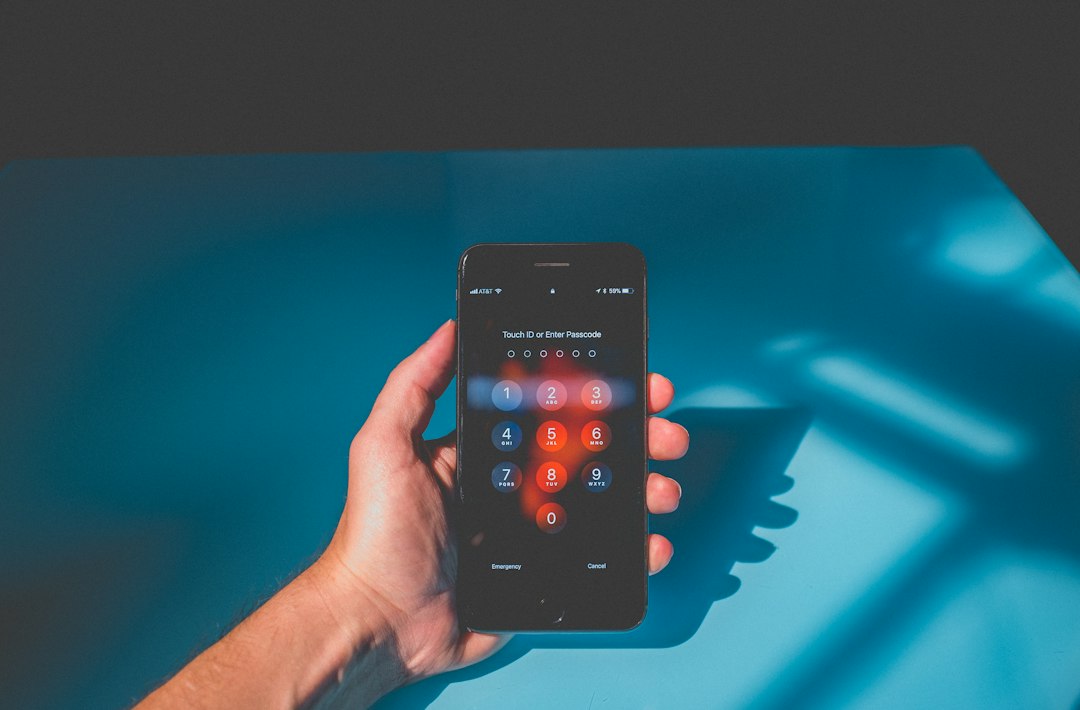
Do not use the same number as your device passcode. If someone sees you unlock your phone in public, they should not also learn your SIM PIN. This is a common mistake.
Carrier security alternatives that matter more than people think
A SIM PIN protects the SIM in your hand. Carrier security protects your number at the account level. You need both if your number is tied to money or identity.
Ask your carrier for these protections:
- Port out lock: Blocks or slows attempts to transfer your number to another carrier.
- Number lock: Prevents changes to the line unless you remove the lock first.
- Account PIN: Requires a separate code before support can make account changes.
- SIM swap protection: Adds extra checks before a new SIM or eSIM can be activated.
- Fraud alerts: Sends warnings when someone tries to change your account.
- In store ID checks: Requires stronger identity proof for risky actions.
Expect to waste time on carrier support menus. Some agents use different names for the same feature. Say clearly: “I want to prevent SIM swaps and unauthorized number transfers.” Then ask the agent to confirm what protections are active.
SMS codes are convenient, but weaker than app based security
SMS verification is better than no second factor, but it is not the strongest option. Text messages depend on your phone number. If your number is moved, stolen, or redirected, the attacker may receive the code.
For high value accounts, use stronger options:
- Authenticator apps: Apps such as Google Authenticator, Microsoft Authenticator, or 1Password generate codes on your device.
- Passkeys: These use cryptographic login tied to your device or password manager.
- Hardware security keys: Physical keys such as FIDO2 or U2F devices offer very strong protection.
- Bank app approval: Some banks let you approve logins inside the app instead of using SMS.
Start with your email account. Email is often the master key for password resets. Then secure banking, mobile carrier, cloud storage, tax accounts, and business tools.
Physical SIM vs eSIM security
An eSIM cannot be pulled out of a phone like a plastic SIM card. That gives it a clear benefit against simple SIM theft. But eSIM does not erase the risk of SIM swap fraud. A criminal may still try to convince a carrier to activate your number on another device.
For many users, eSIM plus carrier number lock is a strong setup. It reduces physical theft risk and adds friction against account takeover. Still, keep a strong device passcode. If the phone itself is compromised while unlocked, eSIM will not save every account.
Practical setup for most people
Use this layered approach:
- Set a strong phone passcode. Use six digits at minimum, preferably more.
- Turn on SIM PIN. Change the default and store it safely.
- Enable carrier account PIN and number lock. Confirm it applies to every line.
- Replace SMS codes on key accounts. Use authenticator apps, passkeys, or hardware keys.
- Review recovery options. Remove old numbers and unused email addresses.
A SIM PIN is not magic. It is one control in a layered plan. The device passcode protects the phone. The SIM PIN protects the mobile line from direct SIM use. Carrier locks protect the number from account fraud. Stronger login methods protect your accounts when SMS is not enough.
The best answer is not choosing between a SIM PIN and a device passcode. Use both. Then call your carrier and lock down the account behind the number.