
Every IT team should understand the network stack, IP routing, wireless standards, cloud connectivity, VoIP, SD-WAN, zero trust access, and monitoring. These technologies decide whether users get smooth calls, stable apps, clean file transfers, and secure remote access. When they are poorly managed, support tickets pile up fast.
TLDR: A capable IT team needs working knowledge of telecommunication systems, LAN and WAN design, cloud networking, and network security. For example, a 120-person company that replaces a single overloaded VPN with SD-WAN and split tunneling may cut remote access latency by 30% to 50%. The goal is not to know every protocol by heart, but to understand how traffic moves, breaks, and gets protected.
Table of Contents
Core networking fundamentals
IT teams should begin with the basics: TCP/IP, DNS, DHCP, NAT, VLANs, subnets, and routing. These are not old-school trivia. They are the reason laptops find printers, apps reach servers, and users can open sites without thinking about IP addresses.
DNS turns names into IP addresses. When DNS is slow or misconfigured, everything feels broken even when the internet connection is fine. DHCP assigns addresses to devices. NAT allows many private devices to share public IP space. VLANs separate traffic, such as finance systems, guest Wi-Fi, voice traffic, and security cameras.
It drives teams crazy that one bad DHCP scope or duplicate IP can burn an entire morning. A skilled technician checks addressing, gateway settings, DNS responses, and routes before blaming an app vendor.
Switching and routing
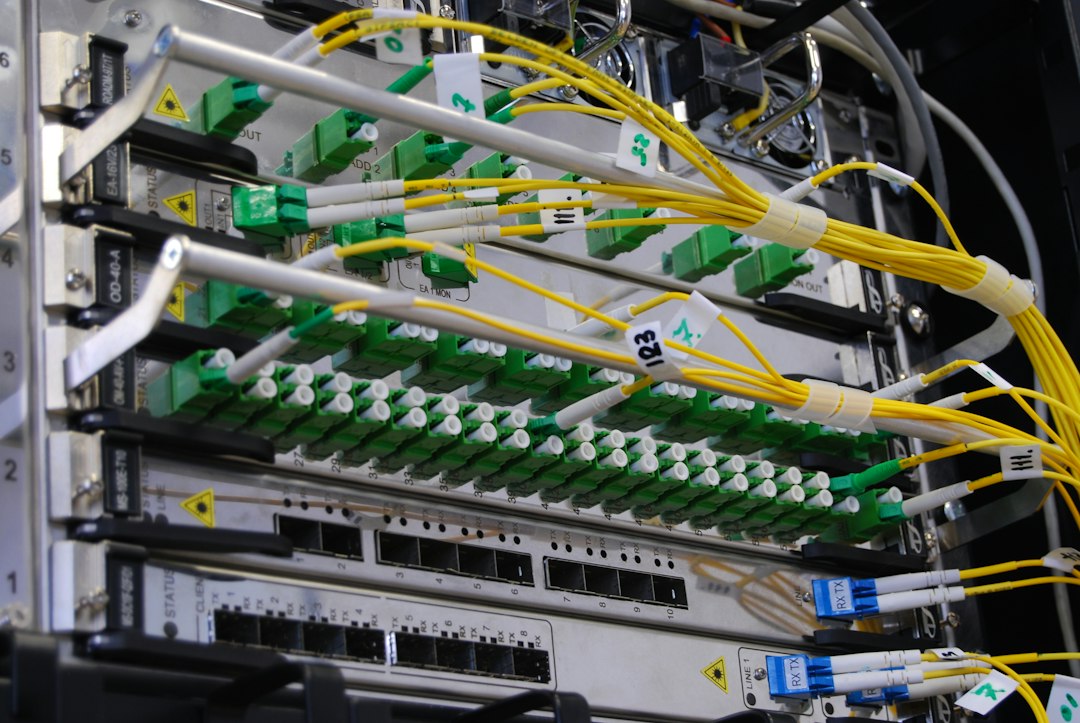
Switches move traffic inside local networks. Routers move traffic between networks. Both matter for office networks, data centers, warehouses, campuses, and branch sites.
- Layer 2 switching: Handles MAC addresses, VLAN tags, and local traffic.
- Layer 3 routing: Sends traffic between subnets, sites, and internet gateways.
- Quality of Service: Gives priority to voice, video, and other sensitive traffic.
- Redundancy: Uses backup links and devices to reduce outages.
Routing protocols such as OSPF and BGP may not appear in every small business, but larger teams should know what they do. BGP is common with internet providers and cloud connections. OSPF is often used inside private networks.
Wireless networking
Wi-Fi is now business-critical. Staff expect it to work in meeting rooms, hallways, warehouses, cafés, medical floors, and outdoor spaces. That expectation sounds simple. It is not.
IT teams should know Wi-Fi 5, Wi-Fi 6, Wi-Fi 6E, and Wi-Fi 7. They should also understand channels, interference, signal strength, roaming, and access point placement. A fast access point in the wrong place still gives poor service.
Common issues include crowded 2.4 GHz channels, weak backhaul, bad controller settings, and too many users on one access point. Honestly, it feels like Wi-Fi gets blamed for everything, including slow SaaS apps and old laptops with failing adapters.
VoIP and unified communications
Voice over IP replaced many legacy phone systems. It sends calls over data networks instead of traditional phone lines. IT teams should understand SIP, RTP, codecs, call routing, E911 rules, and voice quality metrics.
VoIP is sensitive to latency, jitter, and packet loss. A file download may survive a short delay. A phone call will not. If voice packets arrive late or out of order, users hear gaps, echoes, or robotic audio.
- Latency: Delay during transmission.
- Jitter: Variation in packet arrival time.
- Packet loss: Missing packets that reduce call quality.
- MOS score: A quality rating used for voice experience.

SD-WAN and modern WAN design
SD-WAN helps organizations connect branches, cloud platforms, data centers, and remote users with less pain. It can use broadband, fiber, LTE, 5G, and private circuits together. Traffic can move over the best link based on policy.
This matters when a branch office depends on Microsoft 365, Salesforce, video calls, and cloud storage. Sending all traffic back to one headquarters firewall can add delay. SD-WAN can send trusted cloud traffic directly to the internet while keeping sensitive systems protected.
IT teams should compare vendors based on failover speed, security features, reporting, application recognition, and support quality. A flashy dashboard does not help much if failover takes 45 seconds during a client call.
Cloud networking
Cloud platforms have their own network models. Teams should know virtual private clouds, subnets, route tables, security groups, private endpoints, load balancers, and VPN gateways. These features appear in AWS, Microsoft Azure, Google Cloud, and many private cloud tools.
Cloud mistakes can be expensive. A public storage endpoint, open database port, or loose security group can expose data. Poor routing can also cause high transfer costs. IT staff should review cloud network diagrams, access rules, and logs on a regular schedule.
5G, private cellular, and IoT connectivity
5G is not just for phones. It supports backup internet, field operations, kiosks, vehicles, smart cameras, and industrial equipment. Some organizations also use private cellular networks in factories, ports, hospitals, and large campuses.
Compared with Wi-Fi, private cellular can offer wider coverage and stronger control for certain devices. It may suit robots, sensors, scanners, or mobile equipment that moves across large sites. IT teams should still check device support, SIM management, coverage maps, and carrier contracts before rollout.
Network security and zero trust access
Networking and security can no longer sit in separate rooms. Teams should understand firewalls, IDS, IPS, VPNs, SASE, identity-based access, microsegmentation, and zero trust network access.
Zero trust does not mean every user is blocked all the time. It means access is checked based on identity, device health, location, risk, and requested resource. A contractor may get access to one web app, not the whole internal network.
- Firewalls filter traffic by rule and context.
- VPNs create encrypted tunnels for remote access.
- SASE combines network security and wide-area access services.
- Microsegmentation limits movement after a breach.
Monitoring, automation, and troubleshooting
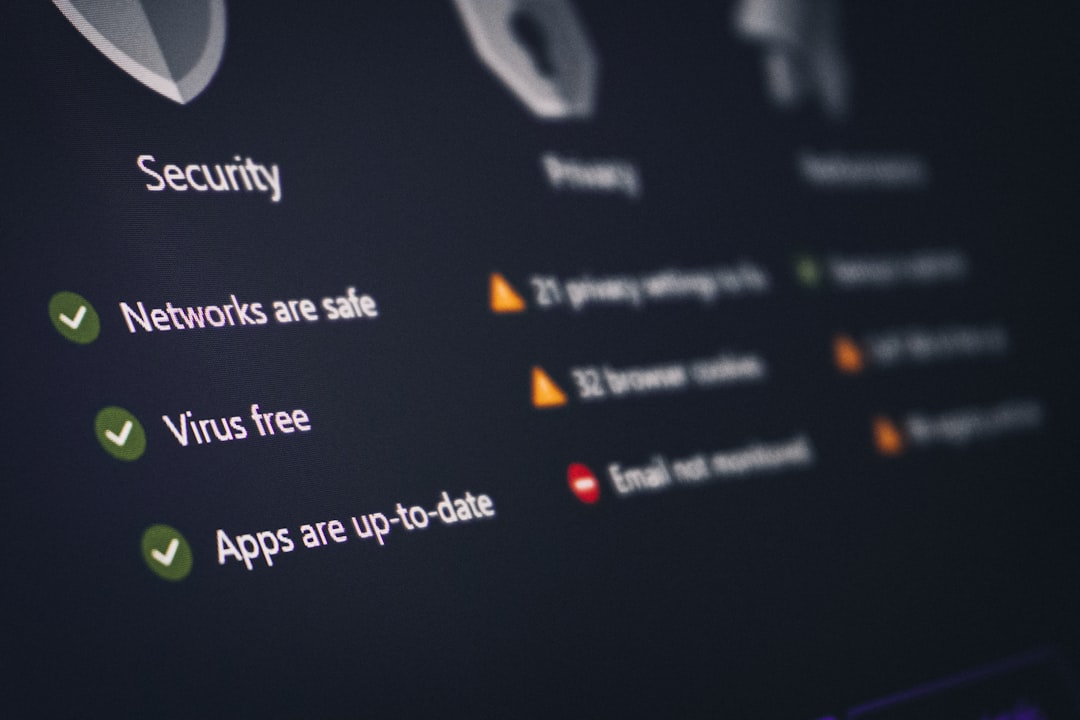
No team can manage what it cannot see. Monitoring tools should track uptime, bandwidth, packet loss, latency, device health, logs, and configuration changes. Useful tools include SNMP monitoring, flow analysis, synthetic testing, packet capture, and SIEM integration.
Automation also matters. Teams can use scripts, APIs, and configuration templates to reduce manual work. That said, bad automation can spread a wrong setting to 200 switches in seconds. Change control still matters.
Practical troubleshooting follows a pattern. The team checks the user device, the local link, IP settings, DNS, gateway reachability, routing, firewall logs, and app status. Guessing wastes time. A clean checklist saves it.
Skills every IT team should build
- Reading network diagrams and keeping them current.
- Understanding packet flow from user device to cloud app.
- Testing failover before a real outage occurs.
- Documenting firewall rules and removing stale access.
- Measuring user experience, not only device uptime.
- Practicing incident response for network and telecom failures.
The best teams treat telecom and networking as business systems, not hidden cables. Calls, payments, production lines, bookings, and customer portals all depend on them. When the network is designed well, users barely notice it. That is the point.
FAQ
What is the most useful networking skill for an IT team?
TCP/IP troubleshooting is the most useful skill. Teams that understand IP addressing, DNS, routing, and ports can solve many problems faster.
Does every IT team need SD-WAN?
No. SD-WAN is most useful for organizations with several sites, heavy cloud use, or unreliable links. A single small office may not need it.
Why is VoIP harder to support than email?
VoIP needs real-time delivery. Small delays, jitter, or packet loss can ruin a call, while email can tolerate delays without users noticing.
Is Wi-Fi 6 still worth using?
Yes. Wi-Fi 6 is still strong for many offices. Wi-Fi 6E and Wi-Fi 7 may help in dense spaces or places that need more spectrum.
How often should network documentation be updated?
Documentation should be updated after every major change. At minimum, teams should review diagrams, IP ranges, circuits, and firewall rules each quarter.