

Uizard is the better choice for fast enterprise ideation, while Figma remains the stronger platform for production-grade UI design systems. If your team needs to turn rough product ideas into clickable mockups quickly, Uizard is useful and surprisingly approachable. If your enterprise design team manages tokens, shared components, developer handoff, and strict review flows, Figma is still the safer long-term standard.
TLDR: Uizard helps product managers, founders, analysts, and non-designers create UI concepts without waiting for a design sprint. For example, a banking product team could turn a rough sketch of a loan dashboard into a 6-screen prototype in under 30 minutes, then hand it to designers for refinement. Figma is better when 25 designers need one governed component library, version control, review comments, and clean developer handoff. Many enterprises may use both: Uizard for early concepts, Figma for final design execution.
Table of Contents
What is Uizard?
Uizard is an AI-powered UI design and prototyping platform built to make interface design faster and less technical. It supports prompts, screenshots, hand-drawn wireframes, templates, and theme generation. The goal is simple: help teams create app and website mockups without needing deep design tool skills.
The company was founded in Copenhagen and gained attention for making design more accessible to cross-functional teams. Uizard now sits in a category often called AI-assisted product design. That means it does not only provide blank canvases and rectangles. It tries to generate usable screens from natural inputs.
For enterprise teams, that matters. Design bottlenecks are real. Product managers often need a quick visual to test an idea. Sales teams need mockups for client conversations. Internal operations teams need portal concepts before budget approval. Uizard gives these teams a way to show intent without opening a complex design system file.

Where Uizard shines
Uizard is strongest when speed matters more than pixel-perfect control. It works well for the messy first stage of product work, where teams are still asking, “Should we build this at all?”
- Prompt-to-design: Users can describe a product screen and get a visual starting point.
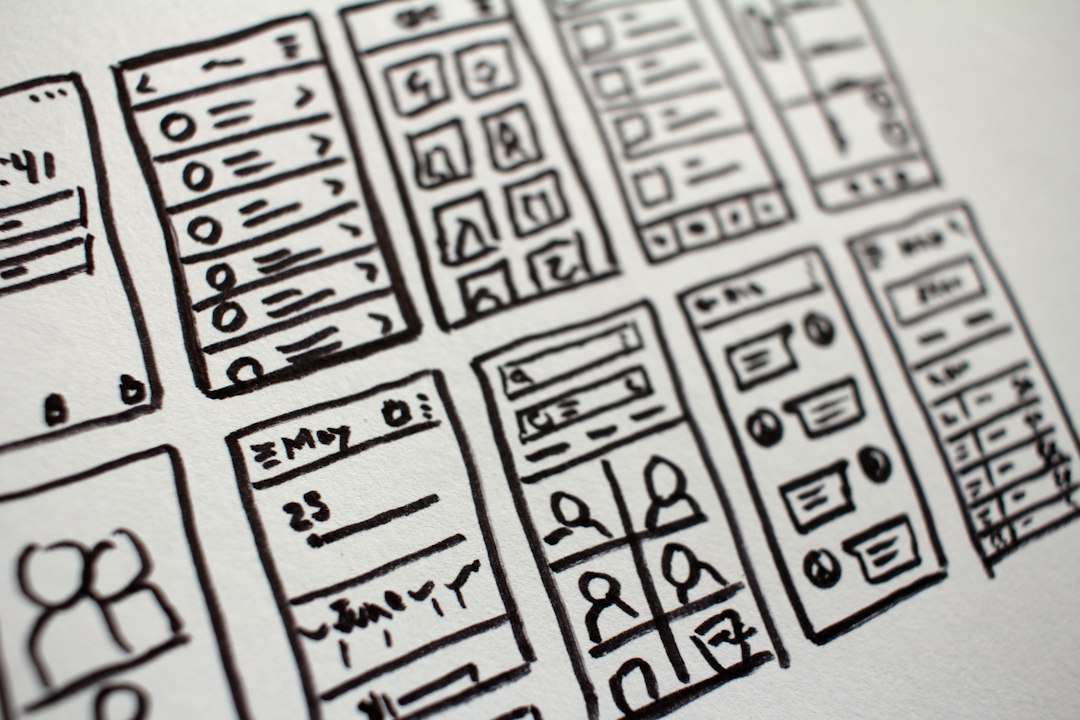
- Sketch-to-wireframe: Rough drawings can be converted into digital layouts.
- Screenshot editing: Existing interfaces can be imported and used as inspiration.
- Templates: Teams can start from common layouts for dashboards, mobile apps, landing pages, and SaaS tools.
- Low learning curve: Non-designers can produce something presentable without hours of training.
This is where Uizard feels refreshing. A product owner can sit in a meeting, capture feedback, and create a screen before the room forgets what was agreed. That is not a small benefit. In large companies, waiting two weeks for a first mockup can quietly kill momentum.
Where Uizard can frustrate enterprise designers
The catch is that fast output is not the same as mature design infrastructure. Uizard can generate good starting points, but enterprise designers often need far more control.
Expect to spend time cleaning up spacing, hierarchy, component behavior, and interaction logic. AI-generated screens may look polished at first glance, then start to feel generic when inspected closely. A button may be slightly off-grid. A form pattern may not match the company’s accessibility rules. A dashboard may use charts that look nice but do not fit the actual data model.
That is not a failure of Uizard. It is a reminder of what the tool is built for. It speeds up concept creation. It does not replace a mature design practice.
What Figma offers enterprise teams
Figma is the dominant collaborative design platform for many professional product teams. It is used for interface design, design systems, prototyping, whiteboarding through FigJam, and developer handoff through Dev Mode.
Its enterprise value comes from control and collaboration. Large companies need shared libraries, approval flows, permissions, and consistency across dozens of product teams. Figma supports that better than most design tools.
- Design systems: Shared components, variables, styles, and libraries help teams maintain consistency.
- Real-time collaboration: Designers, writers, product managers, and engineers can work in the same file.
- Branching and version history: Teams can test changes without breaking the main system.
- Developer handoff: Engineers can inspect spacing, assets, components, and code-friendly details.
- Plugin ecosystem: Teams can add tools for accessibility checks, content, data filling, icons, research, and documentation.
Honestly, it feels like Figma wins when work gets serious. Not because it is simpler. It is not. But because enterprise UI design is rarely about one screen. It is about hundreds of screens, many roles, multiple releases, and design rules that cannot drift every sprint.
Uizard vs Figma: the practical comparison
| Category | Uizard | Figma |
|---|---|---|
| Best for | Quick concepts, AI mockups, early prototypes | Full product design, design systems, team workflows |
| User type | Product managers, founders, analysts, non-designers | Designers, researchers, engineers, product teams |
| Learning curve | Low | Medium to high for advanced work |
| AI support | Core part of the product | Growing, but Figma is still mainly a professional design platform |
| Enterprise readiness | Good for ideation and workshops | Strong for governance, production, and scale |
How enterprises can use both
The strongest answer is not always “Uizard or Figma.” For many companies, the better setup is Uizard plus Figma.
Picture a healthcare software company planning a new patient onboarding flow. A business analyst uses Uizard to create three rough prototype options before the discovery meeting. Stakeholders vote on one direction. Then the UX team rebuilds the chosen flow in Figma using approved components, accessibility checks, and real content rules. The process cuts early design waiting time by 40%, while keeping final output under design team control.
This split keeps everyone in their lane. Non-designers get speed. Designers keep quality. Engineers receive cleaner specs at the end.
Security, governance, and enterprise concerns
Enterprise buyers should review privacy, admin controls, data handling, and integration needs before choosing any design platform. Figma has a strong enterprise position because it offers advanced administration, team permissions, shared libraries, and established workflows for large product organizations.
Uizard should be assessed based on how teams plan to use it. If it is used for early mockups with sample content, risk may be lower. If employees upload real customer data, unreleased product screenshots, or regulated information, legal and security teams should review the process first.

Which tool should your enterprise choose?
Choose Uizard if your main pain is slow early-stage visualization. It is a strong fit when product, sales, innovation, or operations teams need to turn ideas into mockups without booking a designer for every small concept.
Choose Figma if your main pain is inconsistent product design. It is the better option for shared components, scalable UI systems, detailed prototypes, developer handoff, and cross-team design governance.
For most enterprises, Uizard is not a Figma replacement. It is a front-end idea accelerator. Figma is where the serious product design work should mature, especially when accessibility, brand rules, reusable components, and engineering detail matter.
Final recommendation: Use Uizard to move from idea to prototype quickly. Use Figma to turn that prototype into a reliable, build-ready user interface. That pairing gives teams speed without sacrificing control.