
Every device that connects to a network needs a way to be recognized. Your laptop, phone, smart TV, printer, game console, and even some light bulbs all have identifiers that help network equipment communicate with them. One of the most important of these identifiers is the Media Access Control address, better known as a MAC address.
TLDR: A MAC address is a unique hardware identifier assigned to a network interface, such as Wi-Fi or Ethernet. It helps devices communicate on a local network, especially before higher-level addressing like IP addresses takes over. MAC addresses are essential for routing traffic inside a local network, managing access, and identifying devices. However, they are not the same as IP addresses and are usually not used to track devices across the entire internet.
Table of Contents
What Is a MAC Address?
A MAC address is a unique identifier assigned to a device’s network interface controller, often called a NIC. A network interface is the hardware that allows a device to connect to a network. For example, a laptop may have one MAC address for its Wi-Fi adapter and another for its Ethernet port.
MAC stands for Media Access Control. The “media” part refers to the physical or wireless medium used to transmit data, such as an Ethernet cable or Wi-Fi signal. The “access control” part refers to how devices gain permission to send data over that medium without causing confusion or collisions.
A typical MAC address looks like this:
3C:52:82:1A:9F:B7
It is usually written as six pairs of hexadecimal characters, separated by colons or hyphens. Hexadecimal uses the numbers 0–9 and the letters A–F. While it may look random, the structure often contains information about the manufacturer of the network hardware.
How a MAC Address Works
To understand what a MAC address does, imagine a busy office mailroom. Many employees work in the same building, and mail needs to reach the correct desk. The building address gets the mail to the office, but an internal label ensures it reaches the right person. In networking, an IP address helps data reach the correct network, while a MAC address helps data reach the correct device inside that local network.
When your computer sends data to another device on the same local network, it uses MAC addresses at the data link layer of networking. This layer deals with direct communication between devices connected to the same network segment.
For example, if your laptop wants to send data to your router, it needs to know the router’s MAC address. It may already have this information stored, or it may use a process called ARP, short for Address Resolution Protocol, to find it. ARP matches an IP address to a MAC address so the data can be delivered correctly within the local network.
MAC Address vs. IP Address
MAC addresses and IP addresses are often mentioned together, but they do different jobs. A MAC address is like a device’s local hardware identity, while an IP address is more like a network location.
- MAC address: Identifies a specific network interface on a local network.
- IP address: Identifies a device’s location on a network or the internet.
- MAC address format: Usually six pairs of hexadecimal characters.
- IP address format: IPv4 looks like
192.168.1.10, while IPv6 is longer and more complex. - Persistence: A MAC address is usually built into hardware, while an IP address can change frequently.
When you visit a website, your MAC address does not travel all the way to that website. Instead, it is mainly used within your local network, such as between your device and your router. Once traffic leaves your local network, routers use IP addresses to move data across the internet.
Why MAC Addresses Matter
MAC addresses are not just technical trivia. They play a practical role in everyday networking. Your router uses MAC addresses to keep track of which devices are connected. Network administrators use them to manage access, diagnose problems, and monitor activity.
Some common uses include:
- Device identification: Routers and switches use MAC addresses to recognize devices on a network.
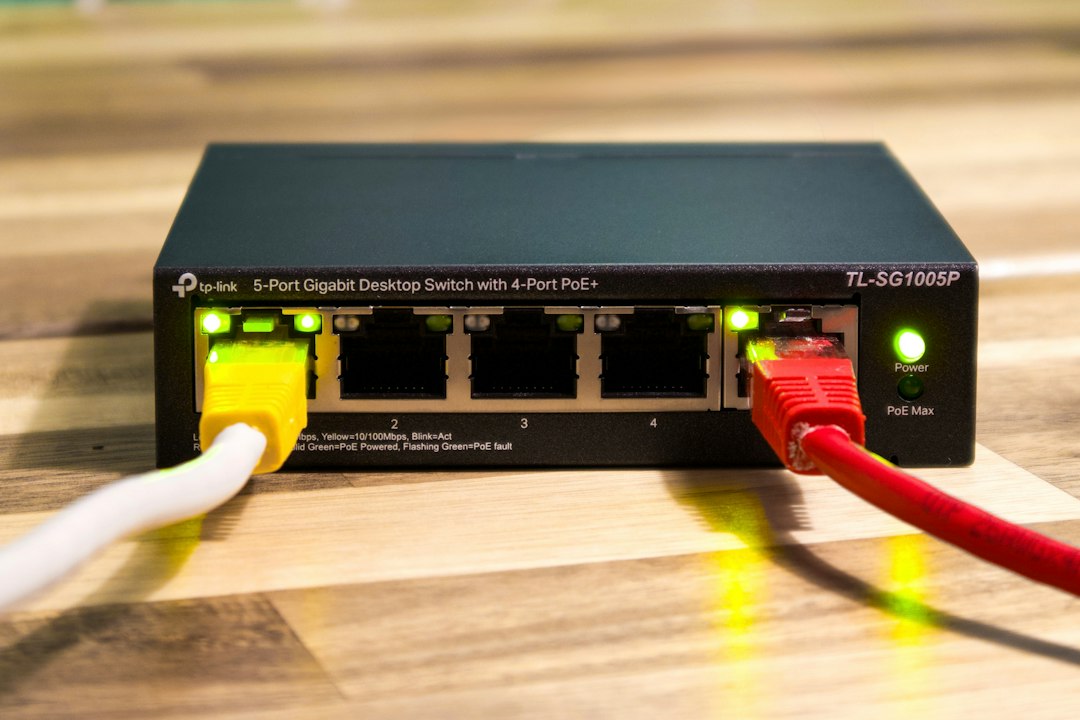
- Traffic delivery: Network switches use MAC address tables to send data only where it needs to go.
- Access control: Some networks allow or block devices based on their MAC addresses.
- Troubleshooting: IT teams can locate devices, investigate conflicts, or identify unknown connections.
- Network monitoring: MAC addresses help administrators see what types of devices are active.
Are MAC Addresses Really Unique?
In theory, every MAC address should be unique. Manufacturers are assigned blocks of addresses by standards organizations, and they use those blocks when producing network hardware. The first part of a MAC address often identifies the manufacturer, while the remaining part identifies the individual device interface.
However, in practice, MAC addresses are not always as permanent or unique as people assume. Many modern devices support MAC address randomization, especially on Wi-Fi networks. This feature allows a device to use a temporary or randomized MAC address instead of its original hardware address.
Why would a device do this? Mainly for privacy. If your phone always used the same MAC address while scanning for Wi-Fi networks in cafes, airports, stores, and offices, it could potentially be recognized over time. Randomization makes that kind of tracking more difficult.
What Is MAC Address Filtering?
MAC address filtering is a network security feature that allows or blocks devices based on their MAC addresses. For example, a home router might let you create a list of approved MAC addresses. Only devices on that list can connect.
This sounds secure, but it has limitations. MAC addresses can be spoofed, meaning a device can be configured to pretend it has a different MAC address. Because of this, MAC filtering should not be treated as strong security by itself. It can be useful as a small extra layer, but it should be combined with better protections such as:
- Strong Wi-Fi encryption, such as WPA2 or WPA3.
- A secure router password that is not reused elsewhere.
- Regular firmware updates for routers and access points.
- Guest networks for visitors and smart home devices.
Can You Find Your MAC Address?
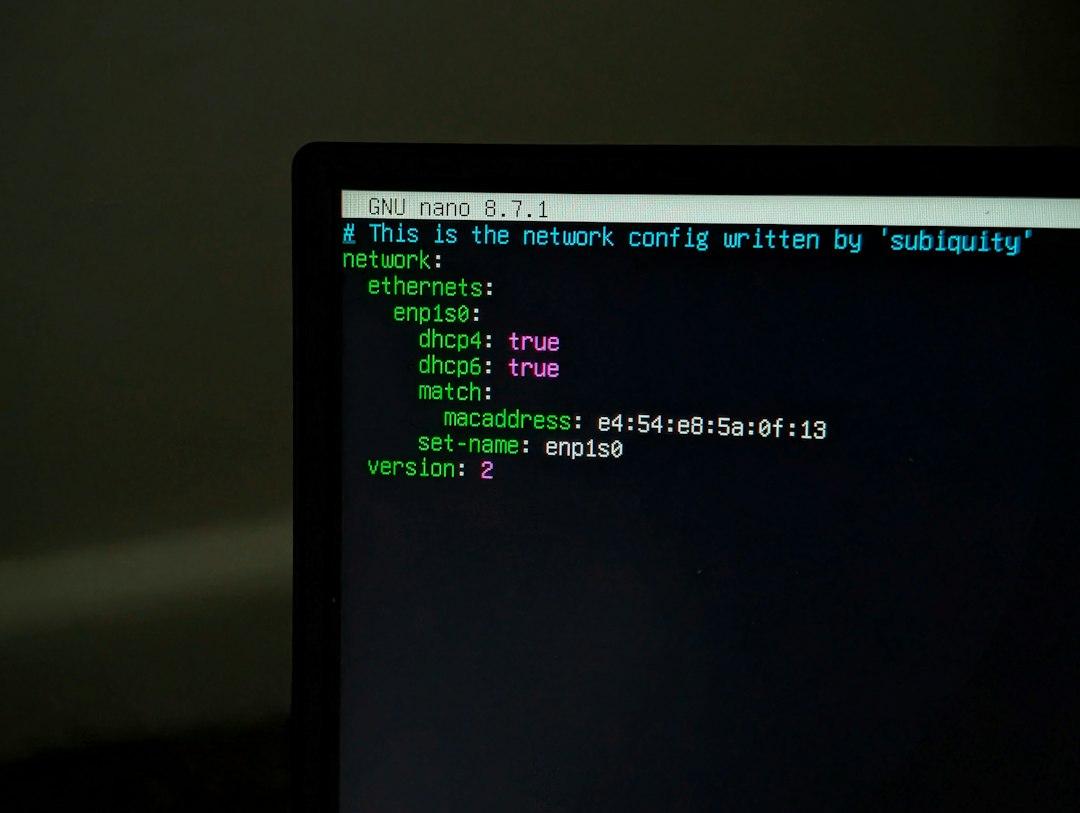
Yes, and it is usually easy. The exact steps depend on your device, but most operating systems show MAC addresses in network settings. You may see labels such as Wi-Fi Address, Physical Address, Hardware Address, or Ethernet Address.
On a desktop or laptop, it may appear in advanced network details. On a phone, it is often listed under Wi-Fi information or device settings. Keep in mind that if MAC randomization is enabled, the address shown for a specific Wi-Fi network may be different from the device’s original hardware MAC address.
Should You Share Your MAC Address?
A MAC address is not usually as sensitive as a password, but you still should not share it carelessly. In most cases, someone cannot use only your MAC address to hack your device over the internet. However, on a local network, MAC addresses can be useful for impersonation, tracking, or bypassing poorly configured access controls.
If a trusted IT department asks for your MAC address to register your device on a school or workplace network, that is normal. But posting it publicly online is unnecessary and best avoided.
The Big Picture
A Media Access Control address is one of the quiet building blocks of networking. You may never type it into a browser or see it while streaming a movie, but it helps your devices communicate smoothly behind the scenes. It gives network equipment a reliable way to recognize devices, deliver local traffic, and organize connections.
While MAC addresses are important, they are only one part of the networking puzzle. IP addresses, routers, switches, encryption, and protocols all work together to move information from one place to another. Understanding MAC addresses gives you a clearer view of what happens every time your device joins Wi-Fi, loads a webpage, or sends a file across a network.