
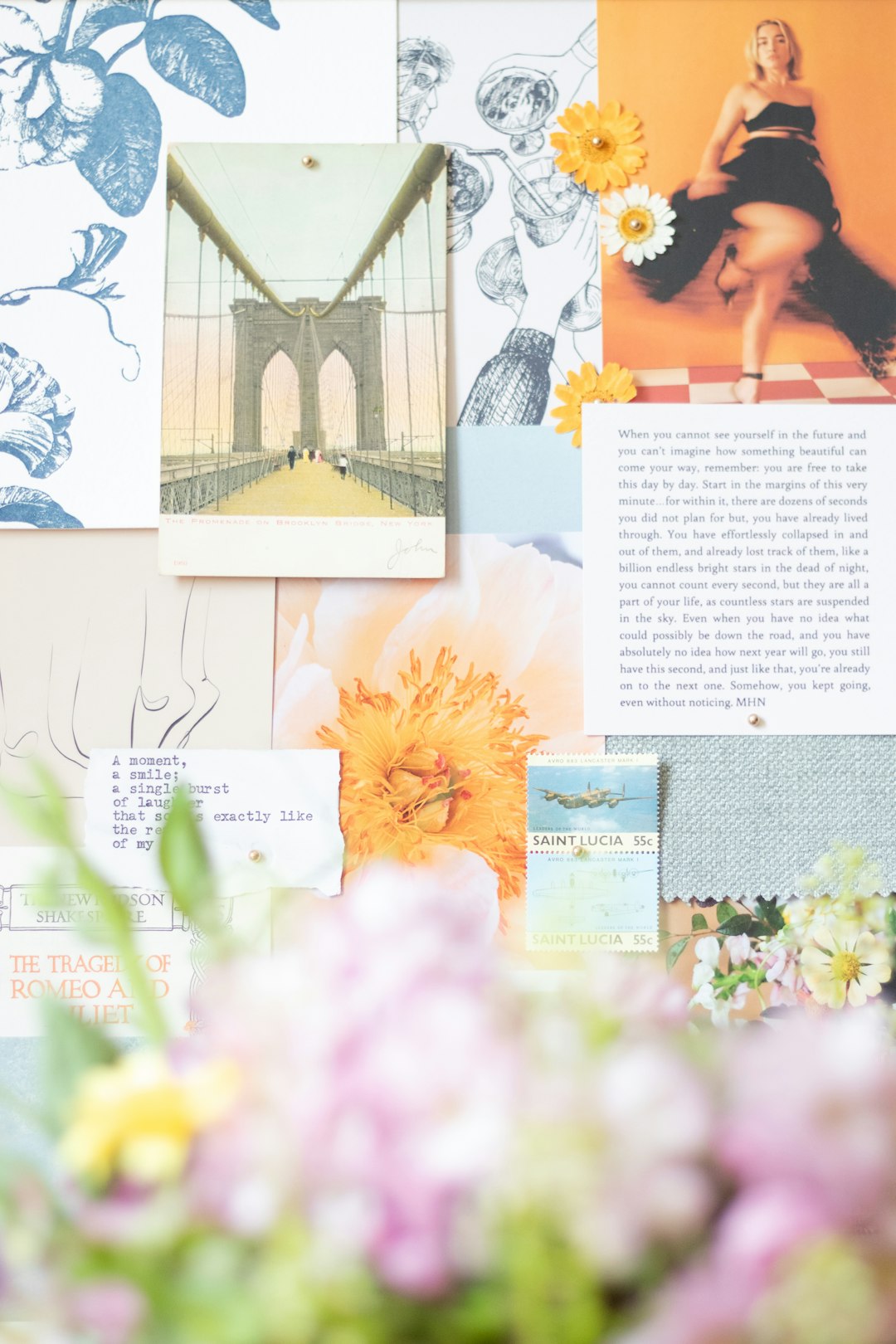
Digital scrapbooking has evolved from a niche hobby into a sophisticated creative practice supported by powerful apps that make designing professional-quality albums accessible to everyone. Whether you are preserving family memories, documenting travels, or creating a themed project, the right tools can transform scattered photos into a cohesive visual story. Today’s digital scrapbooking platforms provide intuitive interfaces, design templates, cloud storage, and advanced editing features that rival professional design software.
TLDR: Digital scrapbooking apps make it easy to turn photos into beautifully designed albums with minimal technical skills. The best platforms combine intuitive layouts, customizable templates, cloud storage, and flexible export options. This guide reviews six trusted apps and compares their strengths, pricing, and ideal use cases. Whether you’re a beginner or an experienced creator, there’s a solution tailored to your needs.
Below are six reliable digital scrapbooking apps that stand out for usability, creative flexibility, and overall value.
Table of Contents
1. Canva
Best for beginners and template-driven designs.
Canva has become a widely trusted design platform, and for good reason. Its user-friendly interface allows even non-designers to craft polished scrapbook pages in minutes. The drag-and-drop editor, combined with thousands of customizable templates, makes it ideal for users who want fast results without sacrificing creativity.
Key Features:
- Extensive scrapbook and photo album templates
- Massive font and graphic library
- Cloud-based collaboration
- Printable and digital export formats
While professional designers may find certain advanced layout controls limited, Canva excels in accessibility and speed. For families, hobbyists, and small projects, it offers an ideal starting point.
2. Adobe Express
Best for creative flexibility with brand-level polish.
Adobe Express provides a streamlined version of Adobe’s powerful creative tools. It balances ease of use with professional-level refinement, making it suitable for users who want more design control than template-heavy apps typically allow.
Key Features:
- High-quality typography tools
- Advanced photo editing capabilities
- Integration with Adobe Creative Cloud
- Customizable animations for digital albums
This platform is well-suited for users who may already have familiarity with Adobe products. Its strengths lie in visual consistency and high-resolution outputs, which are particularly valuable when printing professional-grade albums.
3. Mixbook
Best for professionally printed scrapbook albums.
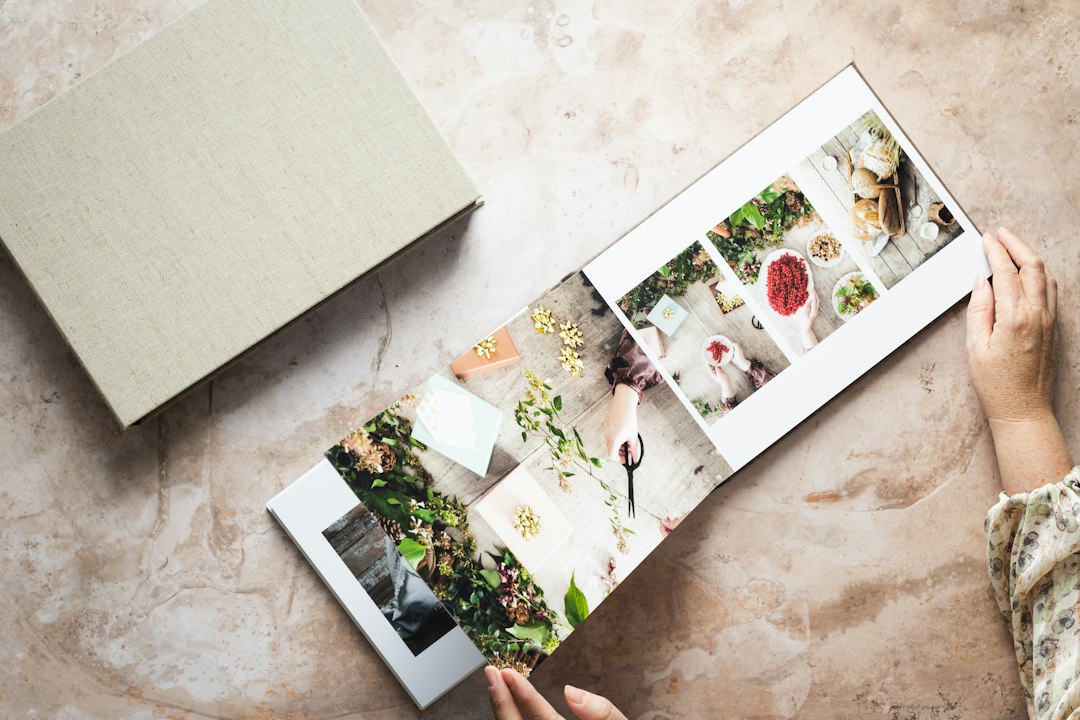
Mixbook distinguishes itself by offering an end-to-end service: design tools combined with premium printing. If your goal is to produce a physical scrapbook with archival quality paper and binding, this is a strong contender.
Key Features:
- Highly customizable page layouts
- Themed templates for events and travel
- Professional print services
- User-friendly editing controls
Its interface focuses heavily on album structure, making it easy to organize large collections of photos into cohesive spreads. Although it is less flexible for purely digital projects, it excels in print production.
4. Shutterfly
Best for automated album creation.
Shutterfly is particularly helpful for users who want efficiency. Its automated design assistant can arrange photos into layouts with minimal input. The system analyzes uploaded images and generates album suggestions, saving considerable time.
Key Features:
- Auto-fill photo arrangement tools
- Extensive embellishments and backgrounds
- Secure cloud storage
- Wide variety of print products
While designers seeking full creative control may find automation restrictive, families and busy professionals will appreciate its time-saving capabilities.
5. Forever Artisan
Best for advanced creative control.
Forever Artisan caters to dedicated scrapbookers who want deeper customization and offline design software. Unlike many browser-based tools, it offers advanced layout management and high-resolution editing tools downloadable to your desktop.
Key Features:
- Professional-grade design tools
- Layered page customization
- Extensive digital art kits
- Offline functionality
This software requires a steeper learning curve compared to web-based alternatives. However, serious hobbyists often find the expanded design freedom worth the additional effort.
6. Project Life App
Best for quick memory keeping on mobile.
The Project Life App focuses on simplicity and accessibility. Designed primarily for smartphones and tablets, it allows users to create scrapbook pages on the go. This makes it ideal for travel journaling or real-time memory preservation.
Key Features:
- Mobile-first interface
- Grid-based drag-and-drop layouts
- Affordable in-app template packs
- Quick export for social sharing or printing
Although it does not offer the extensive design complexity of desktop tools, its convenience and clarity make it highly effective for everyday scrapbooking.
Comparison Chart
| App | Best For | Ease of Use | Print Services | Creative Control |
|---|---|---|---|---|
| Canva | Beginners and templates | Very High | Limited | Moderate |
| Adobe Express | Polished digital albums | High | No direct printing | High |
| Mixbook | Professional print albums | High | Extensive | Moderate |
| Shutterfly | Automated album creation | Very High | Extensive | Moderate |
| Forever Artisan | Advanced designers | Moderate | Yes | Very High |
| Project Life App | Mobile memory keeping | Very High | Yes | Limited to Moderate |
How to Choose the Right Digital Scrapbooking App
When selecting a platform, consider the following criteria:
- Purpose: Are you creating a printed keepsake or a digital slideshow?
- Skill level: Beginners benefit from templates, while advanced users may prefer layered control.
- Device preference: Desktop software offers more precision; mobile apps prioritize convenience.
- Budget: Some tools are subscription-based, while others charge per project or print order.
Security and file storage policies are equally important. Look for platforms that provide reliable cloud backup or easy file export to ensure your memories remain protected.
Final Thoughts
Digital scrapbooking no longer requires specialized software or design expertise. The six apps reviewed here demonstrate how technology has streamlined the creative process without compromising on quality. Whether you prefer automated layouts, mobile convenience, or in-depth customization, there is a solution tailored to your needs.
A well-designed scrapbook does more than display photographs — it tells a story. By choosing the right app and dedicating attention to layout, typography, and visual consistency, you can create albums that endure both aesthetically and emotionally. The key lies in matching the tool to your creative goals and workflow.
In a world where digital images often remain buried in cloud folders, thoughtfully designed scrapbooks provide lasting, tangible narratives. With the right platform, transforming your memories into stunning albums has never been more accessible — or more rewarding.