

Modern enterprises depend on data warehouses to consolidate operational, customer, financial, product, and third-party data into a trusted analytical foundation. As data volumes rise and business teams demand faster insights, organizations must choose analytics solutions that support reporting, data modeling, BI integration, governance, and scalability without creating fragile pipelines or disconnected dashboards.
TLDR: The best enterprise analytics solutions for data warehousing combine reliable reporting, flexible semantic modeling, strong BI integrations, and governed data access. Leading platforms support cloud scalability, role-based security, automated lineage, and performance optimization for large analytical workloads. Decision-makers should evaluate not only product features, but also how well each solution fits existing architecture, user skills, compliance needs, and long-term data strategy.
Table of Contents
What Makes an Enterprise Analytics Solution Effective?
An effective enterprise analytics solution does more than visualize data. It helps organizations transform raw warehouse data into trusted business metrics, reusable models, and actionable insights. In many companies, the data warehouse serves as the central source of truth, while analytics platforms provide the interface through which executives, analysts, managers, and frontline teams interact with that data.
The best solutions typically share several qualities: high performance, strong governance, self-service capabilities, integration flexibility, and support for scale. They allow technical teams to manage complex data structures while enabling business users to explore information safely and independently. This balance is critical because enterprise analytics must satisfy both speed and control.
Reporting Capabilities: From Static Reports to Interactive Insights
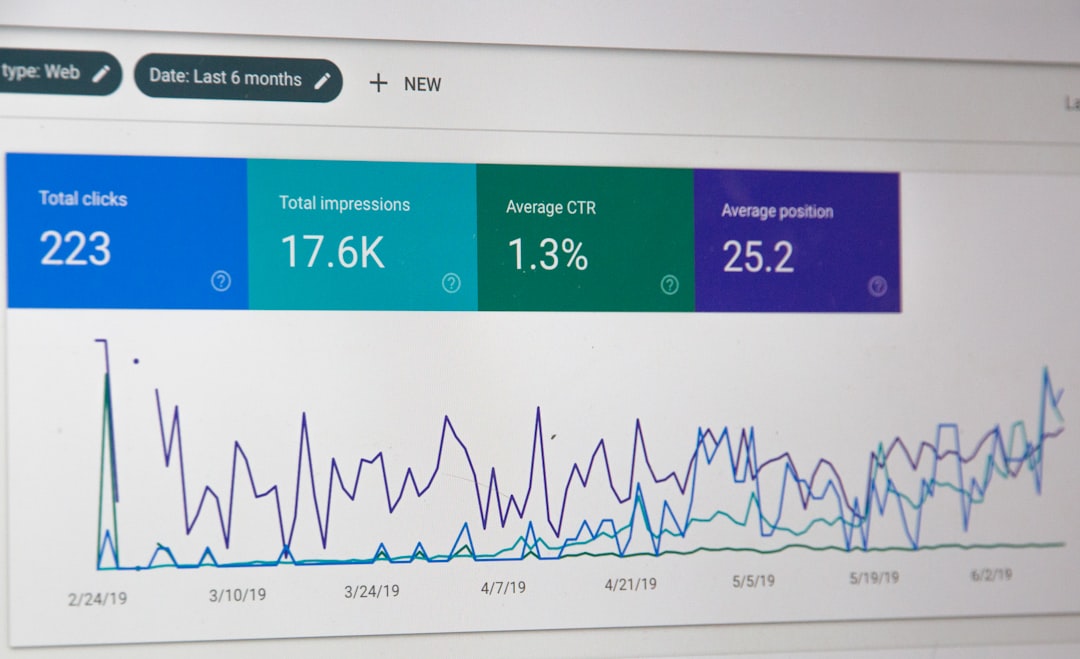
Reporting remains one of the most important use cases for enterprise analytics. Finance teams need recurring revenue reports, supply chain leaders need inventory visibility, and executives need performance scorecards. A strong analytics solution should support scheduled reports, interactive dashboards, ad hoc analysis, alerts, and embedded reporting.
Traditional reporting often relies on static tables and exported spreadsheets. Modern platforms improve this process through drill-down functionality, dynamic filtering, automated refreshes, and real-time or near-real-time data updates. This allows users to move from a high-level metric, such as quarterly revenue, to specific details by region, product line, customer segment, or sales channel.
When evaluating reporting tools, organizations should consider:
- Report distribution: Can reports be scheduled, emailed, embedded, or accessed through portals?
- Interactivity: Can users filter, drill, and explore data without requesting new extracts?
- Performance: Do dashboards load quickly against large warehouse tables?
- Consistency: Are metrics standardized across departments?
- Export controls: Can administrators manage downloads to reduce compliance risks?
Solutions such as Microsoft Power BI, Tableau, Looker, Qlik, ThoughtSpot, and Sigma are often considered for enterprise reporting because they combine visual exploration with governed access to warehouse data. The right choice depends on the organization’s technical stack, user experience expectations, licensing model, and governance requirements.
Data Modeling: The Foundation of Trusted Analytics
Data modeling determines whether analytics are consistent, reusable, and understandable. Without a strong modeling layer, different teams may define revenue, churn, margin, or active users in different ways. This creates conflicting reports and damages trust in the data warehouse.
Enterprise analytics solutions should support a semantic layer, which translates technical database structures into business-friendly definitions. A semantic model may define dimensions, measures, joins, hierarchies, calculations, and access rules. For example, it can ensure that “net revenue” is calculated the same way across executive dashboards, sales reports, and embedded analytics.
Some platforms emphasize developer-controlled modeling, while others prioritize business-user modeling. Looker, for instance, is known for its code-based modeling approach using LookML, which encourages reusable definitions and version control. Power BI uses semantic models and DAX calculations, making it accessible to analysts familiar with Microsoft ecosystems. Tableau offers data sources, relationships, and calculated fields that can be governed centrally when implemented carefully.
Strong data modeling should include:
- Reusable metrics: Core KPIs should be defined once and applied consistently.
- Clear relationships: Joins and table relationships should prevent duplication or inaccurate aggregation.
- Business terminology: Models should use names that nontechnical users understand.
- Version control: Changes to definitions should be reviewed and documented.
- Testing: Metric logic should be validated before being published broadly.
For large enterprises, the modeling layer becomes a strategic asset. It reduces repeated work, improves reporting consistency, and helps business teams trust analytical outputs.
BI Integration with the Modern Data Warehouse
Enterprise analytics tools must integrate smoothly with modern data warehouses such as Snowflake, Google BigQuery, Amazon Redshift, Azure Synapse Analytics, Databricks, and Oracle Autonomous Data Warehouse. The quality of this integration affects performance, cost, security, and usability.
Some analytics platforms import data into their own in-memory engines, while others query the warehouse directly. In-memory extracts can improve speed for certain workloads, but they may create data duplication and refresh complexity. Direct query or live connection models reduce duplication and allow users to analyze the latest warehouse data, but they require careful performance tuning.
Organizations should evaluate BI integration across several dimensions:
- Native connectors: The platform should provide reliable, optimized connectors for the chosen data warehouse.
- Query pushdown: Calculations should be pushed to the warehouse when possible to use its processing power.
- Authentication support: Integration with single sign-on, identity providers, and warehouse-level permissions is essential.
- Metadata handling: The BI tool should preserve table descriptions, column labels, and business definitions where possible.
- Cost awareness: Query patterns should not create unnecessary warehouse compute expenses.

For enterprises with multi-cloud or hybrid environments, integration flexibility is especially important. The analytics solution should connect not only to the central warehouse, but also to data lakes, operational databases, APIs, and external applications when needed.
Governance: Protecting Trust, Security, and Compliance
Governance is one of the most critical considerations in enterprise analytics. As self-service BI grows, more users gain access to data and create reports. Without governance, this can lead to metric sprawl, unauthorized access, inconsistent definitions, and compliance exposure.
A mature analytics solution should include role-based access control, row-level security, column-level security, audit logs, data lineage, certification workflows, and usage monitoring. These features help administrators ensure that users see only the data they are permitted to access and that official reports are clearly distinguished from experimental analyses.
Governance is not only a technical function. It also requires processes and ownership. Enterprises often create data stewardship roles, analytics centers of excellence, and certification standards for dashboards and datasets. These practices help maintain data quality while still encouraging innovation.
Key governance questions include:
- Who owns each metric, dataset, dashboard, and semantic model?
- How are official reports certified and reviewed?
- Can sensitive data be masked or restricted by role?
- How are user activities audited for compliance?
- Can administrators identify unused dashboards, duplicate datasets, or risky exports?
Industries such as healthcare, finance, insurance, and government require especially strong governance due to regulations and privacy obligations. In these environments, analytics platforms must align with compliance frameworks and internal security policies.
Scalability and Performance Considerations
Enterprise analytics must scale across users, data volumes, workloads, and geographies. A platform that works for 50 analysts may struggle when adopted by thousands of employees across multiple business units. Scalability should therefore be evaluated early, not after adoption.
Performance depends on several factors, including warehouse architecture, data model design, query efficiency, caching, concurrency handling, and dashboard complexity. Even the most powerful BI platform can deliver poor performance if dashboard creators use inefficient calculations or query massive tables without aggregation strategies.
Scalable analytics architectures often use techniques such as:
- Aggregate tables: Precomputed summaries reduce query time for common metrics.
- Partitioning and clustering: Warehouse optimization improves scan efficiency.
- Caching: Frequently accessed results can be served faster.
- Workload management: Critical dashboards can be prioritized over exploratory queries.
- Dashboard design standards: Simpler layouts and fewer unnecessary visuals improve responsiveness.
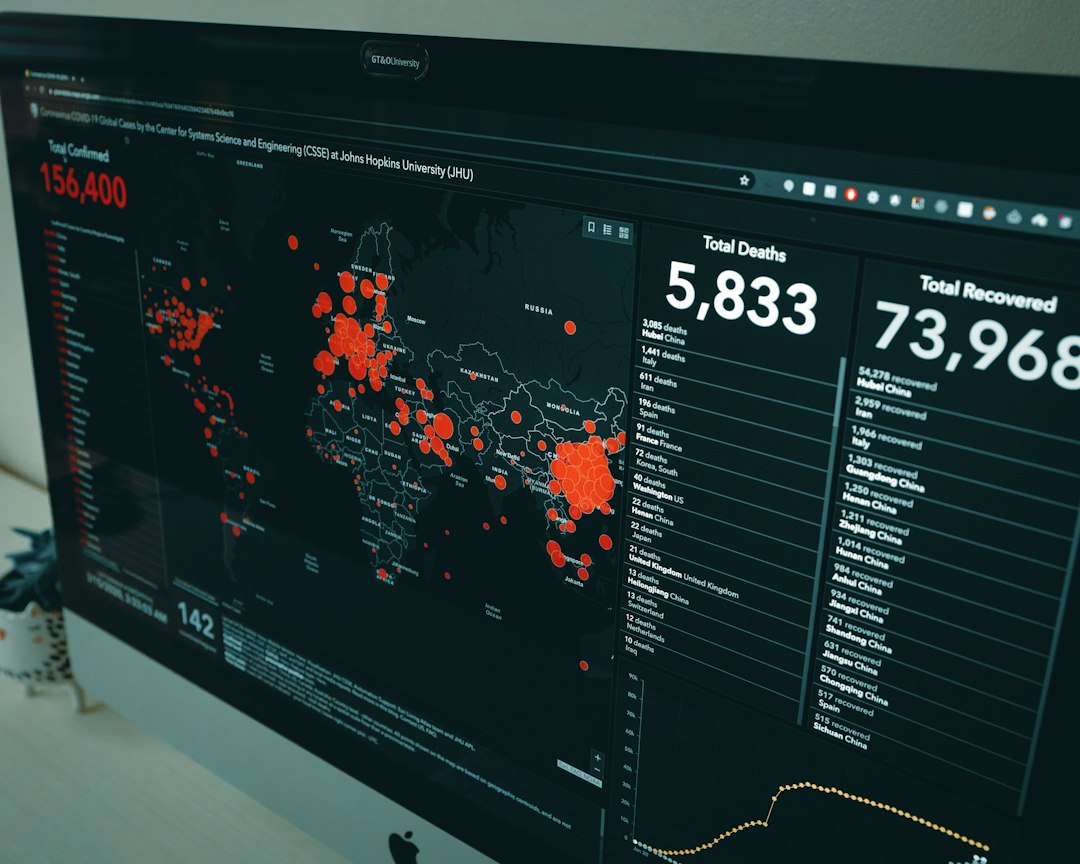
Cost scalability also matters. Cloud data warehouses usually charge based on storage, compute, or query usage. Analytics tools can influence these costs significantly through refresh schedules, live queries, extracts, and user behavior. Enterprises should monitor query volume, optimize high-cost dashboards, and educate users on efficient analysis practices.
Comparing Common Enterprise Analytics Options
Although every organization has unique needs, several analytics solutions frequently appear in enterprise data warehousing strategies.
- Microsoft Power BI: A strong fit for organizations invested in Microsoft 365, Azure, and Excel-oriented workflows. It offers broad adoption, competitive pricing, and robust semantic modeling, though governance can require disciplined administration at scale.
- Tableau: Known for powerful visual exploration and flexible dashboard design. It suits organizations that prioritize visual analytics and interactive data discovery.
- Looker: Well suited for governed metrics and code-based semantic modeling. It can be effective for organizations that want reusable data definitions and embedded analytics.
- Qlik: Offers associative analytics that help users explore relationships across datasets. It is valuable where discovery and guided analysis are priorities.
- ThoughtSpot: Focuses on search-driven and AI-assisted analytics, enabling users to ask questions in natural language and quickly surface insights.
- Sigma: Provides spreadsheet-like analytics directly on cloud warehouse data, making it attractive for teams that want familiar interfaces without exporting data to desktop spreadsheets.
The best platform is rarely determined by feature lists alone. Successful selection usually depends on how well the solution supports the organization’s data culture, governance maturity, warehouse architecture, and deployment model.
Selection Criteria for Enterprise Buyers
Before selecting an enterprise analytics solution, decision-makers should define business requirements and technical constraints. They should involve data engineering, analytics, security, compliance, finance, and business stakeholders. This cross-functional approach reduces the risk of choosing a tool that looks impressive in demos but fails in daily operations.
Important evaluation criteria include:
- Ease of use: Business users should be able to answer common questions without constant technical support.
- Advanced analytics: The platform should support forecasting, statistical functions, AI features, or integration with data science tools if required.
- Administration: IT teams need tools for monitoring usage, managing permissions, and controlling content sprawl.
- Deployment flexibility: The solution should support cloud, hybrid, or regional requirements.
- Total cost of ownership: Licensing, training, administration, warehouse compute, and implementation costs should all be considered.
- Vendor ecosystem: Community support, consultants, marketplace extensions, and partner integrations can influence long-term success.
Best Practices for Implementation
Enterprise analytics adoption should be treated as a program rather than a one-time software rollout. A phased implementation often works best. The organization can begin with high-value use cases, establish governance standards, create certified datasets, and then expand access to broader user groups.
Implementation teams should create naming conventions, dashboard design guidelines, metric catalogs, security policies, and training resources. They should also measure adoption through usage analytics and feedback loops. If users continue exporting data to spreadsheets or building shadow reports, the official analytics environment may not be meeting their needs.
Over time, the organization should refine its semantic models, retire unused assets, optimize expensive queries, and introduce more advanced features such as predictive analytics or AI-assisted exploration. Continuous improvement is essential because enterprise data needs change as products, markets, regulations, and business models evolve.
Conclusion
The best enterprise analytics solutions for data warehousing deliver a combination of trusted reporting, strong data modeling, deep BI integration, disciplined governance, and scalable performance. They help organizations move from fragmented reporting to consistent, governed, and actionable insights. While leading platforms offer many overlapping capabilities, the right choice depends on architecture, security needs, user skills, budget, and strategic goals.
An enterprise should select a solution that not only answers today’s reporting questions but also supports future growth. When analytics platforms are paired with strong governance, well-designed semantic models, and optimized warehouse architecture, they become a powerful foundation for data-driven decision-making.
FAQ
What is an enterprise analytics solution for data warehousing?
It is a platform or set of tools that connects to a data warehouse and helps users create reports, dashboards, models, metrics, and insights from centralized business data.
Which BI tool is best for enterprise reporting?
There is no universal best tool. Power BI, Tableau, Looker, Qlik, ThoughtSpot, and Sigma are common choices, but the best option depends on the organization’s warehouse, governance needs, user base, and budget.
Why is a semantic layer important?
A semantic layer defines business metrics consistently, making it easier for users to trust reports and compare results across departments.
How does governance affect analytics success?
Governance protects data quality, security, compliance, and metric consistency. Without it, organizations may face conflicting reports, unauthorized access, and low trust in analytics.
Should analytics tools use live queries or data extracts?
Live queries provide fresher data and reduce duplication, while extracts can improve performance for some workloads. Many enterprises use a mix of both based on use case, cost, and performance needs.
What scalability issues should enterprises watch for?
Common issues include slow dashboards, high warehouse compute costs, too many duplicate reports, weak permission management, and poor query design as user adoption grows.