
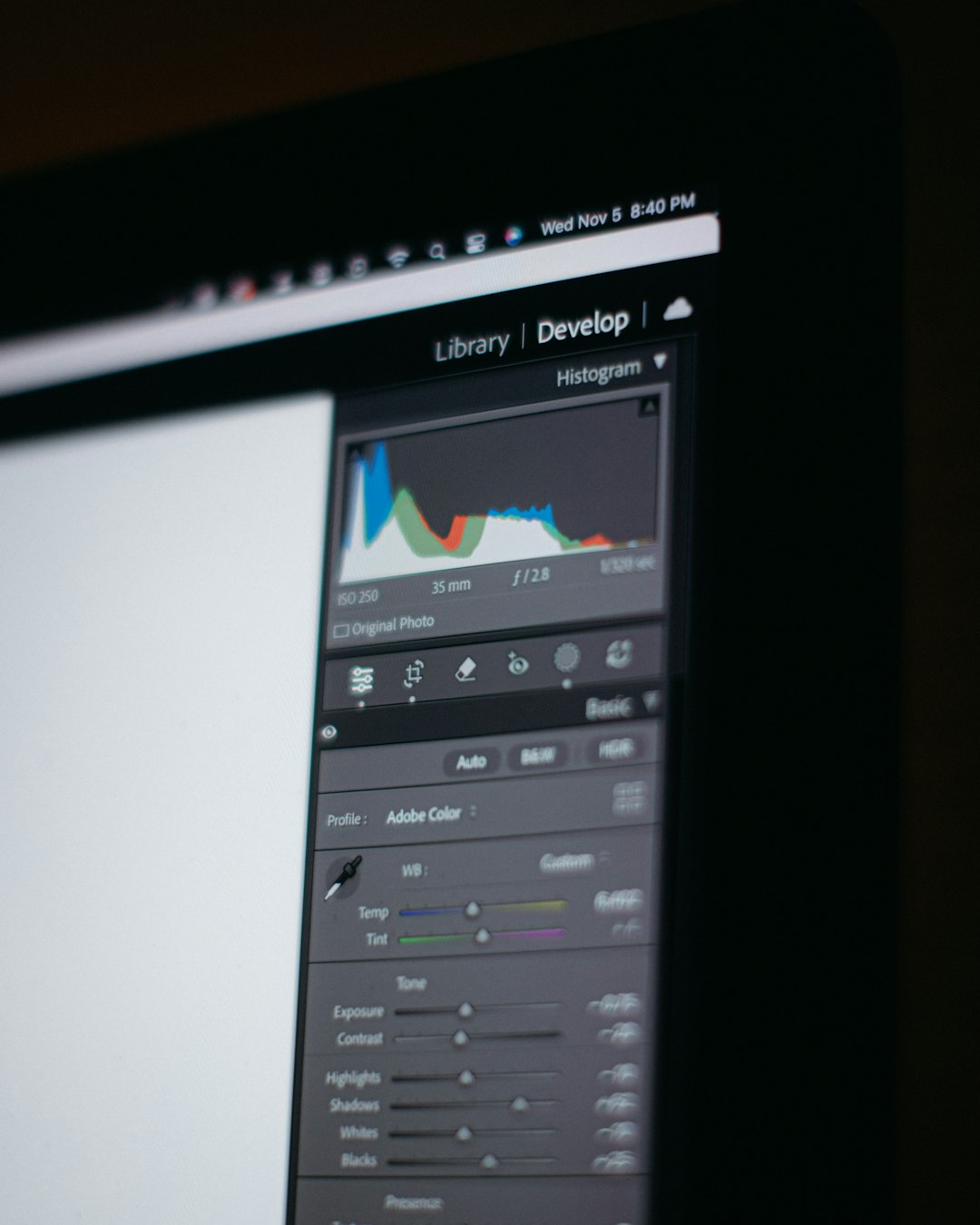
Satellite image processing software has become an essential tool for organizations, researchers, and businesses that rely on accurate geospatial insights. From monitoring climate change to guiding precision agriculture and urban planning, modern platforms transform raw satellite imagery into actionable intelligence. As the volume and resolution of remote sensing data continue to grow, specialized software solutions make it possible to manage, analyze, and interpret vast datasets efficiently.
TLDR: Satellite image processing software enables users to transform raw remote sensing data into valuable geospatial insights. These tools support applications such as environmental monitoring, agriculture, urban planning, and disaster management. Leading platforms offer advanced analytics, cloud integration, and machine learning capabilities. Choosing the right solution depends on project scale, budget, and technical requirements.
Satellite image processing software refers to applications designed to visualize, enhance, analyze, and manage data captured by satellites. Remote sensing data often includes multispectral, hyperspectral, radar, and thermal imagery. Without processing tools, these complex datasets remain difficult to interpret. The software bridges this gap by offering image correction, classification, feature extraction, and change detection capabilities.
Table of Contents
Why Satellite Image Processing Matters
Satellite imagery plays a vital role in modern decision-making. Governments use it for environmental monitoring. Agricultural firms track crop health. Energy companies plan infrastructure. Emergency responders assess disaster impacts. However, raw satellite imagery typically contains distortions, atmospheric interference, and geometric inaccuracies.
Processing software addresses these issues by:
- Correcting geometric distortions
- Applying radiometric and atmospheric corrections
- Enhancing image contrast and clarity
- Classifying land cover types
- Extracting spatial features and patterns
Without these steps, images may be visually impressive but analytically unreliable. Properly processed data ensures that insights derived from satellite imagery are both accurate and actionable.
Core Features of Satellite Image Processing Software
While capabilities vary between platforms, most modern tools include several core functions:
1. Image Preprocessing
This step prepares raw imagery for analysis. It typically includes:
- Radiometric correction
- Atmospheric correction
- Georeferencing
- Mosaicking and tiling
2. Image Enhancement
Enhancement tools improve visual clarity and interpretation. Techniques include contrast stretching, histogram equalization, and band combinations to highlight vegetation, water bodies, or urban structures.
3. Classification and Segmentation
Software can classify imagery into categories such as forest, water, urban, or agricultural land. Both supervised and unsupervised classification methods are commonly supported. Increasingly, machine learning and deep learning models are integrated for higher accuracy.
4. Change Detection
Multi-temporal analysis tools compare images from different time periods. This capability is crucial for monitoring deforestation, urban expansion, glacier retreat, or disaster damage.
5. Data Integration and GIS Compatibility
Most platforms integrate with Geographic Information Systems (GIS) and support various file formats, allowing seamless spatial analysis and map production.
Image not found in postmetaLeading Satellite Image Processing Software Tools
Several platforms dominate the remote sensing industry. Below are some of the most widely recognized tools:
1. ENVI
ENVI is a specialized remote sensing software platform known for advanced image analysis capabilities. It offers robust tools for spectral analysis, object-based image classification, and hyperspectral data processing.
Best for: Advanced research and defense applications
2. ERDAS IMAGINE
ERDAS IMAGINE combines remote sensing and photogrammetry capabilities. It supports large datasets and provides automation features for scalable workflows.
Best for: Enterprise-level geospatial projects
3. QGIS with Remote Sensing Plugins
QGIS is an open-source GIS platform with extensive plugin support. Tools such as the Semi-Automatic Classification Plugin allow users to process and classify satellite images affordably.
Best for: Budget-conscious users and academic institutions
4. SNAP (Sentinel Application Platform)
Developed by the European Space Agency, SNAP is optimized for Sentinel satellite data. It supports radar and optical image processing.
Best for: Sentinel mission data analysis
5. Google Earth Engine
Google Earth Engine is a cloud-based geospatial analysis platform. It allows users to process petabytes of satellite imagery without local infrastructure.
Best for: Large-scale environmental and climate research
Comparison Chart of Popular Tools
| Software | Deployment | Best For | Key Strength | Cost Structure |
|---|---|---|---|---|
| ENVI | Desktop | Advanced analytics | Hyperspectral processing | Commercial license |
| ERDAS IMAGINE | Desktop | Enterprise geospatial work | Automation and scalability | Commercial license |
| QGIS | Desktop | Academic and small projects | Open source flexibility | Free and open source |
| SNAP | Desktop | Sentinel data processing | Radar support | Free |
| Google Earth Engine | Cloud based | Large scale analysis | Massive data catalog | Free for research and commercial tiers |
Applications Across Industries
Agriculture
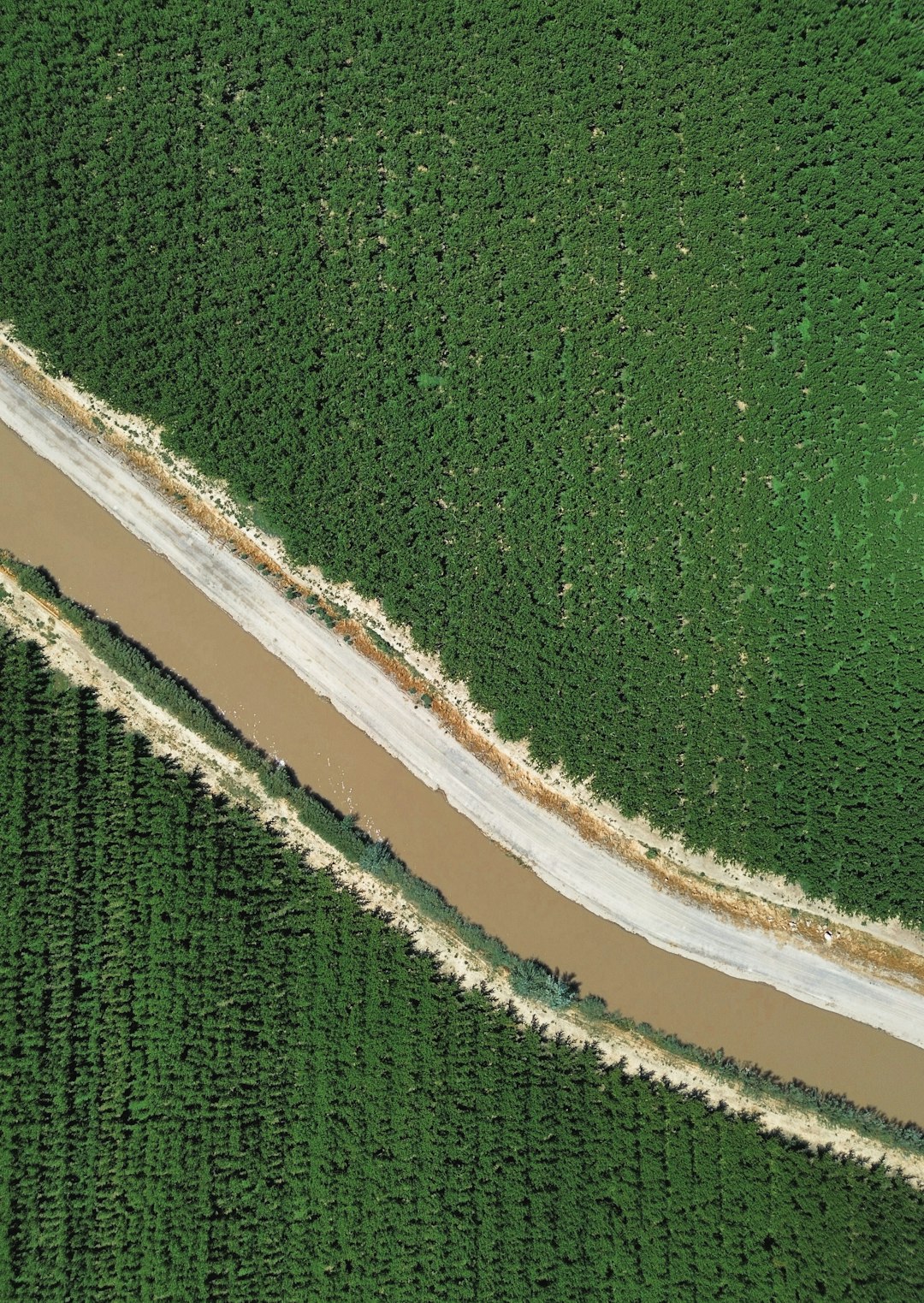
Farmers and agribusinesses use satellite image processing software to monitor crop health, detect disease outbreaks, and optimize irrigation. Vegetation indices such as NDVI help assess plant vitality and forecast yields.
Environmental Monitoring
Scientists rely on remote sensing analysis to track deforestation, desertification, and climate-related changes. Automated classification enables consistent long-term monitoring.
Urban Planning
City planners analyze land use changes, infrastructure expansion, and population growth trends. High-resolution imagery supports zoning decisions and transportation planning.
Disaster Management
After hurricanes, floods, or wildfires, processed satellite images provide rapid damage assessment. Change detection tools highlight affected areas, helping prioritize emergency response efforts.
Cloud-Based vs Desktop Solutions
Desktop software offers extensive customization and control but requires significant computing power. It is suitable for users with specialized needs and secure environments.
Cloud-based platforms provide scalability and access to vast image archives. They eliminate the need for local storage infrastructure and allow collaborative workflows. However, they depend on reliable internet connectivity and may involve recurring subscription costs.
The Role of Artificial Intelligence
Artificial intelligence has revolutionized satellite image processing. Deep learning algorithms can now:
- Automatically detect objects such as buildings and roads
- Identify crop types with high precision
- Predict environmental changes
- Classify large image datasets rapidly
AI-powered tools reduce manual effort and improve analytical accuracy, especially when dealing with high-resolution imagery and complex landscapes.
Key Factors to Consider When Choosing Software
Organizations selecting satellite image processing software should evaluate:
- Data compatibility: Supported file formats and satellite missions
- Scalability: Ability to handle large datasets
- User experience: Interface and learning curve
- Cost: Licensing, subscriptions, and infrastructure
- Automation capabilities: Workflow scripting and batch processing
- Integration: GIS and third-party tool compatibility
Balancing these factors ensures that the chosen solution aligns with project objectives and organizational resources.
Future Trends in Satellite Image Processing
The future of remote sensing software lies in greater automation and accessibility. Cloud-native systems are expanding rapidly. Open data initiatives are making satellite imagery more widely available. AI and machine learning models continue to improve in accuracy and speed.
Additionally, real-time processing is becoming increasingly feasible as satellite constellations deliver higher revisit frequencies. Businesses and governments can now make faster decisions based on up-to-date spatial intelligence.
FAQ
1. What is satellite image processing software?
Satellite image processing software is a tool used to analyze, enhance, and interpret data captured by satellites. It transforms raw imagery into usable geospatial information.
2. Who uses remote sensing software?
Researchers, government agencies, environmental organizations, agriculture companies, urban planners, defense agencies, and disaster management teams commonly use these tools.
3. What is the difference between GIS and satellite image processing software?
GIS focuses on managing and analyzing spatial data layers, while satellite image processing software specializes in enhancing and interpreting raw imagery. Many platforms integrate both capabilities.
4. Is free satellite image processing software available?
Yes. Tools such as QGIS and SNAP are free. Some cloud platforms also offer free access for research purposes, though commercial usage may require payment.
5. Do these tools require programming knowledge?
Not always. Many platforms provide graphical interfaces. However, advanced automation and AI-based workflows may benefit from programming skills.
6. Can satellite image processing be done in the cloud?
Yes. Cloud-based platforms allow users to process large datasets without downloading them locally, improving scalability and collaboration.
Satellite image processing software continues to empower users across industries by turning complex remote sensing data into meaningful insights. As technology evolves and access to imagery expands, these tools will remain central to informed decision-making in a data-driven world.