
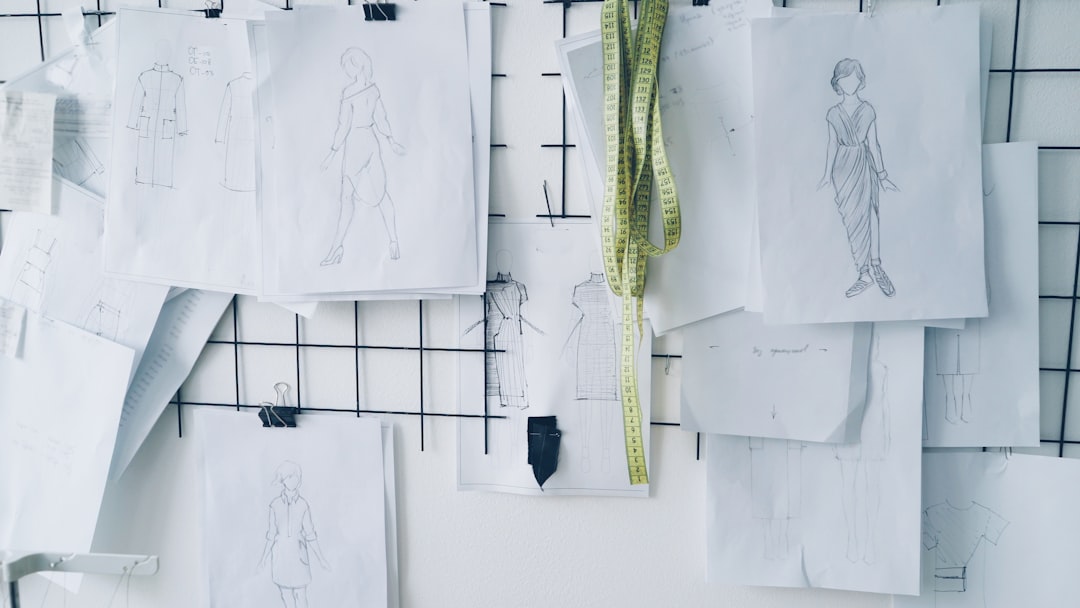
Cosplay has evolved from a niche hobby into a highly sophisticated creative discipline that blends costume design, prop engineering, digital illustration, and performance art. As builds become more intricate and collaborative, many creators are turning to digital tools that make it easier to plan, iterate, and coordinate their ideas. Cosplay design apps now play a central role in everything from first sketches to final fittings, enabling individuals and teams to share concepts, track revisions, and maintain consistency across complex projects.
TLDR: Modern cosplay design apps allow creators to collaborate in real time, organize reference material, annotate patterns, and share updates across teams. Leading platforms combine sketching tools, cloud storage, project boards, and feedback systems to streamline builds. Whether you are working solo or coordinating a group cosplay, selecting the right app reduces confusion, improves accuracy, and saves time. The most effective tools balance visual design capabilities with structured project management.
Table of Contents
Why Collaboration Tools Matter in Cosplay
Unlike traditional costume making, cosplay frequently involves:
- Group ensembles that require coordinated colors and materials
- Remote teamwork across cities or countries
- Hybrid digital-physical workflows
- Frequent revisions based on fitting, convention deadlines, or competition requirements
Without structured collaboration tools, communication errors and version confusion become common. Designers may work from outdated reference files. Prop builders may use incorrect measurements. Painters may miss agreed-upon texture treatments.
Modern design apps solve these problems by offering:
- Cloud-based asset storage
- Real-time commenting and feedback
- Layered design annotations
- Integrated task management
These capabilities help cosplay creators maintain creative integrity while improving workflow efficiency.
Key Features to Look For in a Cosplay Design App
Before selecting a platform, it is important to understand which features directly support cosplay production.
1. Layer-Based Illustration Tools
Detailed costume rendering requires precision. Apps that support layers allow designers to:
- Separate base garments from armor plating
- Test alternative color schemes without destructive edits
- Annotate stitch lines and seam allowances
2. Cloud Sharing and Version Control
Version history reduces risk. If a change does not work, you can revert to a previous iteration without losing progress.
3. Integrated Project Boards
Kanban-style boards help break large builds into manageable tasks such as:
- Pattern drafting
- Material procurement
- Foam cutting
- Paint weathering
4. Reference Collection Tools
Centralized mood boards prevent visual inconsistency and improve alignment among collaborators.
Top Cosplay Design Apps for Collaboration and Sharing
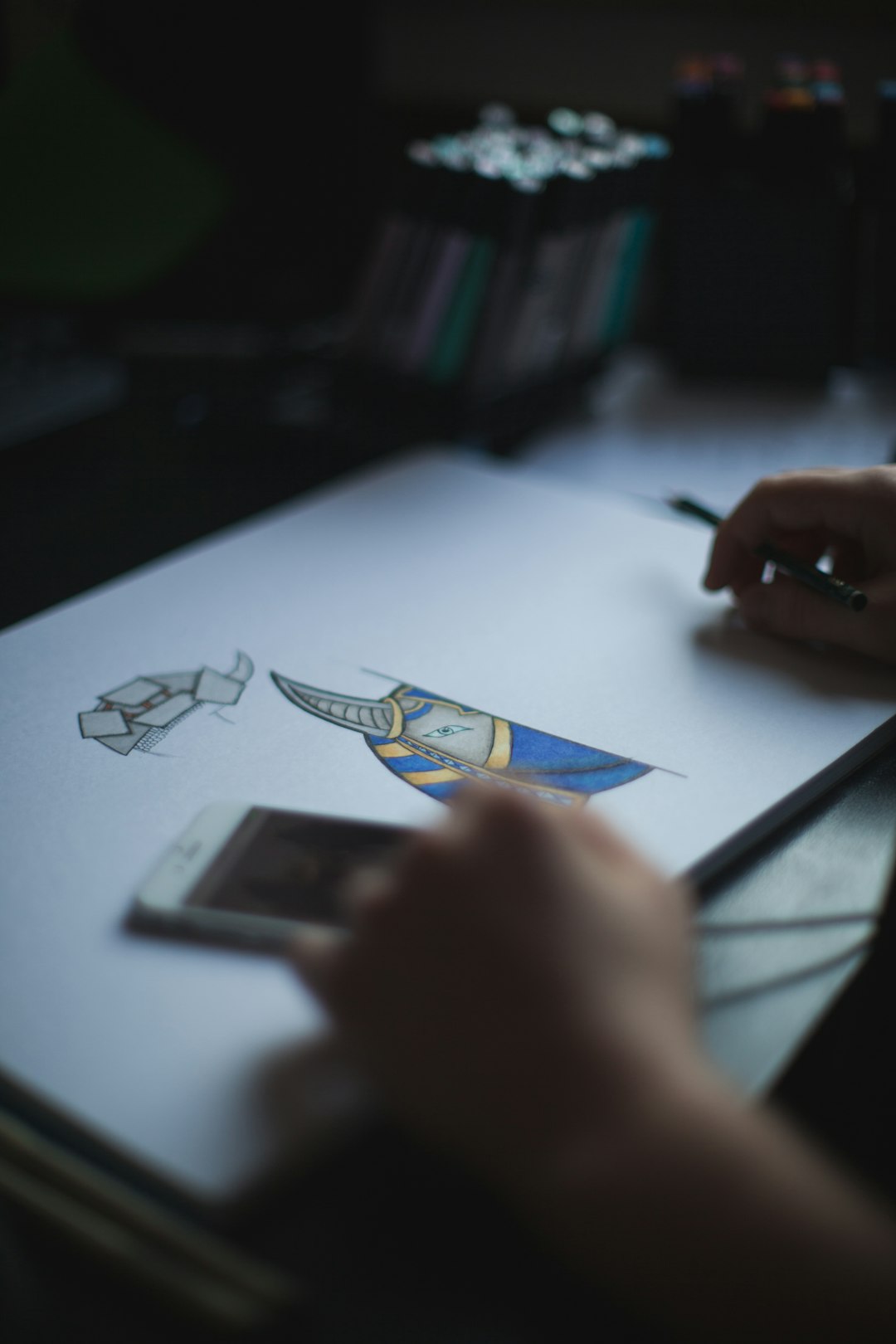
The following tools are widely adopted among designers, illustrators, and costume teams.
1. Procreate (with Cloud Sharing)
Primarily an illustration app for iPad, Procreate excels at detailed rendering and layered artwork. While not a full project management platform, its compatibility with cloud storage services allows teams to share annotated designs efficiently.
Strengths:
- Advanced brush control for fabric texture simulation
- Layer blending and masking
- High-resolution exports for printing patterns
Limitations:
- No native task tracking
- Collaboration depends on external cloud tools
2. Adobe Fresco and Creative Cloud
Adobe’s ecosystem integrates illustration, photography, and file sharing within one environment. Fresco works for sketching and painting, while Creative Cloud Libraries store references, color palettes, and shared assets.
Strengths:
- Real-time syncing
- Cross-device compatibility
- Shared libraries for consistent materials
Best for: Teams needing professional-grade rendering and cross-platform compatibility.
3. Figma
Originally built for interface design, Figma has become popular in creative collaboration due to its real-time editing capabilities. Cosplay teams use it for layout boards, armor diagrams, and collaborative mockups.
Strengths:
- Simultaneous multi-user editing
- Comment threads tied to specific design elements
- Browser-based access without heavy hardware requirements
Limitations:
- Limited organic brush tools compared to illustration-focused apps
4. Milanote
Milanote functions as a visual planning and mood board platform. It is particularly useful during early ideation phases.
Strengths:
- Drag-and-drop reference boards
- Simple collaboration features
- File attachment support
Best for: Concept brainstorming and aesthetic alignment.
5. Notion
Although not a drawing app, Notion provides structured databases for material lists, measurement tracking, deadlines, and budgeting.
Strengths:
- Customizable task boards
- Shared documentation
- Timeline and checklist integration
Best for: Managing large multi-character group projects.
Comparison Chart
| App | Illustration Capability | Real Time Collaboration | Project Management | Best Use Case |
|---|---|---|---|---|
| Procreate | Excellent | Limited via cloud | No | Detailed costume rendering |
| Adobe Fresco | Excellent | Strong via Creative Cloud | Moderate | Professional multi device workflow |
| Figma | Moderate | Excellent | Basic | Shared layout and diagram planning |
| Milanote | Low | Good | Basic | Mood boards and references |
| Notion | None | Good | Excellent | Scheduling and build tracking |
Building a Hybrid Workflow
Few professional cosplayers rely on a single app. Instead, they combine tools strategically:
- Concept sketching: Procreate or Adobe Fresco
- Reference alignment: Milanote
- Team discussion and annotation: Figma
- Deadlines and budgets: Notion
This layered ecosystem distributes responsibilities appropriately and prevents workflow bottlenecks.
Sharing Designs with Fabricators and Judges
Beyond internal collaboration, cosplay design apps are valuable for external sharing.
With Fabricators
When outsourcing 3D printing or laser cutting, digital files can include:
- Measurement overlays
- Material specifications
- Assembly diagrams
This reduces production errors and costly remakes.
For Competition Documentation
Major cosplay contests often require progress books. Design apps make it easier to export:
- Step-by-step development images
- Annotated construction proofs
- Material sourcing records
Well-documented builds demonstrate craftsmanship and originality.
Security and File Management Considerations
Cosplay designs frequently incorporate original artwork and custom engineering. Protecting this intellectual property is essential.
When evaluating apps, ensure they offer:
- Encrypted cloud storage
- User permission settings
- Controlled sharing links
- Backup integration
Losing pattern files days before a convention can be devastating. Automated backups are not optional for serious creators.
Best Practices for Effective Collaboration
Technology alone does not guarantee efficiency. Structured process is equally important.
- Assign clear ownership for each costume component.
- Establish naming conventions for files and versions.
- Schedule review milestones rather than relying on informal updates.
- Document measurements centrally to prevent scaling errors.
By combining strong organizational habits with well-chosen apps, teams can maintain both creative freedom and operational discipline.
The Future of Collaborative Cosplay Design
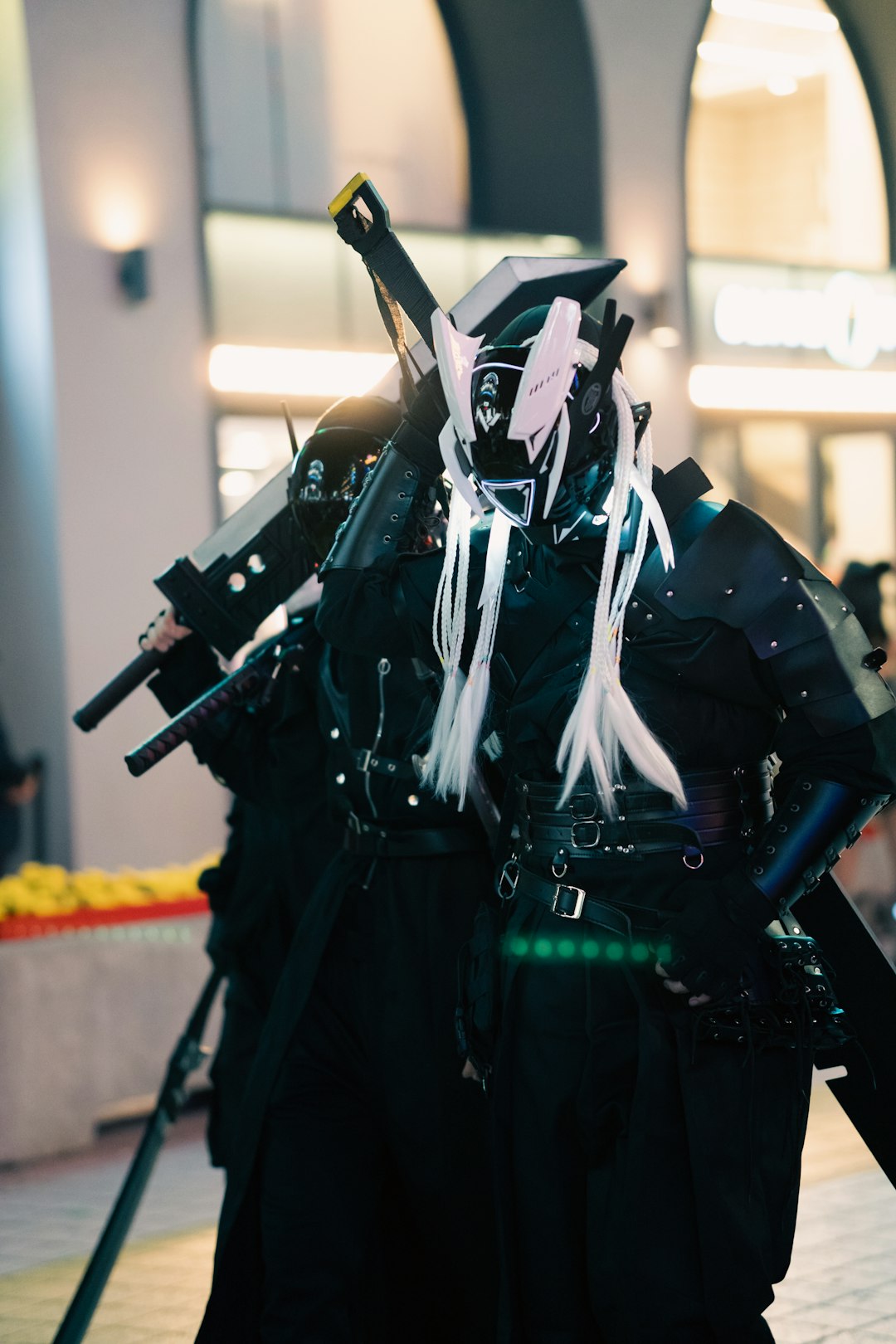
Emerging technologies are likely to further enhance collaborative cosplay workflows. Real-time 3D modeling in browser environments, augmented reality fitting previews, and AI-assisted material estimation are already in early stages of adoption.
These advancements will:
- Reduce prototyping waste
- Improve sizing precision
- Accelerate group coordination
As cosplay continues to professionalize, structured digital collaboration will become the norm rather than the exception.
Conclusion
Cosplay design today demands more than creativity. It requires coordination, documentation, and technical precision. Dedicated design apps provide the infrastructure necessary to transform ambitious concepts into wearable reality while minimizing confusion and costly revisions.
The most effective workflow combines robust illustration tools with organized project management and cloud-based sharing. Whether you are an independent maker preparing for your first convention or a competitive team building an award-level ensemble, investing in collaborative design technology strengthens both the creative process and the final result.
By selecting thoughtful tools and implementing disciplined workflows, cosplay creators can focus more energy on artistry and performance and less on administrative obstacles.