
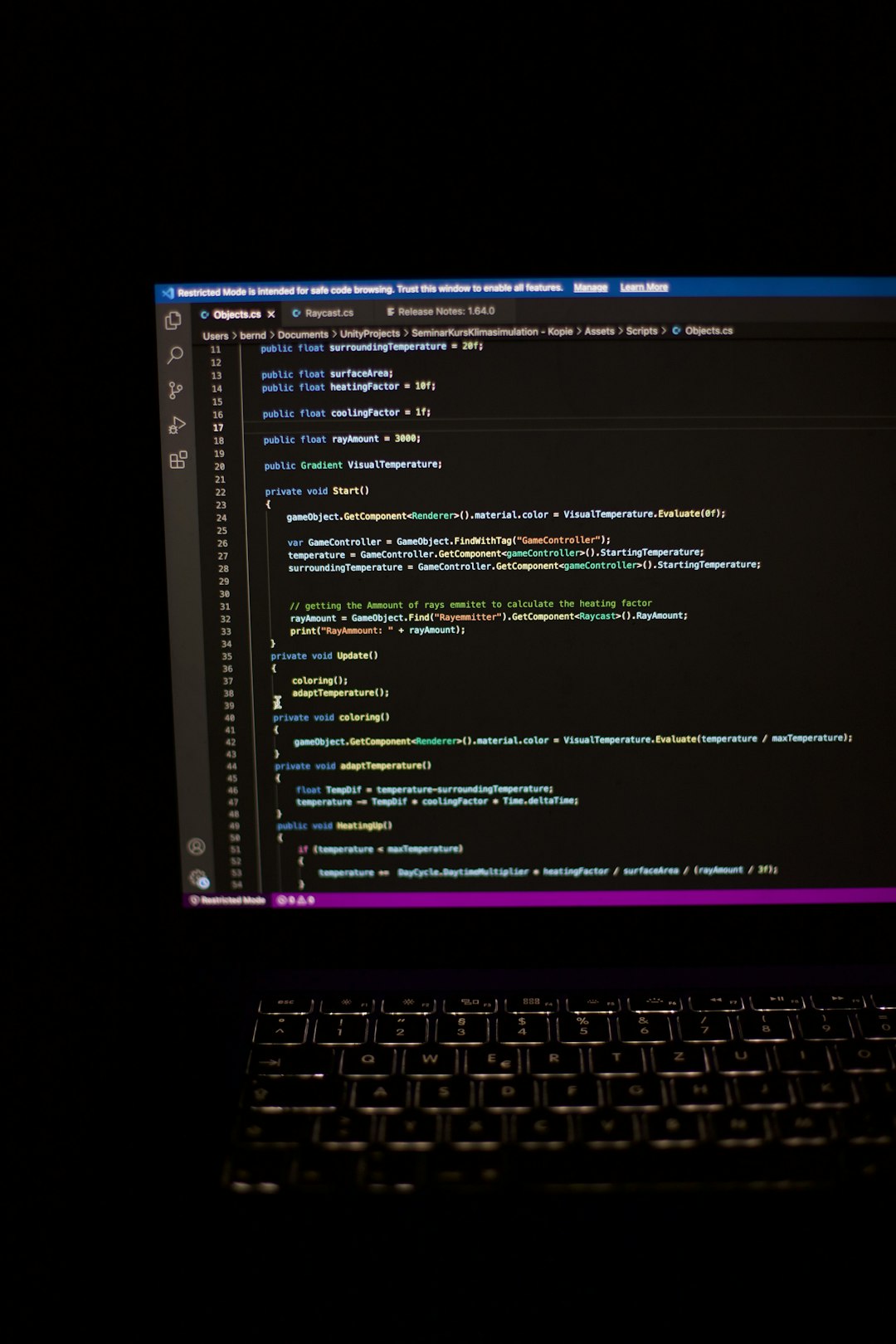
Pick Replit if you want to code, run, and share an app from your browser. Pick Cursor if you already live in a code editor and want stronger AI help inside real projects.
TLDR: Replit is the easier all-in-one playground. Cursor is the sharper AI coding editor. For example, a student can build and publish a small quiz app in Replit in about 20 minutes, with no setup. A developer fixing a 12-file React bug may move faster in Cursor, because it reads the project and suggests changes across files with fewer manual edits.
Table of Contents
Replit vs Cursor: the quick vibe check
Replit feels like a coding sandbox with superpowers. Open a tab. Pick a language. Start typing. Run the app. Share it with a link. Done.
Cursor feels like VS Code got a very smart coding buddy. It works best on your machine. It shines when your project has many files, weird bugs, and code that needs careful edits.
If Replit is a mini coding studio in the cloud, Cursor is a turbocharged local editor.

What is Replit?
Replit is a browser-based coding platform. You can create apps without installing much, or anything at all. It supports many languages. It also includes AI tools, hosting, databases, and team features.
That makes it great for:
- Beginners learning to code.
- Teachers running coding classes.
- Hackathon teams building fast demos.
- Founders testing small app ideas.
- Anyone who hates setup pain.
The best part is speed. You do not need to fight Python versions or broken local tools. You just start.
The annoying part? Cloud workspaces can feel slower than a local machine. Sometimes a simple run takes a few extra seconds. It drives me crazy when I am only testing one tiny change.
What is Cursor?
Cursor is an AI-first code editor. It is based on VS Code, so it feels familiar. You can open your existing repo, ask questions, generate code, edit files, and fix bugs with AI help.
Cursor is great for:
- Professional developers working in large codebases.
- Indie hackers building full apps.
- Teams that already use GitHub.
- People who want AI inside their normal workflow.
- Anyone who refactors code often.
Cursor is not really a full cloud coding platform. You still care about your local setup. Node, Python, Docker, terminals, package errors. The usual little gremlins are still there.
Where Replit wins
Replit wins on simplicity. That is the big one.
You can open a browser and start a project. No laptop setup drama. No “works on my machine” excuse. This is gold for beginners.
Replit also makes sharing easy. You can send a link to a friend, teacher, client, or teammate. They can see the project without installing tools.
It also helps with deployment. You can go from code to live app in one place. That is very handy for small tools, class projects, and quick MVPs.
Replit is also fun. The interface feels friendly. It does not scream, “Welcome to engineering pain.” That matters more than serious developers like to admit.
Where Cursor wins
Cursor wins on deep coding work. It is built for serious edits.
Its AI can understand your codebase better when the project is local and structured. You can ask questions like:
- “Why is this API call failing?”
- “Refactor this component into smaller parts.”
- “Find where this function is used.”
- “Update these files to use the new auth method.”
That feels powerful. It is not just a chatbot floating beside your code. It can edit files with context.
Cursor is also better if you already use Git, branches, linters, custom extensions, and local dev servers. In that world, Replit may feel too boxed in.

AI coding help: who feels smarter?
Both tools use AI to help you write code. But they feel different.
Replit AI is great when you want to create something from scratch. You can describe the app. It can help write files. It can explain errors. It can get beginners unstuck.
Cursor AI feels better when the project is already real. It can inspect files, suggest edits, and help make careful changes. This is where it starts to feel like a junior developer who read the repo before the meeting.
Honestly, it feels like Replit is better at starting. Cursor is better at improving.
Setup and ease of use
Replit is the winner for zero setup. You only need an account and a browser. That is hard to beat.
Cursor needs installation. You also need your project running locally. If your environment is messy, Cursor will not magically fix every broken dependency.
But if your local setup is clean, Cursor feels smooth. It is fast. It works like a normal editor. It also gives you more control.
Hosting and deployment
Replit has built-in hosting options. This is a major reason people choose it. You can build and publish from the same place.
Cursor does not replace hosting. You will still use something like Vercel, Netlify, Render, Fly.io, AWS, or your own server.
So ask yourself this:
- Need to build and host in one place? Choose Replit.
- Need to write better code for an existing app? Choose Cursor.
Teamwork
Replit is strong for live collaboration. It is handy for classrooms and quick group work. Multiple people can jump into the same project. It feels a bit like Google Docs for code.
Cursor is more like a normal developer setup. Teams usually work through Git. That is better for mature projects. It is also less chaotic than five people poking the same file at once.
For a school club, Replit is easier. For a product team, Cursor plus Git is cleaner.
Pricing thoughts
Both tools have free and paid options. Plans change, so check the current pricing before choosing.
Here is the simple rule. If you need cloud compute, hosting, and browser workspaces, Replit’s paid plans may make sense. If you spend hours inside a code editor and want richer AI edits, Cursor’s paid plan may be easier to justify.
Expect to waste time on the wrong tool if you pick by price alone. Pick by workflow first.
Best use cases
Choose Replit when:
- You are learning to code.
- You want no setup.
- You need to share a demo fast.
- You want browser-based coding.
- You need simple hosting included.
Choose Cursor when:
- You have an existing codebase.
- You use VS Code or want something close.
- You need better AI refactoring.
- You work with Git often.
- You care about local speed and control.

Simple examples
Example 1: You are building a tiny weather app. Use Replit. Create the project. Ask AI for help. Run it. Share the link. Nice and simple.
Example 2: You are fixing a bug in a Next.js app with 80 files. Use Cursor. Ask it to trace the bug. Let it suggest edits. Review everything. Commit the fix.
Example 3: You teach 25 students. Use Replit. Nobody wants to spend half the class installing tools.
Example 4: You are a backend developer with Docker, tests, and private repos. Use Cursor. You want your real dev setup.
Final verdict
Replit is the better choice for fast starts, learning, demos, and browser-based building. It removes setup pain and makes coding feel less scary.
Cursor is the better choice for AI-assisted development in real codebases. It is stronger for refactoring, debugging, and serious project work.
If you are new, start with Replit. If your app is growing up, move to Cursor. Many developers can use both. Replit for quick experiments. Cursor for the heavy lifting.
That is the real answer. Replit helps you start the party. Cursor helps you clean up the code after the party gets serious.