

An IPS is a network security guard that can spot bad traffic and block it before it reaches your systems. Think of it as a bouncer for packets. It checks who is coming in, what they are carrying, and whether they look shady.
TLDR: An IPS, or Intrusion Prevention System, detects attacks and stops them in real time. An IDS, or Intrusion Detection System, usually only watches and alerts. For example, a company with 500 users might see 1,200 port scans in a week, and a well tuned IPS could block most of them before staff even notice. Still, IPS is not magic, so many teams pair it with SIEM, EDR, NDR, firewalls, and log monitoring.
Table of Contents
What does IPS mean in networking?
IPS stands for Intrusion Prevention System. It sits in the path of network traffic. That means traffic passes through it, not just near it.
Its job is simple:
- Inspect network traffic.
- Find signs of attacks.
- Block, drop, reset, or quarantine threats.
- Send alerts to the security team.
Imagine a package scanner at an airport. Bags go through the machine. If something looks dangerous, the bag does not move on. An IPS works in a similar way, but with network packets instead of socks and toothpaste.
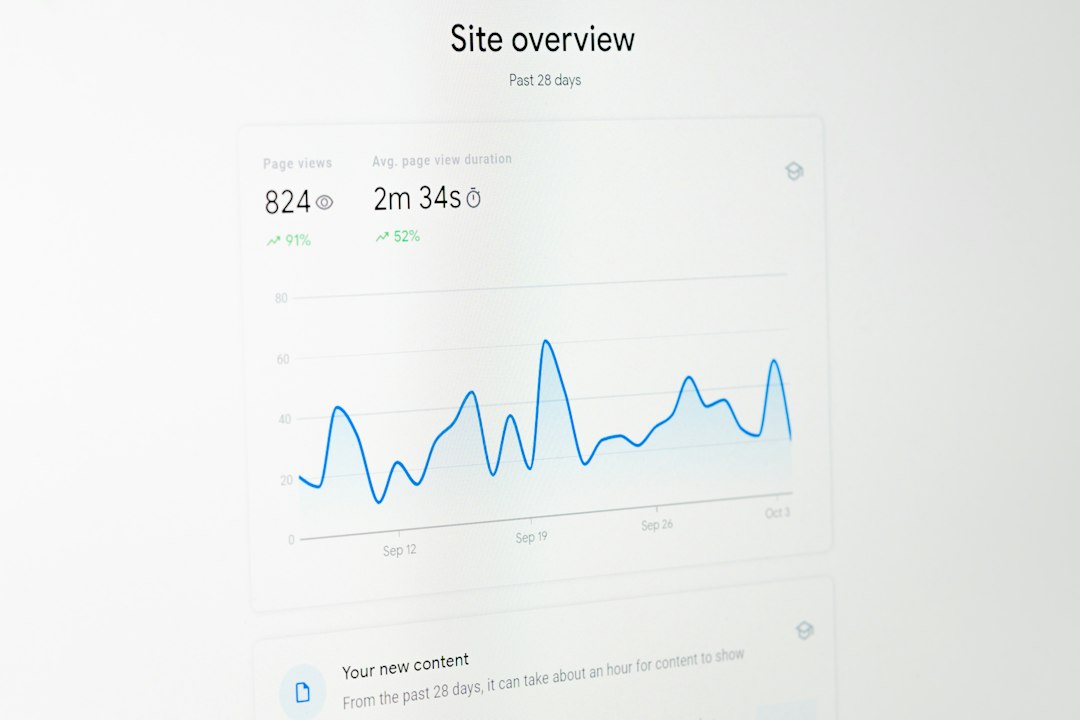
How an IPS works
An IPS uses rules, signatures, behavior checks, and threat data. Some systems also use machine learning. Fancy term. Basic idea: the IPS learns what normal traffic looks like, then gets grumpy when traffic acts weird.
It may look for things like:
- Known malware patterns.
- SQL injection attempts.
- Port scans.
- Brute force login attempts.
- Command and control traffic.
- Suspicious file downloads.
- Protocol abuse.
When it sees danger, it can act fast. It might drop the packet. It might reset the connection. It might block the source IP. It might tell another tool to isolate a device.
The nice part is speed. Humans are great. Humans with coffee are better. But humans do not inspect millions of packets per second. An IPS does.
IPS vs IDS: what is the difference?
The short version is this:
- IDS detects.
- IPS detects and blocks.
An IDS, or Intrusion Detection System, watches traffic and sends alerts. It is like a security camera. It can tell you someone jumped the fence. It usually does not tackle them.
An IPS is more active. It sits inline. Traffic flows through it. If it sees an attack, it can stop the traffic right there.
| Feature | IDS | IPS |
|---|---|---|
| Main job | Detect attacks | Detect and block attacks |
| Traffic position | Usually passive | Inline |
| Action | Alerts only | Blocks or limits traffic |
| Risk | Missed response | False blocks |
Honestly, it feels like IDS is the friend who texts, “Your house is on fire.” Helpful, yes. But you still need someone with a hose.
Why use an IPS?
An IPS helps stop common attacks before they hit servers, apps, or users. This matters because attacks are fast. A weak password can be hammered thousands of times in minutes. A vulnerable web app can be scanned by bots all day.
Good reasons to use IPS include:
- Faster response: It acts without waiting for a human.
- Less damage: Bad traffic can be blocked early.
- Better visibility: You can see what threats target your network.
- Compliance help: Some standards expect intrusion detection or prevention.
- Protection for older systems: Legacy servers often need extra cover.
IPS is especially useful at the network edge, between network zones, or in front of sensitive systems. Put one near crown jewels. Databases. Payment systems. Admin portals. That secret server named “old do not touch.” Yes, that one.
The annoying part: false positives
An IPS can make mistakes. A false positive happens when normal traffic gets flagged as bad. That can break apps. It can block users. It can cause tickets. So many tickets.
It drives me crazy when a tool blocks a harmless API call and the error message says only “connection failed.” Great. Very useful. Now everyone gets to spend 37 minutes guessing.
This is why tuning matters. Start in alert mode when possible. Watch what the IPS sees. Create rules carefully. Add exceptions only when you understand the risk. Do not turn off major protections just to make alerts quiet. That is like removing smoke alarms because toast exists.
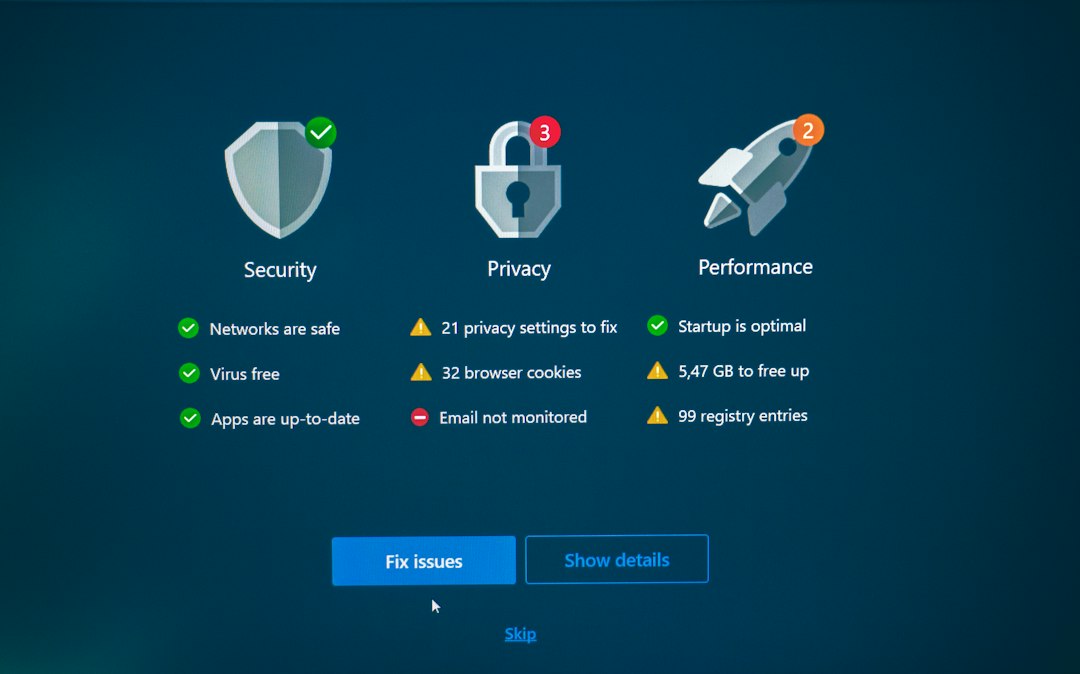
Where IPS fits in network security monitoring
Network security monitoring means watching network activity to spot threats, mistakes, and strange behavior. IPS is one part of that work. It is not the whole toolbox.
IPS answers the question: Should this traffic be allowed right now?
Other tools answer different questions:
- What happened last night?
- Which user logged in from two countries?
- Which laptop is talking to a suspicious domain?
- Which cloud bucket was changed?
- Did malware run on an endpoint?
That is why strong security uses layers. No single tool sees everything. If a vendor says it does, ask for proof. Then ask again.
Alternatives and partners to IPS
Here are common options that work beside IPS or sometimes replace it in smaller setups.
1. IDS
An IDS is useful when you want visibility without inline blocking. It is safer for fragile networks. It is also good for learning attack patterns before enabling IPS blocking.
2. SIEM
A SIEM collects logs from many places. Firewalls, servers, cloud tools, apps, identity systems, and more. It connects clues. One failed login is boring. One hundred failed logins followed by a new admin account is spicy.
3. NDR
NDR means Network Detection and Response. It watches network behavior. It often focuses on weird movement inside the network. This helps catch threats after they get past the front door.
4. EDR and XDR
EDR watches endpoints like laptops and servers. XDR connects signals from endpoints, email, cloud, identity, and network tools. These tools are great when the attack runs on a device, not just across the wire.
5. Firewalls
Firewalls control what traffic is allowed. IPS inspects traffic more deeply. Many modern firewalls include IPS features. That sounds neat. It can be. Just check performance. Turning on deep inspection can slow hardware if sizing is poor.
6. WAF
A Web Application Firewall protects web apps. It looks at HTTP and HTTPS traffic. It helps block things like SQL injection and cross site scripting. If you run public web apps, a WAF is often a must.
7. Packet capture
Packet capture records network traffic for later analysis. It is not always cheap. Storage fills fast. Still, when something ugly happens, having packets can make an investigation much easier.
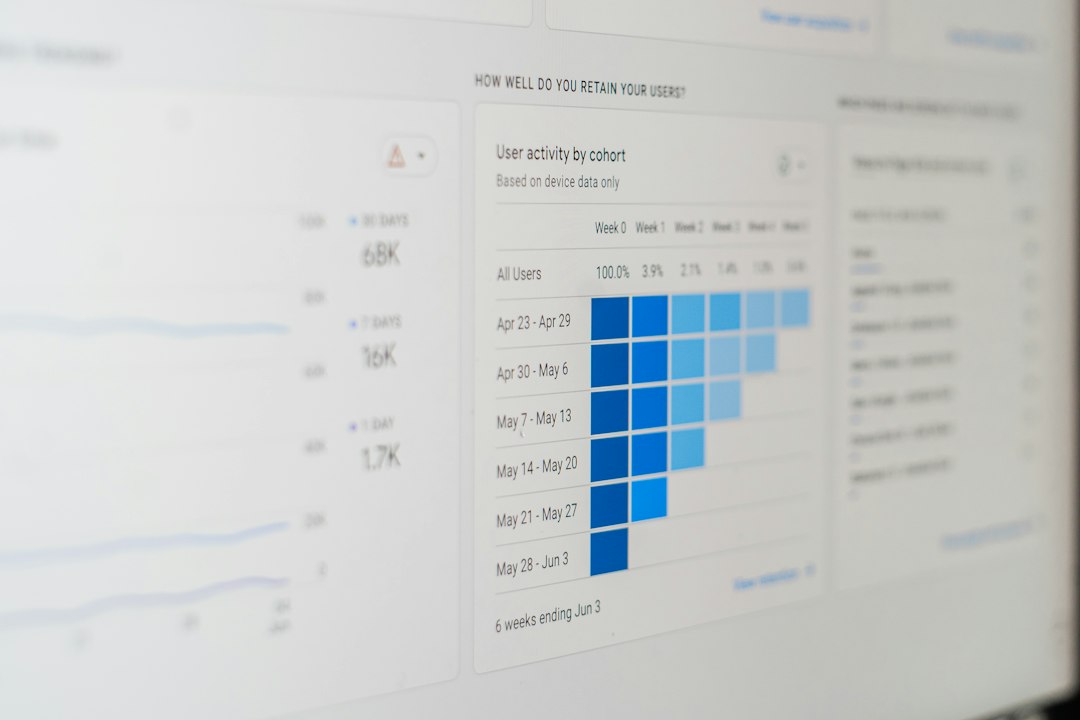
When should you choose IPS?
Choose IPS when you need real time blocking. It makes sense when your network has public services, sensitive data, remote access, or many users. It also helps when your team cannot review every IDS alert quickly.
Use IDS first if the network is delicate. Use IDS if outages are worse than alerts. Then move to IPS after testing.
For many teams, a practical setup looks like this:
- Firewall for access control.
- IPS for inline attack blocking.
- SIEM for log correlation.
- EDR for endpoint protection.
- NDR for internal traffic detection.
- WAF for web apps.
Simple buying tips
Before picking an IPS, ask plain questions.
- Can it handle your real traffic volume?
- Does it inspect encrypted traffic if needed?
- How often are signatures updated?
- How hard is rule tuning?
- Can it integrate with SIEM, SOAR, EDR, or firewalls?
- What happens if the IPS fails?
- Does it fail open or fail closed?
That last point matters. Fail open means traffic keeps flowing if the IPS breaks. Safer for uptime. Riskier for security. Fail closed means traffic stops. Better for security. Sometimes painful for business.
Final takeaway
An IPS is a traffic cop with authority. It does not just shout, “Bad packet!” It can block the bad packet. That makes it powerful.
But it needs care. Tune it. Test it. Watch its alerts. Pair it with IDS, SIEM, EDR, NDR, firewalls, and WAF where needed. The best security setup is not one giant tool. It is a smart stack of tools that catch different tricks.
Use IPS when you want prevention, not just detection. Use monitoring tools around it so you can see the full story. Attackers love blind spots. Do not give them free parking.